內容簡介
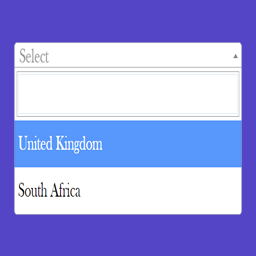
WPSSO User Locale Selector 外掛提供一個方便的語言/地區選擇器,讓使用者能夠快速切換語言設定,提升管理介面的使用體驗。此外掛適合需要快速變更語言的使用者,並可擴展至前端網頁。
【主要功能】
• 方便的語言選擇器,位於管理工具列
• 登入使用者可直接從工具列變更語言
• 支援 Polylang 外掛,自動使用正確語言網址
• 可選擇將語言偏好擴展至前端網頁
外掛標籤
開發者團隊
原文外掛簡介
Provides a convenient locale / language / region selector in the WordPress admin toolbar.
Perfect for anyone that needs to switch languages quickly and easily:
Allows logged-in users to easily change their preferred locale / language / region setting right from the toolbar menu, instead of having to modify their user profile settings.
The default behavior of WordPress is to apply the user locale preference to the admin back-end only – the WPSSO User Locale Selector add-on can optionally extend the locale preference to the front-end webpage as well.
Do you use the Polylang plugin?
If the Polylang plugin is detected, the locale selector will automatically use the correct Polylang language URLs.
WPSSO Core Required
WPSSO User Locale Selector is an add-on for the WPSSO Core plugin, which creates extensive and complete structured data to present your content at its best for social sites and search results – no matter how URLs are shared, reshared, messaged, posted, embedded, or crawled.