內容簡介
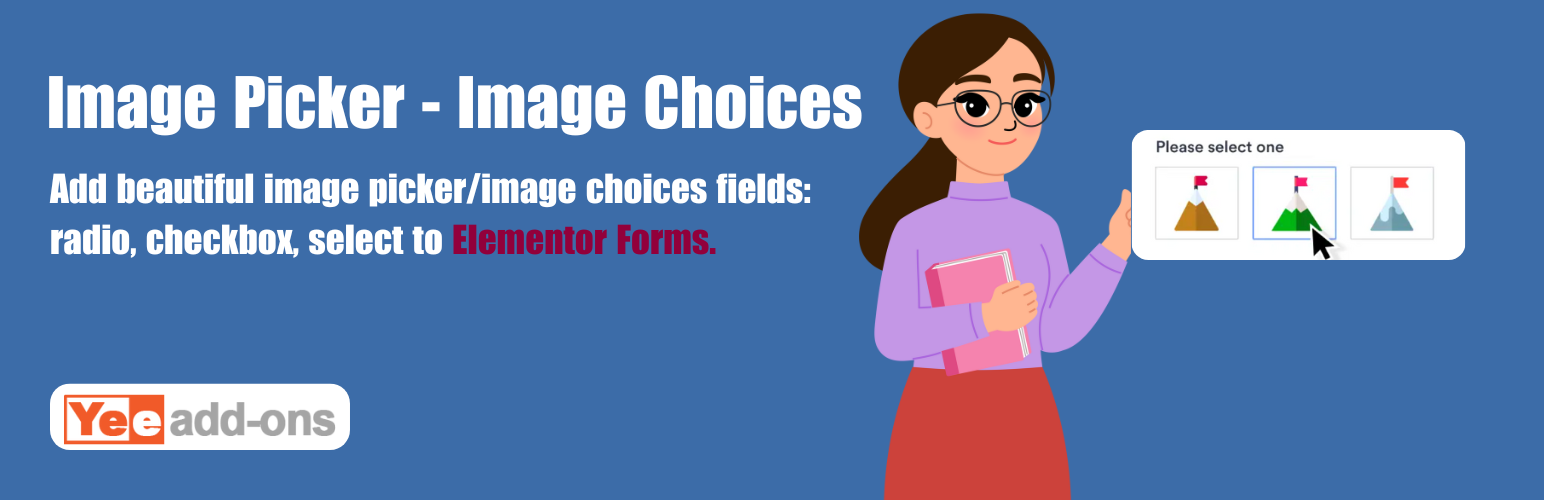
Image Picker for Elementor Forms 將傳統的表單輸入轉換為引人入勝的視覺體驗,讓使用者能夠透過可點擊的圖片來選擇選項,從而提升使用者體驗並增加表單轉換率。
【主要功能】
• 替換傳統選項為可點擊圖片
• 提供多種免費佈局樣式選擇
• 具備智能互動效果,顯示選擇項目
• 完全響應式設計,適合各種裝置
• 100% 可自訂,輕鬆調整樣式
外掛標籤
開發者團隊
② 後台搜尋「Image Picker – Image Choices for Elementor Forms」→ 直接安裝(推薦)
原文外掛簡介
Demo: https://demo.add-ons.org/demo-image-picker-image-choices/
Document: https://add-ons.org/document-image-choices-image-picker-for-elementor-form/
Pro Version: https://add-ons.org/plugin/image-picker-for-elementor-forms/
Image Picker for Elementor Forms transforms boring, standard form inputs into highly engaging, visual experiences. It allows you to replace traditional Radio Buttons, Checkboxes, and Select Dropdowns with clickable images.
Visual choices (Image Choices) drastically improve user experience, reduce cognitive load, and increase form conversion rates because users can “see” what they are selecting.
Perfect For
E-Commerce & Products: Let customers visually select product variations like colors, materials, styles, or sizes.
Service Selection: Show preview images of the services you offer (e.g., haircut styles, car wash tiers, photography packages).
Quizzes & Polls: Build highly interactive voting systems or visual questionnaires.
Any application where a picture speaks louder than a line of text!
Features
Works Natively: Seamlessly attaches to Elementor’s native Select, Radio, and Checkbox fields. No weird third-party widgets to learn.
Beautiful Built-in Layouts: Choose from multiple free layout styles: Simple, Card, Circle, Polar, Box, Cover.
Smart Interactions: Visually indicates selected items with highlight borders, checkmark icons, and smooth CSS transitions.
Fully Responsive: Displays perfectly on Desktop, Tablet, and Mobile.
100% Customizable: Easily tweak sizes, spacing, and border colors directly within Elementor.
Pro Features
10+ Premium Layouts (Pro): Unlock over 10 additional, highly-polished layout styles to match any creative brand identity instantly!
Advanced Styling Controls (Pro): Deep visual customization directly in the Elementor Style tab.
Usage
Edit a form with Elementor Pro.
Add a Select, Radio, or Checkbox field.
In the field settings, toggle Enable Image Picker.
Enter your image URLs alongside your choice values.