
內容簡介
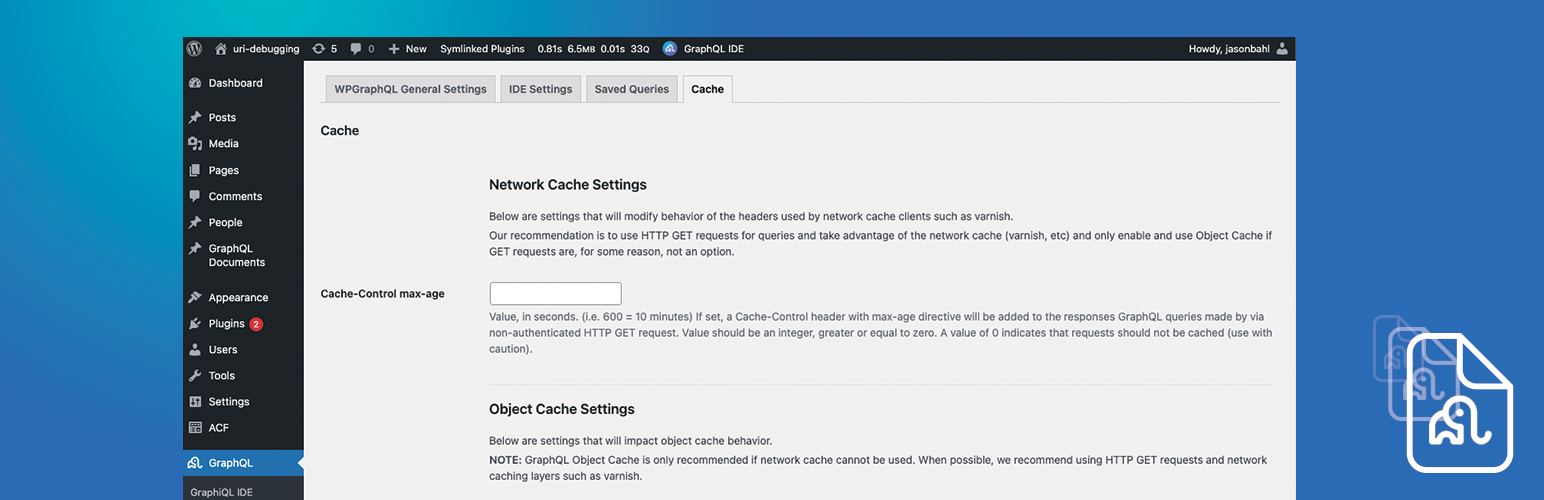
你想要快速或準確的 API 資料嗎?有了 WPGraphQL Smart Cache,您可以兼得兩者。WPGraphQL Smart Cache 是一個免費的、開源的 WordPress 外掛,提供對 WPGraphQL 查詢的緩存和缓存失效的支援。為了充分利用這個外掛,我們建議使用帶有網路緩存的 GET 請求,這需要您的 WordPress 安裝在一個支援的主機上。
重大變更:我們將來可能做出重大變更以改善功能和體驗。如果有變更,我們將使用 semver 進行。請在更新前留意發布注意事項和升級通知。
影片總覽
文件
- 概述
- 快速入門
- 特點
- 網路緩存
- 對象緩存
- 持久化查詢
- 緩存失效
- 擴展/自定義功能
- 常見問題和疑難排解
- 已知問題
- 提供反饋
升級
建議在想要更新 WPGraphQL Smart Cache 時瞭解這個發行版中有什麼更改。
WPGraphQL Smart Cache 在 GitHub 上發布發行注意事項。
WPGraphQL Smart Cache 將遵循語義化版本控制。
語義化版本控制摘要:
- 當您進行不兼容的 API 更改時,使用 MAJOR 版本號。
- 在向後兼容的方式下添加功能時,使用 MINOR 版本號。
- 在進行向後兼容的錯誤修復時,使用 PATCH 版本號。
您可以在 semver.org 上了解更多語義化版本控制的詳細信息。
隱私政策
WPGraphQL Smart Cache 使用 Appsero SDK 在用戶確認後收集一些遙測數據。這可以幫助我們更快地解決問題並改進產品。
Appsero SDK 不會默認收集任何數據。僅當用戶通過管理通知允許時,SDK 才開始收集基本遙測數據。我們收集數據是為了確保所有用戶都有出色的使用體驗。
整合 Appsero SDK 不會立即開始收集數據,任何情況下都需要經過用戶的確認。
瞭解有關 Appsero 如何收集數據的更多信息,請參閱 Appsero 的隱私政策。
外掛標籤
開發者團隊
📦 歷史版本下載
原文外掛簡介
Do you want your API data fast or accurate? With WPGraphQL Smart Cache, you can have both.
WPGraphQL Smart Cache is a free, open-source WordPress plugin that provides support for caching and cache invalidation of WPGraphQL Queries.
To get the most out of this plugin, we recommend using GET requests with Network Caching, which requires your WordPress install to be on a supported host.
BREAKING CHANGES: We may make breaking changes in the future to improve functionality and experience. If we do, we will use semver to do so. Pay attention to release notes and upgrade notices before updating.
Video Overview
Docs
Overview
Quick Start
Features
Network Cache
Object Cache
Persisted Queries
Cache Invalidation
Extending / Customizing Functionality
FAQ and Troubleshooting
Known Issues
Providing Feedback
Upgrading
It is recommended that anytime you want to update WPGraphQL Smart Cache that you get familiar with what’s changed in the release.
WPGraphQL Smart Cache publishes release notes on GitHub.
WPGraphQL Smart Cache will follow Semver versioning.
The summary of Semver versioning is as follows:
MAJOR version when you make incompatible API changes,
MINOR version when you add functionality in a backwards compatible manner, and
PATCH version when you make backwards compatible bug fixes.
You can read more about the details of Semver at semver.org
Privacy Policy
WPGraphQL Smart Cache uses Appsero SDK to collect some telemetry data upon user’s confirmation. This helps us to troubleshoot problems faster & make product improvements.
Appsero SDK does not gather any data by default. The SDK only starts gathering basic telemetry data when a user allows it via the admin notice. We collect the data to ensure a great user experience for all our users.
Integrating Appsero SDK DOES NOT IMMEDIATELY start gathering data, without confirmation from users in any case.
Learn more about how Appsero collects and uses this data.













