內容簡介
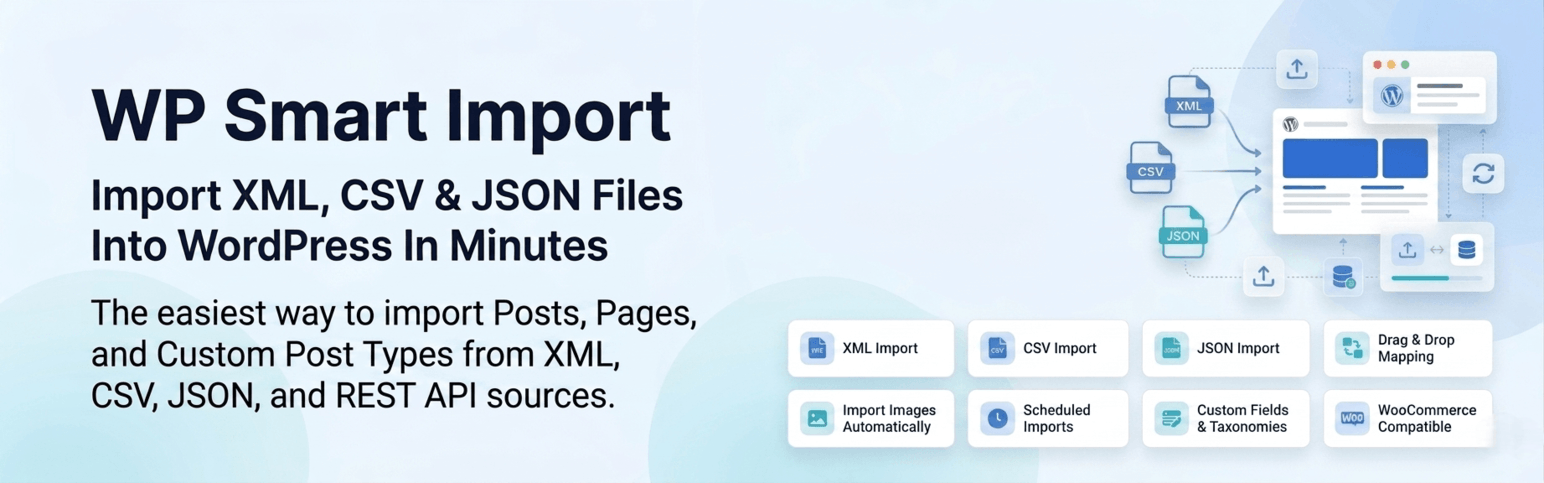
WP Smart Import 是一款強大且易於使用的外掛,專為將 XML 檔案匯入 WordPress 而設計。用戶可以輕鬆創建文章、頁面及任何自訂文章類型,並直接從 XML 源檔案映射內容,無需撰寫任何程式碼。
【主要功能】
• XML 檔案匯入:完全控制欄位映射,匯入任何標準 XML 檔案
• 支援任何文章類型:匯入資料至文章、頁面、WooCommerce 產品等
• 拖放欄位映射:使用互動式介面視覺化映射 XML 節點
• 大檔案處理:批次處理引擎確保穩定匯入大型 XML 檔案
• 圖片匯入:下載並附加遠端圖片或映射本地媒體庫檔案
• 更新現有文章:當標題或唯一鍵匹配時可選擇更新現有文章
外掛標籤
開發者團隊
② 後台搜尋「WP Smart Import : Import any XML File to WordPress」→ 直接安裝(推薦)
原文外掛簡介
WP Smart Import is the most powerful and user-friendly solution for importing XML files into WordPress. Effortlessly create Posts, Pages, and any Custom Post Type with content mapped directly from your XML source files.
With an intuitive drag-and-drop template builder and real-time XML node preview, you can visually map your data fields without writing a single line of code. WP Smart Import handles large files efficiently using a batch-based import engine, ensuring reliable performance even on shared hosting environments.
📄 Documentation | ⭐ Upgrade to Pro | 🛟 Get Support
Key Features
XML File Import – Import any standard XML file into WordPress with full control over field mapping.
Any Post Type Support – Import data into Posts, Pages, WooCommerce Products, or any registered Custom Post Type.
Drag & Drop Field Mapping – Visually map XML nodes to WordPress fields using an interactive drag-and-drop interface with live preview.
Large File Handling – Batch-based processing engine ensures reliable imports even for very large XML files.
Image Import – Download and attach remote images or map local media library files during import.
Featured Image Support – Automatically set the first imported image as the post featured image.
Unique Key Detection – Prevent duplicate posts by defining a unique identifier field for each import.
Update Existing Posts – Optionally update existing posts when the title or unique key matches.
Custom Field Mapping – Map XML data to any number of custom meta fields with a flexible repeater UI.
Taxonomy & Category Import – Assign imported posts to categories, tags, or custom taxonomies with hierarchical support.
Save & Reuse Templates – Save your import configuration as a reusable template for recurring imports.
Manage Imports – View, edit, re-run, or delete all saved imports from a centralized dashboard.
Manage Files – Keep track of all uploaded source files with options to clean up or reuse.
Import Statistics – Detailed counters showing created, updated, and failed records after every import run.
Pro Features (WP Smart Import Pro)
CSV and JSON file support with automatic XML conversion.
Automated recurring schedules with background cron execution.
Run history with detailed logs for every scheduled or manual import.
Background batch size configuration for cron-based imports.
Get WP Smart Import Pro