內容簡介
Wappointment 是一款 WordPress 外掛,讓客戶能快速透過 Zoom、GoogleMeet、電話或面對面預約會議。此外掛提供直觀的預約表單,幫助各類專業人士如教練、教師和治療師輕鬆管理預約,並避免重複預約。
【主要功能】
• 支援 Zoom、GoogleMeet 等多種會議形式
• 與 Google Calendar 雙向同步預約
• 自動發送確認與提醒通知
• 簡化預約流程,提升客戶體驗
• 無限次預約管理,操作簡單直觀
• 自訂預約表單的外觀與內容
外掛標籤
開發者團隊
② 後台搜尋「Appointment Bookings for Zoom GoogleMeet and more – Wappointment」→ 直接安裝(推薦)
原文外掛簡介
Get clients to quickly book a meeting with you by Zoom, GoogleMeet, phone or at your office
Booking plugin for WordPress
Appointment booking calendar for personal coaches, teachers, therapists and service professionals of all kind.
Get booked 24/7 with the most intuitive booking form.
Convert visitors into customers with a simple call to action.
The perfect Calendly alternative for WordPress.
Try the demo of the booking calendar
Scheduling system headache free
Provide your appointments the way you like
as a video Meeting over Zoom, GoogleMeet, Jitsi or Skype
over the Phone
or at your office
Sync bookings with Google Calendar
Setup a 2-way sync quickly with Google Calendar
1-way sync is available with any .ICS Calendar, Microsoft Outlook, Apple Ical, etc …
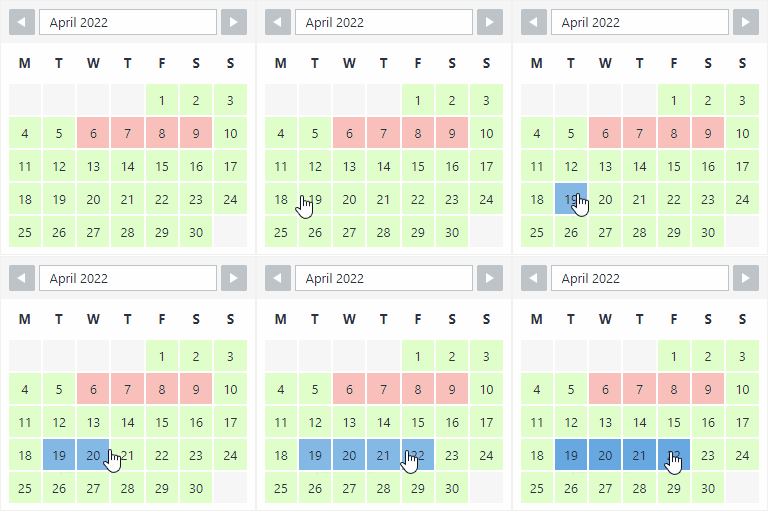
Avoid Double Bookings
Keep your availability updated using our powerful centralized system.
Your availability gets refreshed whenever something changes in your schedule:
when a new client books you
when a client cancels his appointment
when you manually create new time slots during which you are busy or free
when a new event gets created on your synched personal calendar (Google Calendar, Apple iCal, Outlook Calendar)
Simplify your Booking Process
Our user friendly booking form gives your clients a quick overview of your availability, making the booking process a breeze.
Reduce No-Shows
Your clients receive appointment confirmations and reminders.
Quickly define when and how many of them do they receive (1 day before appointment, 1 hour before appointment).
Make it simple for your customers
Clients book you within seconds, from their mobile phone, tablet or desktop computer
The available booking slots are displayed in your client’s timezone, no more confusion for your international clients
Clients receive a confirmation and as many reminders as you wish
Clients can easily save your appointment to their personal calendar
Manage your schedule simply
Unlimited bookings
User-friendly and intuitive interfaces with no coding involved
Availability Setup
Set your recurrent availability within seconds
Set your punctual availability and block your non-bookable time (non working days and hours, busy times, holidays, etc) in just few clicks
Select the timezone from which you operate
Appointments Settings
Set the duration of your meeting 5 min, 10 min, 15 min , 60 min etc …
Set the appointments’ approval mode: automatic or manual
Set how far in advance an appointment can be booked
Allow clients to cancel and reschedule appointments
Book an appointment on behalf of your customer
Connect your personal calendar to the booking system and automatically block times during which you are busy
Change the date and time format
Customizing the appearance
Quickly customize colors and texts for your booking form
4-steps booking process, each step is fully editable
Appointments’ Confirmations Reminders and Notifications
Receive email notifications when clients book, reschedule or cancel an appointment
Receive daily and weekly notifications
Customize and personalize your confirmations and reminders sent to your clients
Advanced options for edge use-cases
Limit/Maximum active bookings per client
Force user account’s email for logged in users
Open new slots in new day at a specific time e.g.” new slots everyday at 11pm”
Have a Question?
Our plugin is free, and easy to install. Try it first 🙂
And for any question or doubt, you can reach us:
Straight from the plugin in Wappointment > Help
Here on the WordPress’ forum
From our contact page.