內容簡介
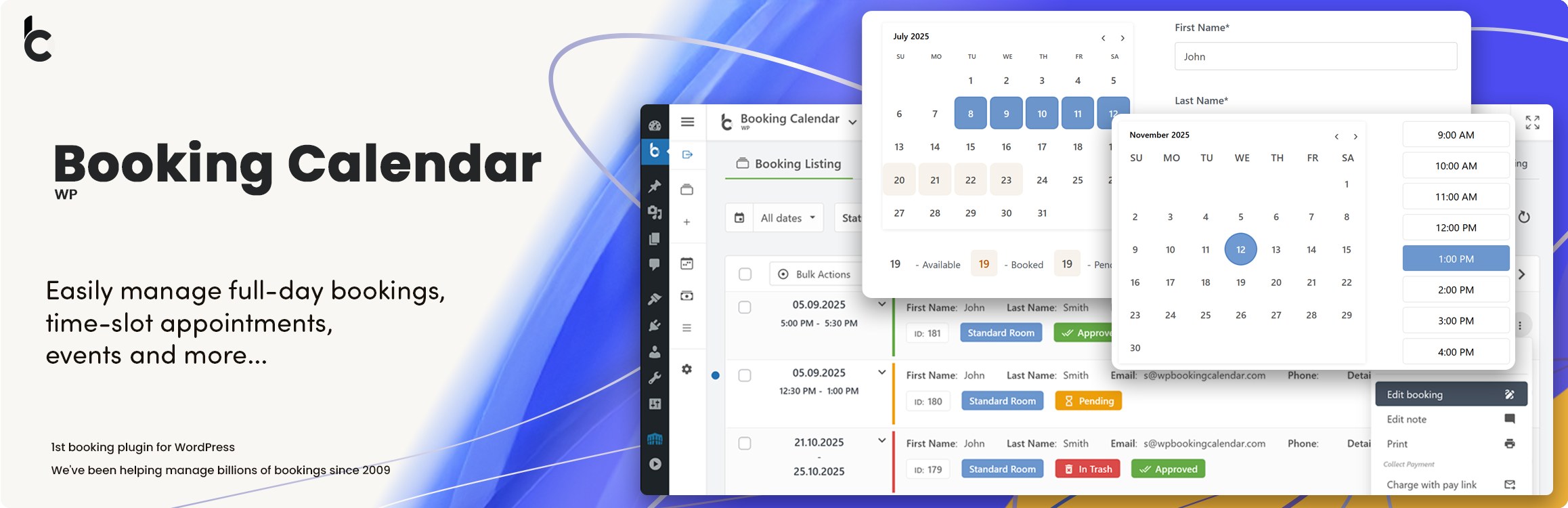
Booking Calendar 是一款靈活的 WordPress 外掛,專為約會、預約、租賃和活動設計。它提供響應式的可用性日曆和預訂表單,讓網站能夠接受線上預訂並從現代化的管理面板進行管理。
【主要功能】
• 接受全日、約會及時段預訂
• 顯示可用性以防止重複預訂
• 創建可自訂的預訂和詢問表單
• 在 WordPress 中管理、批准、拒絕和編輯預訂
• 向管理員和客戶發送電子郵件通知
• 使用拖放表單生成器建立多步驟表單
外掛標籤
開發者團隊
📦 歷史版本下載
原文外掛簡介
Booking Calendar – Booking Plugin for Appointments, Reservations, Rentals, Events
WP Booking Calendar is a flexible WordPress booking plugin for appointments, reservations, rentals, and events. Add a responsive availability calendar and booking form to your website, accept online bookings, and manage them from a modern admin panel.
Use Booking Calendar for full-day bookings, time-slot appointments, service scheduling, event registration, inquiry forms, request forms, or even as a simple multi-step contact form with built-in request listing and email notifications.
Features | See Demos | FAQ | Get Support
Best for appointments, service scheduling, property rentals, equipment rentals, consultations, classes, events, and availability management.
Key Features
Accept full-day, appointment, and time-slot bookings.
Display availability and prevent double bookings.
Create customizable booking and inquiry forms.
Manage, approve, decline, and edit bookings in WordPress.
Send email notifications to administrators and customers.
Build multi-step forms with the Drag & Drop Form Builder.
Block unavailable dates and time intervals.
Synchronize bookings using .ics feeds.
Import Google Calendar events.
Use responsive booking forms on desktop and mobile.
Booking Calendar for Different Businesses
Use Booking Calendar for appointment scheduling, service reservations, property and equipment rentals, consultations, classes, events, and other availability-based bookings.
Booking Calendar Free includes the essential tools for displaying availability, accepting booking requests, preventing double bookings, sending notifications, and managing reservations in WordPress.
Paid editions add multiple booking resources, online payments, seasonal pricing, advanced availability rules, availability search, and MultiUser administration.
Full-Day Booking Process in Booking Calendar Free
Let visitors complete a full-day property booking through a clear two-step flow. Customers select a property, review available, booked, and pending dates, choose their check-in and check-out dates, enter their contact details, and submit the booking request. The confirmation displays the complete booking summary and provides an option to add the selected dates to Google Calendar.
Appointment Booking with Services and Providers
Let visitors book appointments through a simple step-by-step flow. Customers choose a Service and an available Provider, select a date and start time, enter their contact details, and submit the booking. The confirmation displays the complete appointment details and provides an option to add the appointment to Google Calendar.