
外掛標籤
開發者團隊
原文外掛簡介
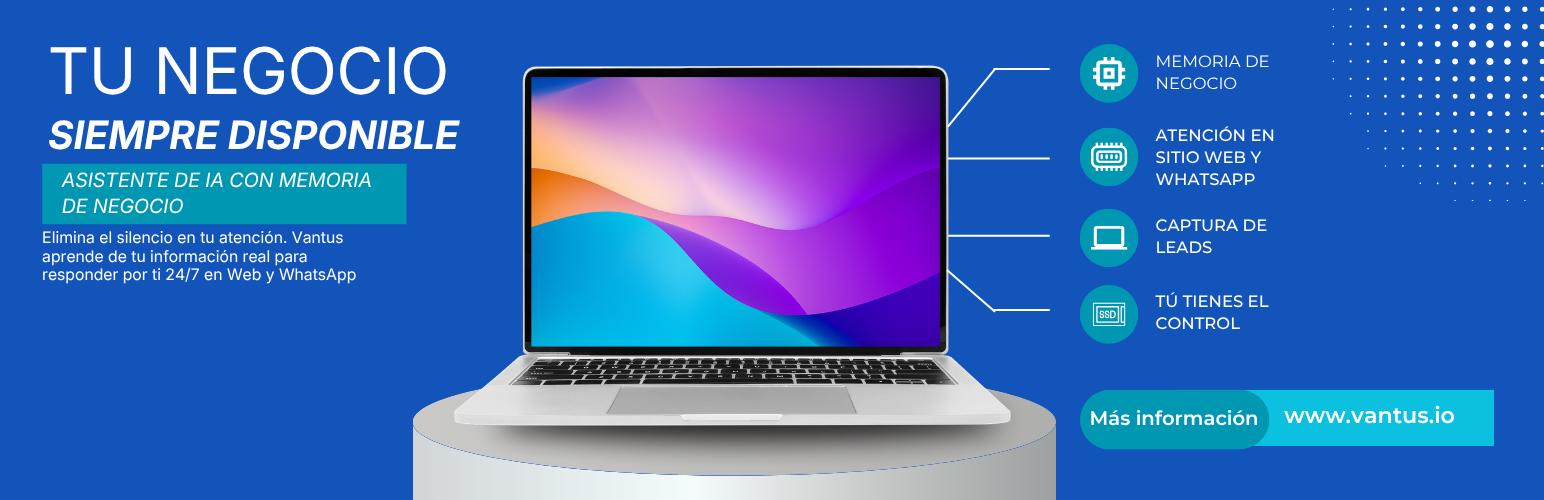
Vantus Widget adds an intelligent, AI-powered chat assistant to your WordPress site. Install the plugin, paste your Vantus API key, choose where the widget should appear, and you are done — no coding required.
The plugin is a lightweight configuration bridge: it loads the Vantus chat widget script from the Vantus CDN and tells it which API key to use and where to appear. The conversation itself is handled by the Vantus AI service.
Features
AI-powered chat assistant on your pages and posts
Simple setup: paste your API key in Vantus AI, its own entry in the admin menu
Choose where the widget appears (home page and/or specific post types)
Global on/off switch
Lightweight: the widget loads asynchronously from a CDN with a defer attribute, so it does not block page rendering
Automatically excluded from WP Rocket and LiteSpeed Cache JS optimization to avoid breakage
External services
This plugin connects to the Vantus AI service, operated by Vantus. The connection is required for the chat assistant to function.
What is loaded and sent, and when:
Widget script and version manifest — On front-end page views where the widget is enabled, the plugin loads the widget JavaScript from https://cdn.vantus.io/chat-widget.latest.js and reads the version manifest at https://cdn.vantus.io/manifest.json. No personal visitor data is sent in these requests.
Chat messages — When a visitor interacts with the widget, the messages they type are sent to the Vantus AI backend (associated with your API key) to generate a response.
Contact details, when the visitor provides them — The assistant can collect a visitor’s name, email address, phone number and company to capture a sales lead or open a support ticket. This only happens when the visitor fills in one of those forms inside the chat. Those details are sent to, and stored by, the Vantus AI service under your account, so that you can see and answer them from your Vantus dashboard.
The plugin itself does not collect or store personal data in your WordPress database beyond your API key and display settings. Everything described above is handled by the Vantus AI service, not by your WordPress installation.
You are the data controller for your visitors’ data; Vantus processes it on your behalf. If your site is subject to GDPR or a similar regime, name Vantus as a processor in your own privacy policy and make sure your policy covers the chat assistant.
Terms of Service: https://vantus.io/terminos-y-condiciones
Privacy Policy: https://vantus.io/aviso-de-privacidad














