內容簡介
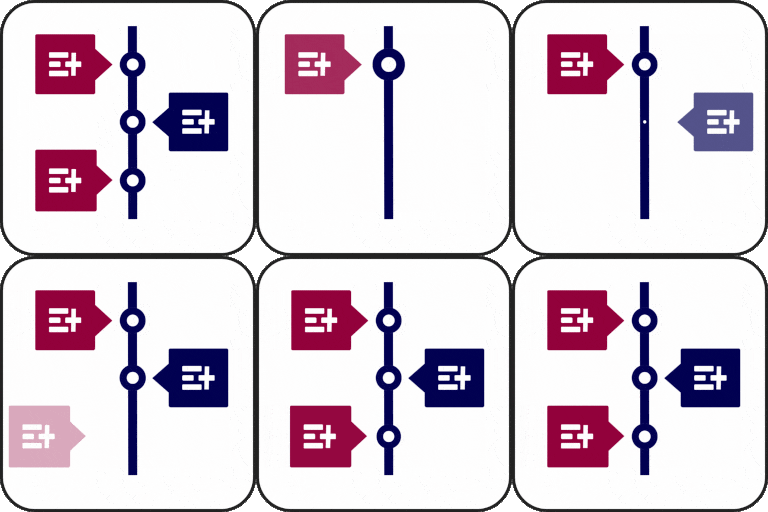
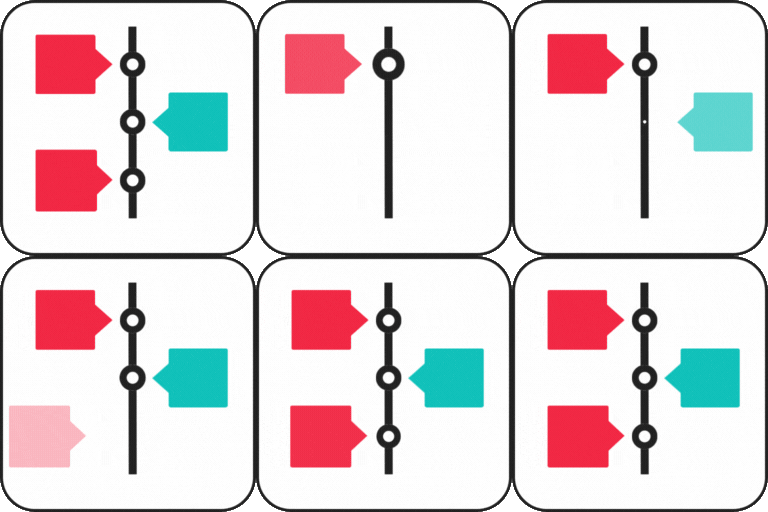
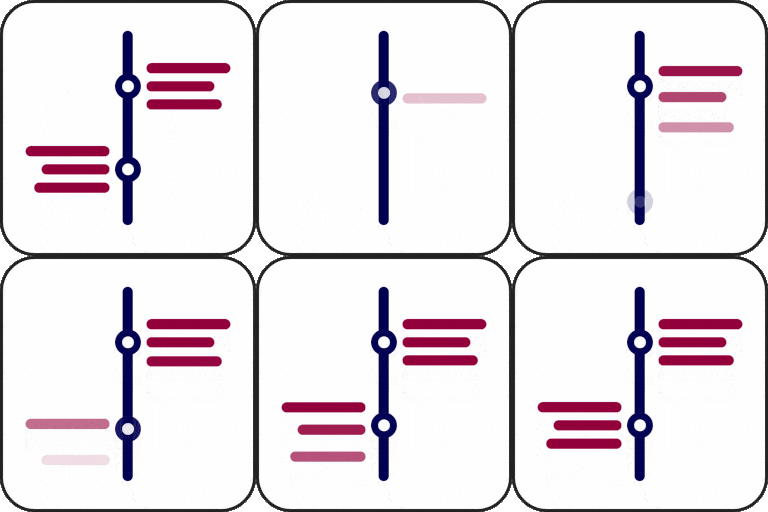
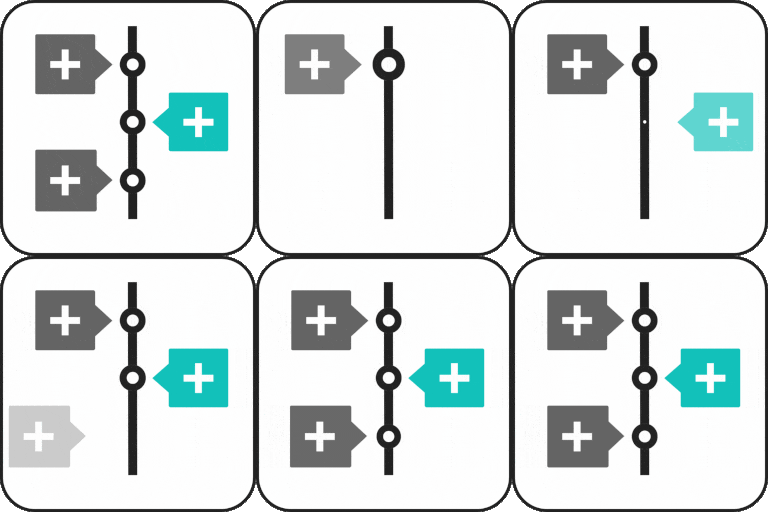
Timeline Full Widget 是一款輕量且靈活的 WordPress 時間軸外掛,支援 Elementor 和 Gutenberg,讓使用者能夠輕鬆創建時間軸,並提供一致的編輯體驗,無需複雜操作。
【主要功能】
• 支援 Elementor 和 Gutenberg 編輯器
• 簡潔的編輯體驗
• 可自訂樣式(顏色、字體、間距)
• 支援圖片和影片
• 響應式佈局
• 時間軸項目可重用樣式
外掛標籤
開發者團隊
原文外掛簡介
Timeline Full Widget is a lightweight and flexible WordPress timeline plugin that allows you to create timelines using both Elementor and Gutenberg.
The plugin provides a consistent editing experience across builders and gives you full control over layout, styling, and content without unnecessary complexity.
Key advantages:
Works with Elementor and Gutenberg
Clean and simple editing experience
Customizable styles (colors, typography, spacing)
Support for images and video, with optional per-item media width in px or %
Responsive layout
Reusable styles between timeline items
Separate per-item background color and card background color/image, preserved across compatible Elementor and Gutenberg imports
Independent horizontal layout and media order switches for every Elementor and Gutenberg Timeline Item
Block-based side and main content areas for Gutenberg timeline items
Portable Timeline import/export for both Gutenberg and Elementor: move and replace timelines across sites, preserving native editor properties, advanced layout, custom CSS classes, responsive design, typography, and per-item styles
Privacy-minded media placeholders for imported images, custom markers, and video posters, with image size and video-type settings retained
Two-way Elementor ↔ Gutenberg conversion: import compatible Timeline settings, item text, links, layout, media placeholders and marker styles between editors (editor-specific controls remain editor-specific)
Selective imports: choose whether to transfer headings/text/inner content, margins, padding, gaps, IDs, CSS classes, custom styles, links, animation, responsive settings, typography and backgrounds
You can use it for:
Project timelines
Roadmaps
Company history
Event timelines
Milestones
Contribute
Would you like to help translate Timeline Full Widget into your language?
You can contribute translations here:
https://translate.wordpress.org/projects/wp-plugins/timeline-full-widget/
Latest editor improvements
Elementor: an optional numeric Width of media setting with separate px/% units. Full-width images use responsive full-resolution sources, regardless of thumbnail preset.
Gutenberg: Timeline background color and image settings, including image size and position.
Cross-editor import/export carries background settings and optional media width, without copying original image URLs from donor sites.
Custom marker pictures are confined to the selected Timeline marker size.