外掛標籤
開發者團隊
原文外掛簡介
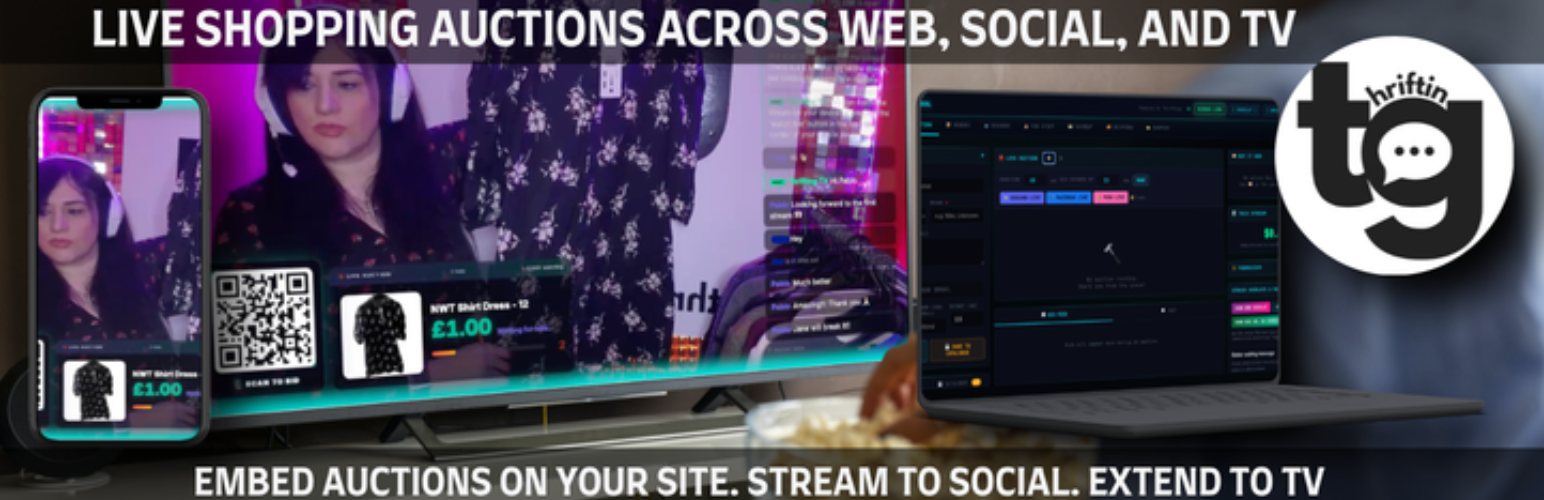
Run your own live auction shows while you stream on TikTok Live, Instagram, Facebook, YouTube, or anywhere else. Thrifting connects your WordPress site to Thrifting Mission Control — the control room for live lots, bidder overlays, timers, and checkout. Thrifting does not take a commission on your sales; you keep your revenue aside from Stripe’s normal card processing fees (and any Thrifting subscription plan you choose—includes a free tier).
This plugin signs you up, stores your Mission Control and bid page URLs, and embeds the live bidding console on any page (block or shortcode). It does not create WooCommerce orders or sync your product catalogue; winning bidders pay through Stripe (Connect) inside Mission Control.
Inside Mission Control (separate from this plugin)
Giveaway wheel — optional on-stream giveaway / prize spinner you control from Mission Control.
Trivia — optional trivia rounds to engage viewers during your show.
Stripe (Connect) — required before you run paid live auctions: you must connect and complete Stripe onboarding in Mission Control so bidders can pay and you can receive payouts.
Shipping — you set your own rates, regions, and rules based on your carriers and local pricing; Thrifting does not choose shipping costs for you.
Why streamers use it
Own the experience — bidders stay on your WordPress page while you host the show elsewhere.
Built for live video — same workflow as running a live sale: go live, run lots, see bids in real time in Mission Control.
Straightforward economics — no platform cut on each sale from Thrifting; only Stripe processing fees apply to card payments.
In WordPress
Thrifting in the admin sidebar (and WooCommerce → Thrifting if WooCommerce is installed): optional Create free account, set Mission Control URL, save Bid page URL for embeds (often filled automatically after signup).
Block: “Thrifting – Bidding console” in the block editor.
Shortcode: [thrifting] (alias of [thriftingtv_bid]) or [thrifting url="..." height="80vh" fullscreen="1"] for the classic editor or theme templates.
Requires WordPress 6.3+ (block uses Block API v3).
This readme describes both this WordPress plugin and the separate Mission Control service. Feature availability in Mission Control may change; always check your live Mission Control UI and Thrifting for the latest.
External services
This plugin connects to external services provided by Thrifting LTD so the plugin can create and configure your Mission Control account.
Service: Thrifting Mission Control (hosted at https://thriftingtv.com)
What it is used for: Creating a free Mission Control account from WordPress and returning your assigned Mission Control URL / bid page URL.
What data is sent and when: When you click Create free account in the plugin settings, the plugin sends the email address you enter to https://thriftingtv.com/api/free-signup.
Terms of service: https://thrifting.co.uk/terms/
Privacy policy: https://thrifting.co.uk/privacy-policy/
Privacy
When you use Create free account, the plugin sends the email address you enter to Thrifting’s main service (https://thriftingtv.com/api/free-signup) so an account can be created. No other personal data is sent by this plugin unless you use that form.
Embedded bidding pages are loaded in an iframe from the URL you provide (your Mission Control bid page).
Admin styling on the Thrifting settings screen uses bundled font files (Inter and JetBrains Mono, SIL Open Font License) loaded from your site only — no fonts are fetched from third-party CDNs.