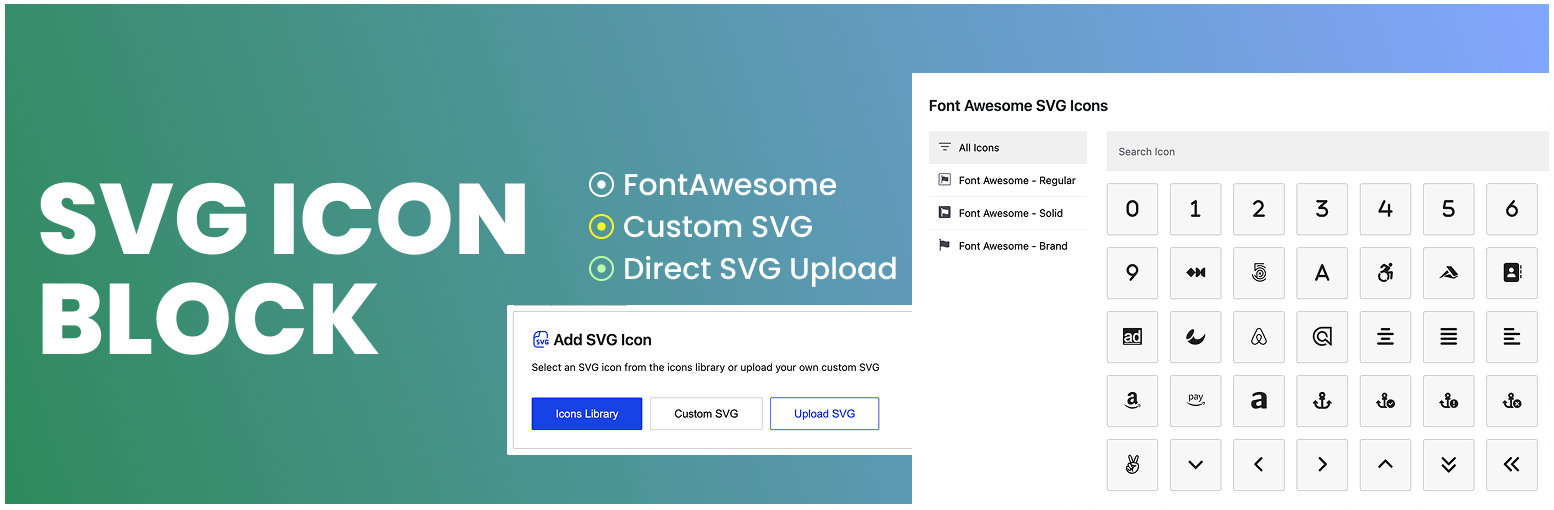
內容簡介
總結:SVG Icon Block 是一款自訂的 Gutenberg 區塊外掛程式,讓使用者能夠將 SVG 圖示加入到其 Gutenberg 區塊編輯器中。這款外掛提供許多客製化選項,因此您可以根據自己的需求進行修改。
問題與答案:
1. 什麼是 SVG Icon Block?
- SVG Icon Block 是一個自訂的 Gutenberg 區塊外掛程式。
2. 該外掛的主要功能是什麼?
- 該外掛讓您可以將 SVG 圖示添加到 Gutenberg 區塊編輯器中。
3. 這款外掛有哪些特點?
- 容易使用。
- 簡單、輕量且快速。
- 提供 Font Awesome SVG 圖示(不是字體庫,而是直接的 SVG)。
- 沒有第三方依賴。
- 只會呈現 SVG 代碼。
- 支援翻譯。
外掛標籤
開發者團隊
原文外掛簡介
SVG Icon Block is a custom Gutenberg block plugin that allows you to add SVG icon to your Gutenberg block editor. It comes with a lot of customization options, as a result, you can customize it as per your needs.
Video Tutorial
Features
Easy to use
Simple, light-weight and fast
Font Awesome SVG Icon ( not font library, rather direct SVG)
Direct SVG upload option
SVG format support for direct upload
My Icons library – save your own SVG code once and reuse it in any block
Rotate, Flip (Horizontal & Vertical) features are available
No third-party dependencies.
Only SVG codes are rendered.
My Icons
Paste your SVG code in the Custom SVG window, turn on Add to My Icons, give it a label, and the icon is saved to your site. A My Icons button then appears in the block placeholder so you can pick that icon again in any post or page, without pasting the code a second time.
The library is shared by everyone on the site who can edit posts, so a logo or brand icon saved by one author is available to the whole team. Saved icons can be searched and removed from the same window.
Every icon is sanitized before it is stored, using the same security checks applied to uploaded SVG files: scripts, event handlers and unsafe links are stripped out.