
外掛標籤
開發者團隊
② 後台搜尋「StoreSayer — AI Store Manager & MCP Server for WooCommerce」→ 直接安裝(推薦)
原文外掛簡介
StoreSayer turns your WooCommerce store into a Model Context Protocol (MCP) server. Connect an AI assistant such as Claude or ChatGPT, then ask questions and run store tasks in plain language. You don’t need to write any code.
Your store data stays on your server. The AI assistant reads it through a secure, token-protected endpoint on your own site, and you choose what each connection may do.
What you can ask
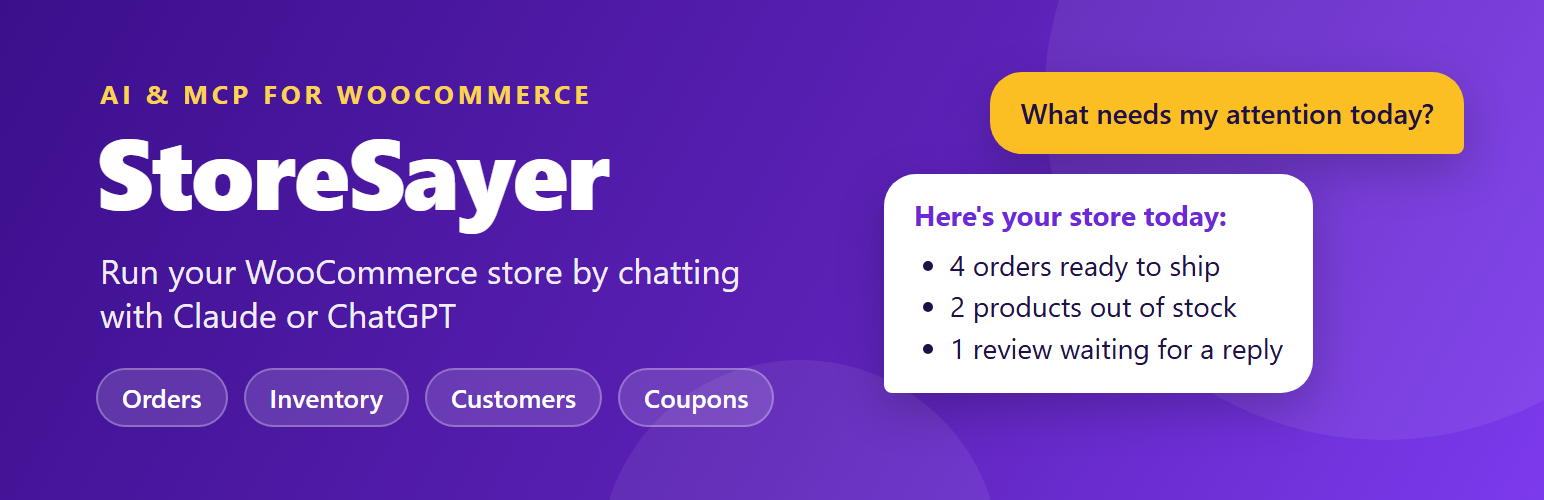
“What needs my attention today?”
“Show me all pending orders from Germany.”
“How did we do this month compared with last month?”
“Which products are out of stock? Add 20 units to each.”
“Which customers haven’t ordered in 90 days?”
“Create a 15% off coupon that expires this Sunday.”
“Reply to the latest 1-star review and keep it on hold.”
“Approve all pending 5-star reviews.”
38 tools across 9 modules
Briefing — store pulse: today’s revenue, stock and review counts, and a priority-ordered to-do list; a 7, 30 or 90-day performance snapshot compared with the previous period.
Orders — list, search and view orders and their refunds; update status (one at a time or in bulk); edit order details; add order notes; issue full or partial refunds.
Inventory — inventory health score with stock value, and bulk stock updates with a preview step.
Products — list and view products (including low-stock products); create products; bulk update prices, sale dates, status, categories, tags, images, attributes and variations.
Catalog — list, create and update categories and tags; list and save global product attributes and their terms.
Reviews — list and view reviews, approve, hold, spam or trash them (one at a time or in bulk), and post replies.
Customers — customer profiles, search, customer lists with campaign filters (win-back, VIP, high spenders, new buyers), and create or update customers.
Coupons — create, update, view and list coupons.
Store — read store settings (general, shipping, tax, payment methods) and a system status report. The system status tool can return log lines, so you can turn it off under Available Tools.
Works with
Claude (claude.ai, Claude Desktop and Claude Code)
ChatGPT (developer mode connectors)
Cursor, Windsurf and any other client that supports remote MCP servers over HTTP
Security and control
Three ways to connect: a site admin token, named access tokens linked to a WordPress user, or OAuth 2.1 sign-in.
OAuth 2.1 with PKCE and Dynamic Client Registration. Claude and ChatGPT can connect by signing in to your site, with no token to copy. Only roles you allow (Administrators and Shop Managers by default) can approve an OAuth connection.
Scopes: each named token gets mcp:read, mcp:write and/or mcp:delete, so a token can be read-only.
Tool control: turn individual tools on or off.
Role access: choose which WordPress roles may connect an AI client, and whether each role gets read, write or full access.
Force draft: optionally save every product an AI assistant creates as a draft for you to review.
Read-only mode: one switch blocks every create, update and delete action for every connection, including the admin token.
Kill switch: turn the MCP endpoint off without deactivating the plugin.
Rate limiting: 60 requests per minute per token by default (adjustable from 1 to 600).
Hashed tokens: named and OAuth tokens are stored only as SHA-256 hashes, and a new named token is shown only once.
Debug log: an optional daily log of connections and tool calls, which you can view in WP Admin. Direct web access to the log folder is blocked on Apache servers.
HPOS ready: order queries work with both High-Performance Order Storage and classic post storage.
External services
StoreSayer makes no outgoing HTTP requests and sends no data to any service on its own. It adds an MCP endpoint to your site that an AI assistant you connect can call.
When you connect an AI assistant, that assistant’s provider receives the store data returned by each tool the assistant calls (for example order, product, customer or coupon details), at the moment the call is made. Which data is shared depends on the tools you enable and the scopes you grant.
Claude (Anthropic) — Terms of Service, Privacy Policy
ChatGPT (OpenAI) — Terms of Use, Privacy Policy
Any other MCP client you connect is governed by its own provider’s terms and privacy policy.
The Connect AI Client page links to claude.ai and chatgpt.com so you can open their connector settings; nothing is sent until you add the connector there.














