外掛標籤
開發者團隊
② 後台搜尋「SkyAI Order Notifications for WooCommerce」→ 直接安裝(推薦)
原文外掛簡介
Tell your customers what’s happening with their order – automatically.
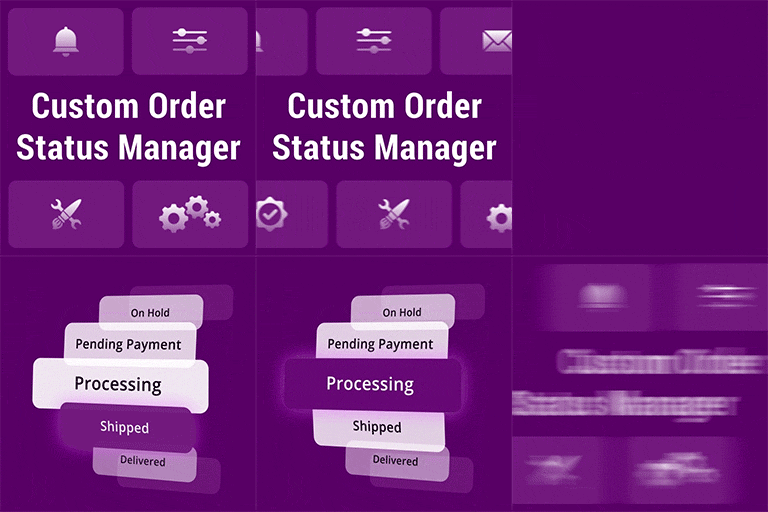
Order Status for WooCommerce lets you create your own order statuses – “Packing”, “Ready for Pickup”, “Out for Delivery”, anything your workflow needs – each with its own color badge on the orders screen. Every time you move an order to a new status, the plugin can automatically send the customer an email update with a fully customizable message.
No more typing the same update twenty times a day. No more “where’s my order?” emails.
What you get in the free version
Unlimited custom order statuses
Color-coded status badges in the orders list
Automatic email notifications when an order changes status
Fully customizable message templates with order variables ({order_id}, {first_name}, {customer_name}, {total}, {items}, {status}, {site_name}, and more)
Choose the sender address: WordPress default or up to two custom From addresses
Configurable default country calling code for international phone formatting
Activity log so you can see every notification that went out
Full English and Hebrew interface (right-to-left supported)
Compatible with WooCommerce High-Performance Order Storage (HPOS)
Pro features (separate paid upgrade)
Beyond the free version, an optional Pro upgrade adds WhatsApp and SMS notifications via Twilio, plus a 30-day free trial. The Pro upgrade is available from the plugin’s settings page after installation. The free version remains free, forever.
Who is this for?
Any WooCommerce store owner who needs more control over order statuses and wants to keep customers automatically informed – without manually typing updates.
External Services
This plugin connects to two external services. By installing and activating this plugin, you should be aware of the following:
Freemius
This plugin uses Freemius for license activation and software updates of the optional Pro version. Freemius receives the following information from your site:
Your site URL
Your admin email address
PHP and WordPress version
The plugin’s version
This information is used to register your site with Freemius (so you can manage licenses and receive updates) and to provide aggregated usage statistics. You can opt out of sharing this data during plugin activation.
Freemius Terms of Service: https://freemius.com/terms/
Freemius Privacy Policy: https://freemius.com/privacy/
Twilio (Pro version only)
The Pro upgrade uses Twilio to send WhatsApp and SMS messages. If you choose to enable WhatsApp or SMS notifications:
You provide your own Twilio account credentials (Account SID, Auth Token, and sender number)
When an order status changes and a notification is triggered, your store sends the order’s customer phone number and the configured message text to Twilio’s API
Twilio then delivers the message to the customer
Twilio bills you directly for usage (this plugin’s subscription does not include Twilio costs)
The free version of this plugin does NOT contact Twilio. Only the Pro features do, and only when you explicitly configure and enable them.
Twilio Terms of Service: https://www.twilio.com/legal/tos
Twilio Privacy Policy: https://www.twilio.com/legal/privacy