內容簡介
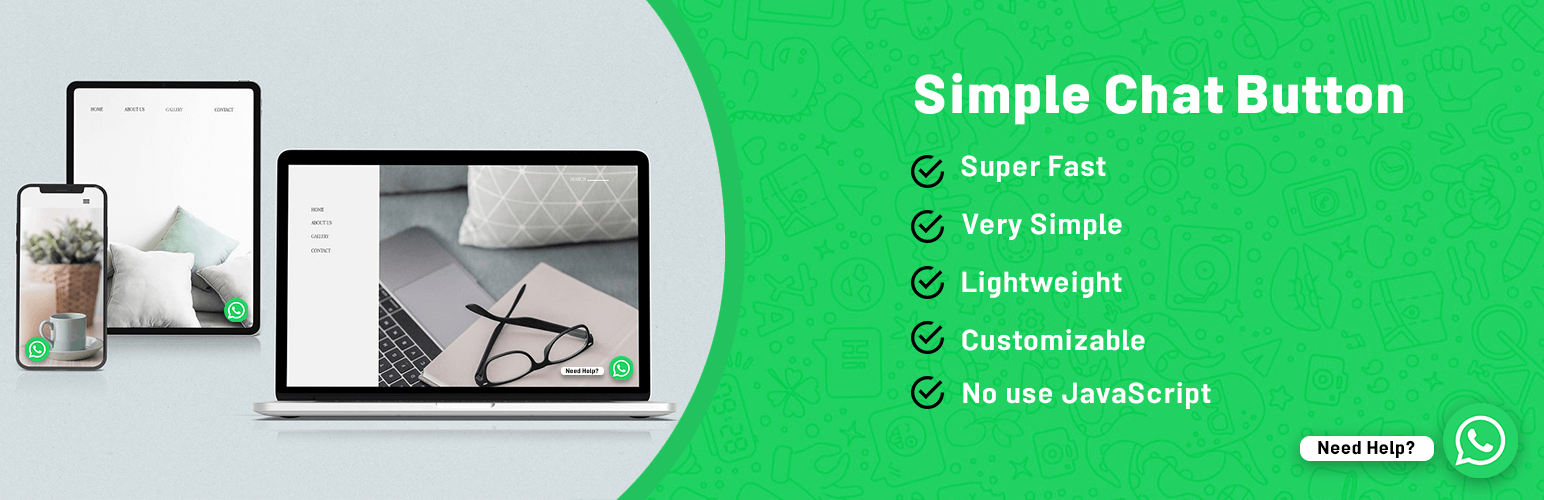
Simple Chat Button 是一個快速(不使用 JavaScript)、輕量級且非常簡單的 WordPress 外掛,可在 WordPress 前端顯示漂亮的 WhatsApp 固定按鈕。
點擊 WhatsApp 固定按鈕後,將帶您前往 WhatsApp 應用程式。
WhatsApp Chat
添加您的‘WhatsApp’或‘WhatsApp Business’號碼,讓您的網站訪客僅需點擊一下即可與您聯繫。
手機:導航到 WhatsApp 手機應用程式。
桌面:導航到 WhatsApp Web。
預填訊息
當用戶點擊 WhatsApp 按鈕時,在 WhatsApp 聊天視窗中顯示的文字訊息。
用戶可以輕鬆開始對話。
位置
手機、平板電腦和桌面設備的不同位置。
聊天按鈕設置
啟用聊天按鈕顯示狀態
添加 WhatsApp 號碼
添加 WhatsApp 預設訊息
將 WhatsApp 按鈕位置更改為“底部左側”或“底部右側”
自定義手機、平板電腦和桌面設備的圖標邊距
保存更改並享受!
翻譯
可用語言:
英語(預設)
波斯語(伊朗)
性能
乾淨而非常輕量級。我們喜歡簡單和高效。
此插件不會影響您的網站速度或 Google 頁面速度結果。
外掛標籤
開發者團隊
原文外掛簡介
WhatsApp Chat Button (Simple Chat Button) is the Fastest (No use JavaScript), Lightweight and Very Simple WordPress plugin that displays the beautiful WhatsApp Sticky Button on the WordPress frontend.
After clicking on the WhatsApp Sticky Button, It will bring you to the WhatsApp application.
Live Demo
WhatsApp Chat
Add your ‘WhatsApp’ or ‘WhatsApp Business’ Number. And let your website visitors contact you with a single click.
Mobile: Navigates to WhatsApp Mobile App.
Desktop: Navigates to WhatsApp Web.
Prefilled Message
Text that appears at the WhatsApp chat window when the user clicks on the WhatsApp Button.
Users can start the conversation easily.
Position
Different positions for Mobile, Tablet and Desktop Devices.
Chat Button Settings
Enable Chat Button Show Status
Add WhatsApp Number
Add WhatsApp Default Message
Change the Position of WhatsApp Button to ‘Bottom Left’ or ‘Bottom Right’
Customize Icon Margin for the Mobile, Tablet & Desktop Devices
Save Changes & Enjoy!
Translations
Available languages:
English (Default)
Persian (Iran)
Performance
Clean and very Lightweight. We love simplicity and efficiency.
This plugin no affect your Site Speed or Google Page Speed result.