內容簡介
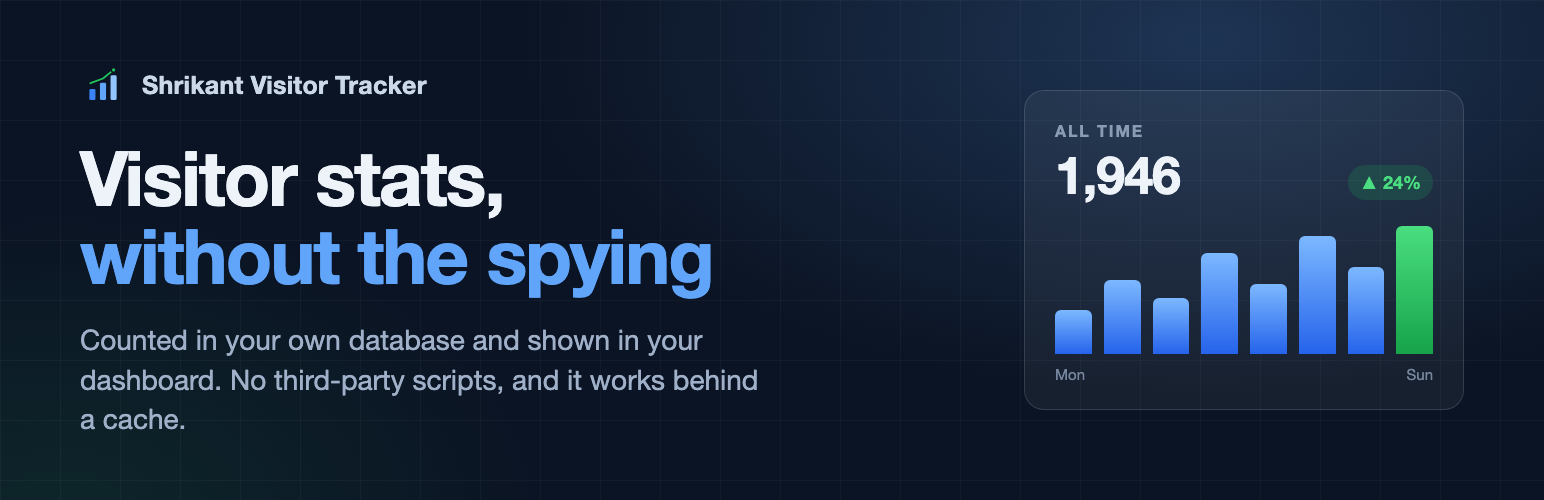
Shrikant Visitor Tracker 是一款可在不安裝的情況下使用的 WordPress 外掛,專為追蹤網站訪問量而設計。它能夠保留歷史數據,並與其他計數器無縫切換,讓使用者輕鬆管理網站流量分析。
【主要功能】
• 無需安裝,直接在瀏覽器中使用
• 切換計數器時保留歷史數據
• 不會刪除任何數據,除非用戶選擇
• 提供每小時報告摘要
• 獨立保存導入的計數數據
• 支援多種數據保留選項
外掛標籤
開發者團隊
原文外掛簡介
Try it now, without installing anything — opens a throwaway WordPress in your browser with the plugin already running. Nothing is installed on your own site.
Most analytics plugins assume you are starting from nothing. This one assumes you are not.
Switching counters without losing the history
If you run Post Views Counter or WP-PostViews, deleting it throws away every number it ever recorded. The Import screen reads those totals across first — reading only, never writing to or removing anything in them — so you can switch and keep the figures.
Imported counts are then kept separate and labelled, never merged into this plugin’s own statistics. The two measure different things: one spans years under its own rules, the other starts the day you switch this on and leaves out the bots it recognises. Adding them together would produce a number that means nothing in particular. So a reader sees the two added up and no post appears to lose its history, while the dashboard shows only what was actually tracked and stays comparable with itself.
Post Views Counter and WP-PostViews are separate projects by their own authors. They are named here only so their data can be read; this plugin is not affiliated with or endorsed by them.
Nothing is deleted unless you ask
Deleting this plugin does not delete its data, unless you switch that on in Settings. Replacing a hand-installed copy with the directory one goes through the same Delete button as saying goodbye to it, and that should not cost you six months of history.
The hourly summaries every report is built from are never deleted at all, by anything. Individual visit rows are kept for good too, unless you choose a retention period yourself.
Why these numbers are lower than your old counter’s
Most view counters add up in PHP while the page is being built. On a site with a page cache that means the readers served from cache are never counted at all, while the crawlers that bypass the cache are counted every time — so the number drifts away from reality in both directions at once.
This one counts from the browser, after the page has loaded, and filters known bots before recording anything. Expect its figures to sit closer to what Search Console reports than to a counter that has been accumulating for years under different rules.
Everything else
Shrikant Visitor Tracker gives you complete control over your visitor analytics data — everything is stored in your own database, nothing leaves your server (except a geo-IP lookup to the free ipwho.is API, which is cached for at least 24 hours).
Key Features
Total / daily / weekly / monthly / yearly visitors with page-level tracking
Device, browser, and OS detection via lightweight User-Agent parsing (no library)
Referrer categorisation (direct, search, social, other) + full UTM parameter tracking
Country detection, off by default — turn it on and the anonymised IP (never the full one) goes to ipwho.is for a country code, cached 24h. This is the only outside request the plugin can make
Real-time “currently online” counter using WordPress transients
Counts correctly behind a page cache — a non-blocking browser beacon, not a PHP counter, so WP Rocket, LiteSpeed, W3 Total Cache and Cloudflare do not hide your readers
Pre-aggregated summary table — every report is built from hourly summaries, so a report stays fast whatever the traffic, and the summaries are kept for good
Bot filtering — user-agent matching against a maintained list, plus proxy and prefetch headers, before anything is recorded
Privacy-first — IP anonymisation, DNT header respect, cookie consent hook, GDPR data export/erasure
REST API — full stats API under /wp-json/shrikant-vt/v1/ for headless or custom integrations
WP-CLI commands — wp shrikant-vt stats today, wp shrikant-vt export, wp shrikant-vt cleanup --dry-run, and more
Import from Post Views Counter or WP-PostViews — switch without losing the history
Any date range — the usual 7/30/90-day presets, or two dates of your own
Searchable, sortable, paginated reports with CSV export
Choose where the count appears — a checkbox per public post type, not just posts
Nothing is ever deleted unless you ask for it — not on uninstall, not on a schedule
Zero paid dependencies — 100% free and open source, nothing loaded from a CDN
Third-party code
This plugin bundles Chart.js 4.5.1 (https://www.chartjs.org), used to draw the
dashboard charts. Chart.js is released under the MIT licence, which is
compatible with the GPL, and its source is at https://github.com/chartjs/Chart.js.
It is bundled rather than loaded from a CDN because a plugin in this directory
may not load code from elsewhere at run time. Nothing else is bundled, and no
other third-party code is loaded.
Privacy & GDPR
Raw IP addresses are never stored
With IP anonymisation enabled (default), the last IPv4 octet is zeroed before any geo lookup
Visitor IDs are HMAC-SHA256 hashes that rotate daily — they cannot be reversed to identify real people
DNT header is respected by default
Integrates with any cookie consent plugin via the shrikant_vt_has_consent filter
Compatible with WordPress’s built-in personal data export/erasure tools
Developer Hooks
shrikant_vt_before_track_visit — modify or abort tracking
shrikant_vt_after_insert — react to new visit rows
shrikant_vt_has_consent — integrate cookie consent plugins
shrikant_vt_is_bot — override bot detection
shrikant_vt_get_stats — filter any stats result
shrikant_vt_default_settings — add custom settings