內容簡介
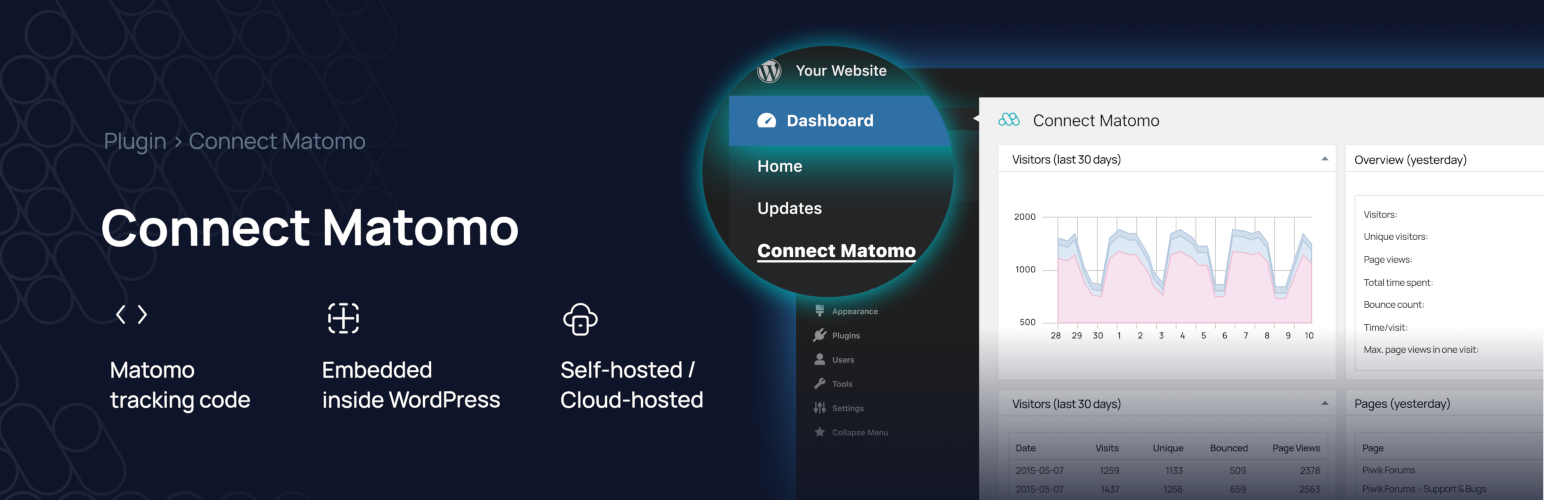
Connect Matomo 是一款用於 WordPress 的分析儀表板外掛,能夠透過 Matomo API 在控制台中顯示網站統計數據。此外掛還支援多站點管理及追蹤碼的添加與修改,幫助用戶輕鬆掌握網站流量情況。
【主要功能】
• 在 WordPress 控制台顯示 Matomo 統計數據
• 支援多站點管理及追蹤碼管理
• 可自訂追蹤碼的添加與修改
• 提供多種短碼以顯示不同數據
• 需要 Matomo 網頁分析應用程式
外掛標籤
開發者團隊
② 後台搜尋「Connect Matomo – Analytics Dashboard for WordPress」→ 直接安裝(推薦)
📦 歷史版本下載
原文外掛簡介
Version 1.1.7 includes a security related fix, it is highly recommended to update to this or a later version.
If you are not yet using Matomo On-Premise, Matomo Cloud or hosting your own instance of Matomo, please use the Matomo for WordPress plugin.
This plugin uses the Matomo API to show your Matomo statistics in your WordPress dashboard. It’s also able to add the Matomo tracking code to your blog and to do some modifications to the tracking code. Additionally, WP-Matomo supports WordPress networks and manages multiple sites and their tracking codes.
To use this plugin the Matomo web analytics application is required. If you do not already have a Matomo setup (e.g., provided by your web hosting service), you have two simple options: use either a self-hosted Matomo or a cloud-hosted Matomo by InnoCraft.
Requirements: PHP 7.0 (or higher), WordPress 5.0 (or higher), Matomo 4.0 (or higher)
Languages: English, Albanian, Chinese, Dutch, French, German, Greek, Hungarian, Italian, Polish, Portuguese (Brazil). Partially supported: Azerbaijani, Belarusian, Hindi, Lithuanian, Luxembourgish, Norwegian, Persian, Romanian, Russian, Spanish, Swedish, Turkish, Ukrainian
What is Matomo?
Learn more.
First steps
Learn how to install your own Matomo instance: Requirements, Installation.
If you need support about Matomo, please have a look at the Matomo forums.
Finally, you can start setting up WP-Matomo.
Shortcodes
You can use following shortcodes if activated:
[wp-piwik module="overview" title="" period="day" date="yesterday"]
Shows overview table like WP-Matomo’s overview dashboard. See Matomo API documentation on VisitsSummary.get to get more information on period and day. Multiple data arrays will be cumulated. If you fill the title attribute, its content will be shown in the table’s title.
[wp-piwik module="opt-out" language="en" width="100%" height="200px"]
Shows the Matomo opt-out Iframe. You can change the Iframe’s language by the language attribute (e.g. de for German language) and its width and height using the corresponding attributes.
[wp-piwik module="post" range="last30" key="sum_daily_nb_uniq_visitors"]
Shows the chosen keys value related to the current post. You can define a range (format: lastN, previousN or YYYY-MM-DD,YYYY-MM-DD) and the desired value’s key (e.g., sum_daily_nb_uniq_visitors, nb_visits or nb_hits – for details see Matomo’s API method Actions.getPageUrl using a range).
[wp-piwik]
is equal to [wp-piwik module=”overview” title=”” period=”day” date=”yesterday”].
Credits and Acknowledgements
Graphs powered by Chart.js (MIT License).
All translators at Transifex and WordPress.
Anyone who donates to the WP-Matomo project, including the Matomo team!
All users who send me mails containing criticism, commendation, feature requests and bug reports – you help me to make WP-Matomo much better!
Thank you all!