100,000+
安裝啟用
★★★★★
5/5 分(71 則評價)
60 天前
最後更新
—
問題解決
WordPress 5.9+ PHP 7.4+ v0.5.4 上架:2013-05-22
內容簡介
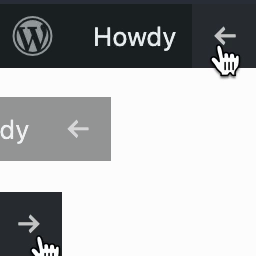
這是一款 WordPress 外掛程式,可以在工具列中顯示目前的模板檔案名稱、主題名稱和已包含的模板檔案名稱。如果您喜歡這個外掛, 歡迎買我一杯咖啡!😉此外,這個外掛的靈感來源是以下兩個網站,特別感謝:https://gist.github.com/gatespace/4482529https://wordpress.org/plugins/reveal-template/
外掛標籤
開發者團隊
📦 歷史版本下載
原文外掛簡介
A WordPress plugin which shows the current template file name, the current theme name and included template files’ name in the tool bar. If you like this plugin, you can buy me a coffee! 😉
Inspired by (and big thanks to):
https://gist.github.com/gatespace/4482529
https://wordpress.org/plugins/reveal-template/