內容簡介
Hide Admin Bar Based on User Roles 外掛讓您可以選擇誰能在網站前端看到 WordPress 管理工具列,並控制誰可以進入控制台。此外掛輕量且易於使用,適合希望提供乾淨前端體驗的網站。
【主要功能】
• 隱藏所有使用者的管理工具列
• 隱藏未登入訪客的管理工具列
• 根據角色隱藏工具列
• 根據能力隱藏工具列
• 自訂登入後的導向頁面
• 整理管理選單和小工具
外掛標籤
開發者團隊
② 後台搜尋「Hide Admin Bar Based on User Roles – Disable the WordPress Toolbar by Role or Capability」→ 直接安裝(推薦)
📦 歷史版本下載
原文外掛簡介
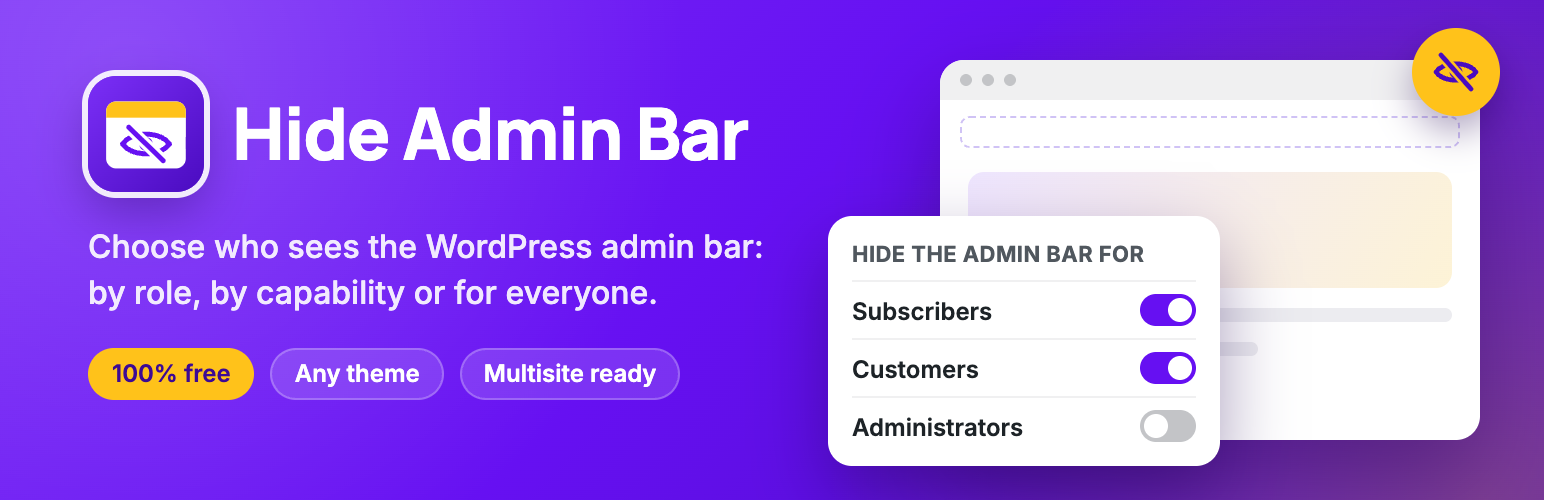
Hide Admin Bar Based on User Roles lets you choose who sees the WordPress admin bar (the toolbar) on the front end of your site, and who can open the dashboard.
Remove the admin bar for subscribers, hide it from WooCommerce customers, turn it off for everyone, or target specific roles and capabilities. You can also keep chosen roles out of wp-admin, send each role to its own page after logging in, and tidy the admin menu, admin bar, notices and dashboard widgets for each role. All from one settings page, without writing code.
The plugin is lightweight and works as soon as you activate it. Trusted on 20,000+ active WordPress sites.
It’s completely free: no Pro version, no locked features, no upsells.
Simple but great plugin. 🙂
– wptoolsdev
Works flawlessly! 🙂
– thebrazeneye
Why hide the WordPress admin bar?
The black toolbar at the top of your site is useful for admins — but for everyone else it exposes backend links, breaks your design, and confuses non-technical users. Hiding it is essential for:
Membership sites – give members a clean, frontend-only experience with no WordPress branding
WooCommerce stores – stop showing the toolbar to customers after they log in
LMS & course platforms – keep students focused on your content, not the WordPress UI
Client websites – hand over polished sites where editors see only what they need
Communities & directories – hide backend access hints from registered users
Anyone who wants a cleaner frontend – remove the admin bar without touching functions.php
Features
Hide for everyone: remove the admin bar from the front end for every logged-in user.
Hide for logged-out visitors: make sure visitors never see it, even when a plugin such as BuddyPress shows it to them.
Hide by role: pick roles such as Subscriber, Customer or Editor, including custom roles from other plugins.
Hide by capability: hide it for anyone who has a capability, for example edit_posts.
Nothing added to your site’s front end: no CSS, no JavaScript, no extra database queries.
Dashboard & login
Optional extras, each off until you switch it on:
Dashboard access: keep subscribers, customers or any other role out of wp-admin and send them to a page you choose. Administrators always keep access, and the background requests that themes and plugins rely on keep working.
Admin bar in the dashboard: hide the admin bar inside wp-admin for the roles you pick.
Login redirect: choose where each role lands after logging in, such as the home page or a My Account page.
Strict mode: keep the admin bar hidden when another plugin, such as BuddyPress, wpForo or WC Vendors, turns it back on.
Switch to user: see your site exactly as one of your users does, then switch back in one click. Only administrators can switch, and only to users who can’t manage the site.
Admin cleanup
Give each role a tidier dashboard. Also off until you switch it on:
Admin menu: hide the menu items a role doesn’t need, such as Tools, Comments or a plugin’s menu.
Admin bar items: keep the admin bar but remove items such as the WordPress logo, Comments or + New.
Admin notices: hide the notices at the top of dashboard screens for the roles you pick.
Dashboard widgets: choose which boxes each role sees on the Dashboard home screen.
Works with your setup
Hide Admin Bar Based on User Roles works with any theme and any plugin that registers user roles — including WooCommerce (Customer role), membership plugins, LMS plugins, and custom roles. Fully compatible with Elementor, Divi, Beaver Builder, Bricks, and WordPress Multisite.
More from the makers of Hide Admin Bar
Page Visit Counter – Privacy-first analytics inside WordPress. See visitors and page views in your dashboard, with no cookies and no external scripts.
PushRow for Google Sheets – Keep Google Sheets in sync with WordPress. Send posts, users, form entries and WooCommerce orders to any spreadsheet.
UltimaKit – Admin tools, security and performance in one plugin.
Disable Block Editor FullScreen mode – Open the block editor without fullscreen mode.
NoteFlow – Create, organize and manage notes in your WordPress dashboard.
Like Dislike For WP – Add like and dislike buttons to your posts and pages, with vote stats.