內容簡介
總結:
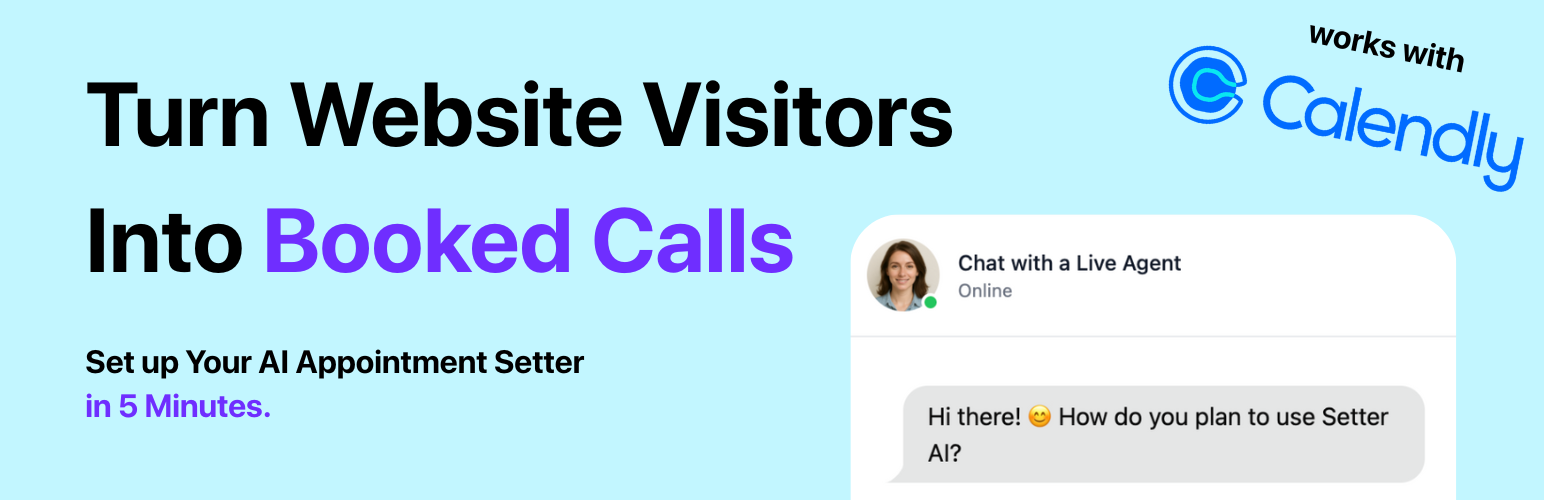
Setter AI是一個為了預約預訂和引導產生銷售機會而開發的AI聊天機器人,在任何WordPress網站上都可以嵌入智能聊天氣泡。它能夠迎接訪客,以業務特定知識回答問題,透過對話式AI來評估潛在客戶,並將會議直接安排在您的行事曆中(Calendly、Google、Outlook)。
問題與答案:
1. Setter AI提供了哪些關鍵好處?
- 24/7潛在客戶捕捉 – 即時與每個訪客接觸;不再錯失任何詢問。
- 即時排程 – 集成日期時間選擇器,讓潛在客戶現場鎖定時段。
- 業務訓練的AI – 上傳常見問題、服務頁面或PDF文件,讓機器人像經驗豐富的代表一樣銷售。
- 即插即用 – 一鍵安裝;無需編碼或主題編輯。
- 輕量級 – 異步腳本僅添加<30 KB,不會使您的網站速度變慢。
2. Setter AI的典型使用案例有哪些?
- 代理商和自由職業者 – 自動預約發現呼叫。
- 房地產和家庭服務 – 評估潛在客戶,安排看房。
- SaaS和B2B網站 – 取代“預訂演示”表單。
- 教練和診所 – 在您入睡時填滿行事曆。
3. Setter AI與哪些集成服務進行整合?
- Calendly
- Google Calendar
- Outlook
- HubSpot
- Pipedrive
- Zapier
- Make
- 自定義webhooks
參考資料:
- Setter AI所需的外部JavaScript文件,以提供其核心聊天機器人功能性,可在jsDelivr上進行托管:https://cdn.jsdelivr.net/gh/trysetter/website-widget@releases/chatbot-widget.js
- 使用此外掛程式時,插件連接到TrySetter – 由插件作者運營的服務,以提供並初始化聊天機器人小部件。用戶必須在https://www.trysetter.com/創建一個免費Setter AI帳戶以獲取Bot Integration ID。
- 通過使用此插件,遊客數據(例如IP地址、瀏覽器類型和交互歷史)可能會被處理以用於功能性、個性化和分析。Setter AI還可能連接到第三方服務(例如Calendly、Google Calendar)以提供預訂功能。
支援:
有問題嗎?您可以在https://www.trysetter.com與我們聊天,或發送郵件至[email protected]。我們將在一個工作日內回覆。
外掛標籤
開發者團隊
② 後台搜尋「Setter AI – AI Chatbot for Appointment Booking & Lead Generation」→ 直接安裝(推薦)
原文外掛簡介
Setter AI – AI Chatbot for Appointment Booking & Lead Generation embeds a smart chat bubble on any WordPress site.
It greets visitors, answers questions with business-specific knowledge, qualifies prospects through conversational AI, and books meetings directly into your calendar (Calendly, Google, Outlook).
Key Benefits
24/7 lead capture – Engage every visitor instantly; no more missed inquiries.
Instant scheduling – Integrated date-time picker lets prospects lock a slot on the spot.
Business-trained AI – Upload FAQs, service pages, or PDFs so the bot sells like a seasoned rep.
Plug-and-play – One-click install; no coding or theme edits required.
Lightweight – Asynchronous script adds <30 KB and won’t slow your site.
Typical Use Cases
Agencies & freelancers – auto-book discovery calls
Real-estate & home services – qualify leads, schedule viewings
SaaS & B2B sites – replace “Book a demo” forms
Coaches & clinics – fill calendars while you sleep
Integrations
Calendly • Google Calendar • Outlook • HubSpot • Pipedrive • Zapier • Make • Custom webhooks
External Services
This plugin relies on an external JavaScript file to provide its core chatbot functionality. The script is hosted on jsDelivr: https://cdn.jsdelivr.net/gh/trysetter/website-widget@releases/chatbot-widget.js
This script is required to load and run the Setter AI chatbot widget on your site. Without it, the plugin cannot display or operate the chat interface.
When used, the plugin connects to TrySetter — a service operated by the plugin author — to serve and initialize the chatbot widget. Users must create a free Setter AI account at https://www.trysetter.com/ to obtain a Bot Integration ID.
By using this plugin, visitor data such as IP address, browser type, and interaction history may be processed for functionality, personalization, and analytics. Setter AI may also connect to third-party services (e.g., Calendly, Google Calendar) for booking features.
Service Provider: TrySetter
– Script source: https://cdn.jsdelivr.net
– Terms: https://www.trysetter.com/terms-and-conditions
– Privacy Policy: https://www.trysetter.com/privacy
Support
Questions? Chat with us at https://www.trysetter.com or email [email protected]. We reply within one business day.