
外掛標籤
開發者團隊
原文外掛簡介
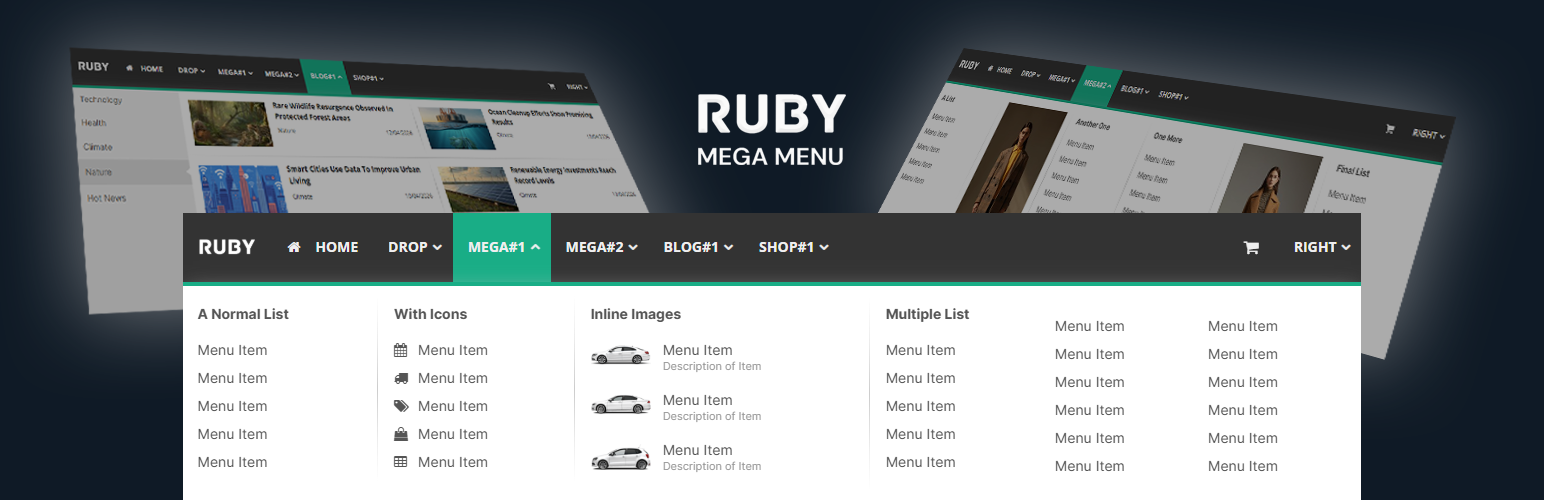
Ruby Mega Menu replaces your default navigation with a fully-featured menu builder — no page builder required, no CSS hacks.
Build three types of menus side-by-side in the same menu bar:
Classic Dropdown — Up to 3 nested sub-levels with icons, link targets, and custom URLs.
Classic Mega Menu — Multi-column layouts with lists, images, image-link cards, and image+list combinations.
Content Tabs (Vertical) — Auto-pulls your latest blog posts by category into a tabbed reading experience.
Features
Drag-and-drop menu builder in the WordPress admin
5 mega menu column types (normal list, list with images, multiple lists, image link, image + list)
4 blog layouts for the vertical tabs menu (4-col grid, 3-col grid, 2-col grid, flat list)
300+ Font Awesome icons
Full typography control — Google Fonts, size, weight per menu region
Full color customization — every element has its own color picker
Responsive design — mobile hamburger menu with slide-in navigation
Content separators, dividers, right-aligned menu items
Header mode with custom height, background color, or image
FSE theme support via [rubymm_rubymenu] shortcode
Replace the theme’s default navigation in specific menu locations or globally
Compatible with popular themes (Avada, The7, Astra, GeneratePress, and most others)
Documentation
Full documentation available at docs.rubymegamenu.com.
Full video tutorial available at Youtube










