內容簡介
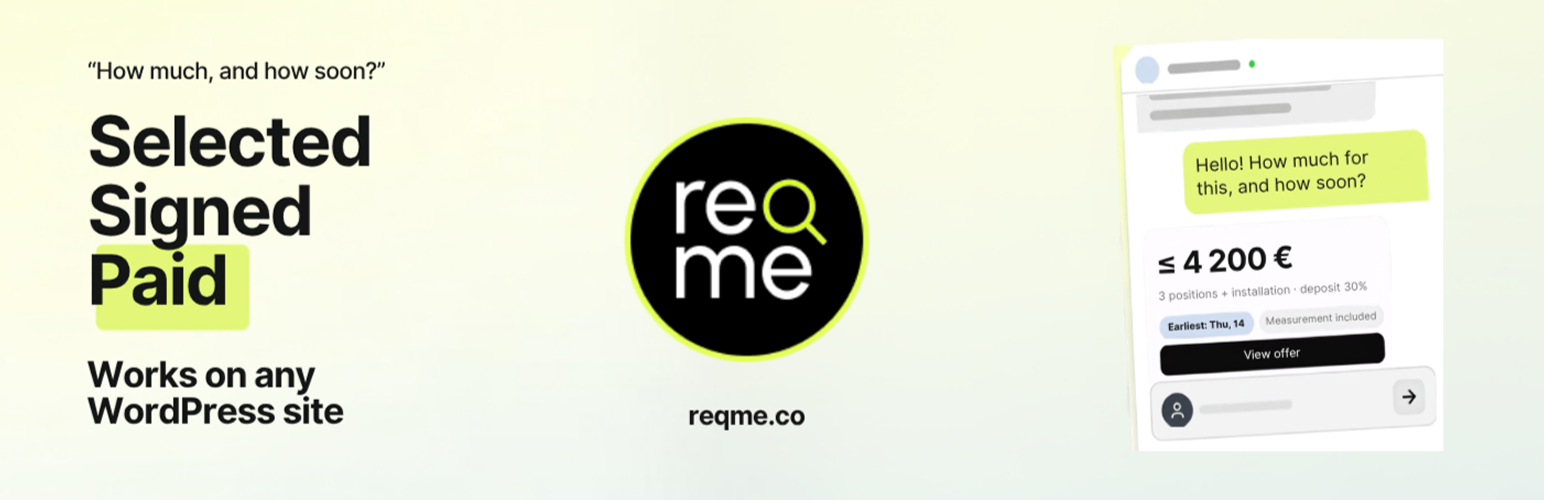
Reqme 是一款能夠將訪客轉化為付費客戶的 AI 聊天機器人外掛,提供即時報價、合約及發票功能,並可自動處理客戶詢問,讓您隨時隨地都能獲得業務機會。
【主要功能】
• 24/7 全天候 AI 聊天按鈕或聊天欄
• 即時報價與可用性回覆
• 自動生成提案、合約與發票
• 在線支付以完成交易
• 與 Reqme 帳戶連接,簡化設定
外掛標籤
開發者團隊
② 後台搜尋「Reqme – AI Chatbot for Quotes, Contracts & Invoices」→ 直接安裝(推薦)
原文外掛簡介
Add an AI chatbot to your WordPress site that turns visitors into paying clients. It answers “how much and how soon?”, collects the job details, sends a quote and contract, and takes payment — automatically, without you replying by hand.
What you get:
An AI chat button (or full-width chat bar) on every page.
Instant answers to pricing and availability questions.
Quotes, proposals and contracts generated and sent for you.
Invoices and online payment to close the deal.
Every request organized in your Reqme dashboard.
Stop losing leads who message after hours or never hear back. The chatbot works 24/7 and hands you deals that are already answered, signed, and paid.
The plugin connects your site to your Reqme account. Services, AI behaviour, documents, and payments are configured once in the Reqme app — see the FAQ.
Features
AI chat button or docked chat bar, on every page, 24/7.
Instant quotes and availability answers to visitor questions.
Multilingual: chat page and AI replies in the languages you set in the Reqme app.
Automatic proposals, contracts, and invoices.
Online payment to close deals from the chat.
Connect with your Reqme API key, or create an account from the plugin.
Place the button bottom-left or bottom-right, with optional pulse styling.
Use the Reqme icon, your site logo, or a custom uploaded button logo.
Lazy-loads the chat only after a visitor opens it — no page-speed hit.
Optional page attribution for WordPress-originated requests.
Reqme Activity page to copy the public request link and jump into requests and AI conversations.
External Service Notice
This plugin connects your WordPress site to the Reqme platform (https://reqme.co) through the Reqme API. When the plugin is connected and active, Reqme may receive:
The API key entered by an administrator.
Visitor conversation/request data submitted through the embedded Reqme experience.
Optional page attribution for plugin-originated conversations, including page URL, page title, referrer, UTM parameters, and button placement when enabled by an administrator.
The embedded Reqme experience is loaded only after the visitor opens the request button. Data is transmitted over HTTPS. Review:
Reqme Privacy Policy: https://reqme.co/privacy
Reqme Terms of Service: https://reqme.co/terms
No visitor conversation data is sent until the plugin is connected and the request button is used.