[WordPress] 外掛分享: QuoteFrameShare – Beautiful Blockquotes with Citation, Copy & Social Share

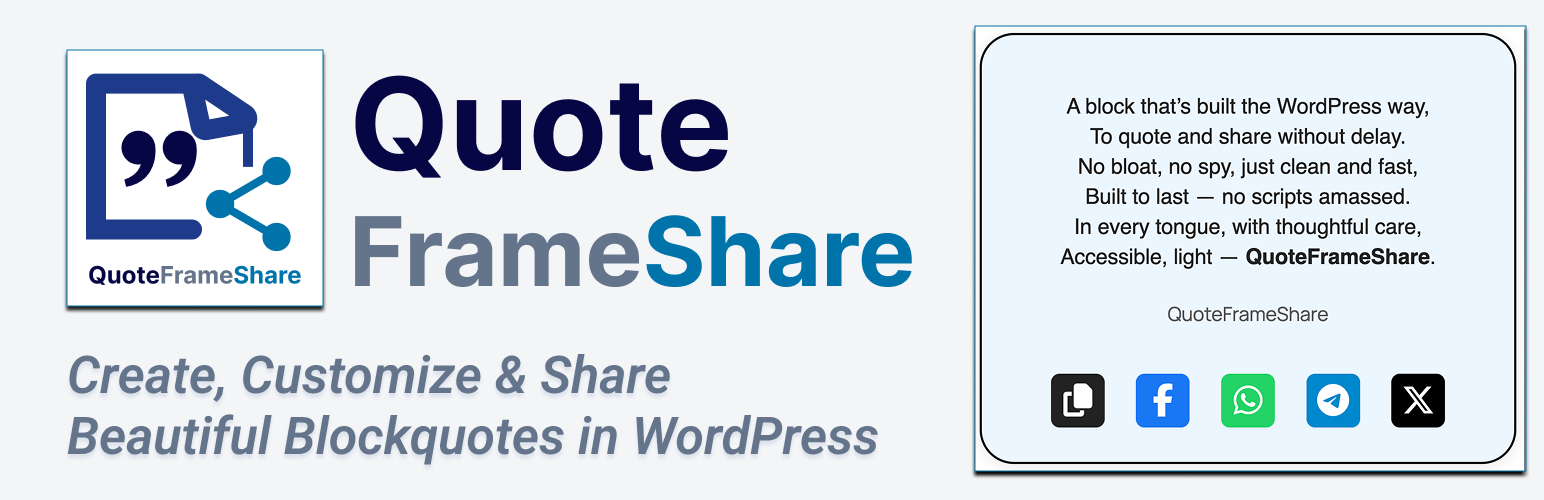
WordPress 外掛 QuoteFrameShare – Beautiful Blockquotes with Citation, Copy & Social Share 的封面圖片。

前言介紹

  • 這款 WordPress 外掛「QuoteFrameShare – Beautiful Blockquotes with Citation, Copy & Social Share」是 2025-07-22 上架。
  • 目前有 20 個安裝啟用數。
  • 上一次更新是 2025-07-26,距離現在已有 214 天。
  • 外掛最低要求 WordPress 5.8 以上版本才可以安裝。
  • 外掛要求網站主機運作至少需要 PHP 版本 7.0 以上。
  • 有 2 人給過評分。
  • 還沒有人在論壇上發問,可能目前使用數不多,還沒有什麼大問題。

外掛協作開發者

hchouhan | mkrndmane | hellosatya | bhargavbhandari90 |

外掛標籤

quotes | gutenberg | blockquote | social share | copy to clipboard |

內容簡介

總結:
QuoteFrameShare 是一個現代的 WordPress 引言外掛與 Gutenberg 区块,可以添加優雅的引文、選擇性引述、一鍵複製和社交分享按鈕。這是一個輕量、尊重隱私的區塊外掛,與任何 WordPress 主題兼容,無需繁瑣追蹤資訊。無論您是分享啟發人心的話語還是轉化見解,QuoteFrameShare 都能幫助您以美觀的方式呈現。

問題與答案:
1. QuoteFrameShare 是一個什麼樣的 WordPress 外掛?
- QuoteFrameShare 是一個現代的 WordPress 引言外掛與 Gutenberg 區塊,可以添加優雅的引文、選擇性引述、一鍵複製和社交分享按鈕。

2. 這個外掛適合哪些人使用?
- QuoteFrameShare 適合內容創作者、詩人、作家和故事講述者使用,非常適合展示引言、推薦、詩句或一口智慧。

3. QuoteFrameShare 提供了什麼特點?
- 這個外掛可以讓您在幾秒中內添加時尚、響應式的引文;讓訪客通過 Facebook、WhatsApp、Telegram 和 Twitter 進行引用或分享;自定義字體、顏色、邊框等以符合您網站的風格;以私密性為原則,無追蹤、無升級、無外部資產;擁有乾淨的標記,易於使用的控制功能,並且是行動設備友好的。

原文外掛簡介

Add stylish quotes with citation, copy, and social share. Lightweight, privacy-friendly block plugin that works with all WordPress themes.
QuoteFrameShare – Create, Customize & Share Beautiful Blockquotes in WordPress
QuoteFrameShare is a modern WordPress quote plugin and Gutenberg block that lets you add elegant blockquotes with optional citations, copy-to-clipboard, and social share buttons.
Designed for content creators, poets, authors, and storytellers, it’s perfect for showcasing quotes, testimonials, verses, or bite-sized wisdom.
Lightweight, privacy-first, and compatible with any theme — this block plugin delivers fast performance without bloat or tracking. Whether you’re sharing words that inspire or insights that convert, QuoteFrameShare helps you do it beautifully.

Fast & Easy: Add stylish, responsive blockquotes in seconds.
Increase Engagement: Let visitors copy or share quotes via Facebook, WhatsApp, Telegram, and X (Twitter).
Fully Customizable: Adjust fonts, colors, borders, and more to match your site.
Private by Design: 100% open source, no tracking, no upsells, no external assets.
SEO & Accessibility: Clean markup, accessible controls, and mobile ready.

Features

Gutenberg Block: Place blockquotes anywhere in posts/pages.
Design Controls: Customize background, text, border, shadow, padding, margin, and width.
Separate Typography: Control fonts for quote and citation independently.
Citation Field: Attribute quotes easily.
Copy to Clipboard: With instant “Copied!” feedback.
Social Share Buttons: Toggle Facebook, WhatsApp, Telegram, and X (Twitter) per block.
Font Awesome Icons: Choose your icon; always in official brand colors.
Mobile Friendly: Touch-optimized, inline icons, fully responsive.
Multilingual: Compatible with any language or script.
Bundled Assets: No external requests—for privacy and speed.

Support & Feedback
For issues, feature requests, or contributions, open an issue or pull request on GitHub.
License
GPLv2 or later
https://www.gnu.org/licenses/gpl-2.0.html


各版本下載點

  • 方法一:點下方版本號的連結下載 ZIP 檔案後,登入網站後台左側選單「外掛」的「安裝外掛」,然後選擇上方的「上傳外掛」,把下載回去的 ZIP 外掛打包檔案上傳上去安裝與啟用。
  • 方法二:透過「安裝外掛」的畫面右方搜尋功能,搜尋外掛名稱「QuoteFrameShare – Beautiful Blockquotes with Citation, Copy & Social Share」來進行安裝。

(建議使用方法二,確保安裝的版本符合當前運作的 WordPress 環境。


3.2.0 | trunk | 3.2.0.1 |

延伸相關外掛(你可能也想知道)

  • Classic Editor 》Classic Editor 是由 WordPress 團隊維護的官方外掛程式,可還原之前(也就是「經典」)的 WordPress 編輯器和「編輯文章」畫面,使使用者可以使用延伸這個畫...。
  • Advanced Editor Tools 》高級編輯工具(以前稱為 TinyMCE Advanced)引入了一個「經典段落」區塊,供區塊編輯器(Gutenberg)使用。, 如果您還沒有準備好切換到區塊編輯器,或者有插...。
  • Classic Widgets 》Classic Widgets 是由 WordPress 團隊維護的官方外掛,能夠恢復先前(即「經典」)的 WordPress widgets 設定畫面。該外掛將於 2024 年或必要時保持支援和維...。
  • Starter Templates – AI-Powered Templates for Elementor & Gutenberg 》免費模板,支援 Elementor、Beaver Builder 和 Block Editor, 使用 Starter Templates 外掛,只需數分鐘即可建立專業且完美的網站。此外掛為使用者提供超過 2...。
  • Spectra Gutenberg Blocks – Website Builder for the Block Editor 》a.com/tutorials/?utm_source=wp-repo&utm_medium=link&utm_campaign=readme" rel="nofollow ugc">Spectra tutorials, you can easily learn how to ...。
  • Kadence Blocks — Page Builder Toolkit for Gutenberg Editor 》Kadence Blocks 是一個 WordPress 外掛,它附加自訂區塊和選項,擴展了 Gutenberg 編輯功能,使您能夠輕鬆創建美麗的網站,而不需要任何程式編寫。Kadence Bl...。
  • Disable Gutenberg 》此外掛可禁用新的 Gutenberg 編輯器 (也稱為區塊編輯器),並以經典編輯器取代它。你可以完全禁用 Gutenberg,或從文章、頁面、角色、文章類型和主題模板中有...。
  • Extendify 》Extendify 是一個網站設計和製作工具平台,提供豐富的圖案和全頁面佈局,可用於 Gutenberg 區塊編輯器,幫助人們建立美麗的 WordPress 網站。, 使用 Extendif...。
  • Otter Blocks – Gutenberg Blocks, Page Builder for Gutenberg Editor & FSE 》Otter 是一款 Gutenberg Blocks 頁面建構外掛,可為 WordPress Block Editor(又稱 Gutenberg)添加額外功能,讓您享受更好的頁面建構體驗,而無需使用傳統的...。
  • Page Builder Gutenberg Blocks – CoBlocks 》, 注意:對於已受 CoBlocks 3.0.0 版本影響的使用者,請查看我們在 WordPress.org 支援論壇文章,如果您需要支援,請建立新的主題帖。, , CoBlocks 是新版 Gu...。
  • AI Powered Starter Templates by Kadence WP 》用三個滑鼠點擊建立一個美觀的「效能優化」網站, 在幾分鐘內創建和自定義專業設計的網站。, Kadence Starter Templates 為您提供使用 WordPress 區塊構建器的...。
  • GenerateBlocks 》將不同的功能整合至編輯器,但並不會因為過多的一維方塊造成內容過於臃腫。使用 GenerateBlocks,您只需深入學習少量的方塊,即可用於創建任何內容。, Genera...。
  • Gutenberg Essential Blocks – Page Builder for Gutenberg Blocks & Patterns 》使用 Essential Blocks for Gutenberg,即可實現您的創意視覺效果,這是適用於 WordPress 的最終區塊庫!, 使用我們易於使用的區塊,增強您使用 Gutenberg 的...。
  • VK Blocks 》這是一個擴充 Gutenberg 模塊的外掛。, [ 模塊 ], , 成員, 外框, 警示, 常問問題, 氣球, 流, 按鈕, 公關模塊, 公關內容, 邊框盒, 標題(帶副標題), 響應間距...。
  • Stackable – Page Builder Gutenberg Blocks 》終極與古鐸版衣搭檔, Stackable 是您一直在等待的終極可靠古鐸版衣搭檔。使用堅強、輕便的自訂區塊、現成設計、UI套件、全域設定和高級自訂選項建立動態網站...。

文章
Filter
Apply Filters
Mastodon