
內容簡介
<html>
<body>
<h3>總結:</h3>
<p>此外掛程式在新文章、頁面或自訂文章型別發佈時,將發送電子郵件通知。</p>
<h3>問題與答案:</h3>
<ul>
<li>
<strong>這個外掛程式通常用來發送哪些通知?</strong>
<p>當新文章、頁面或自訂文章型別被發佈時。</p>
</li>
<li>
<strong>使用者可以針對每個文章型別設定哪些郵件接收者?</strong>
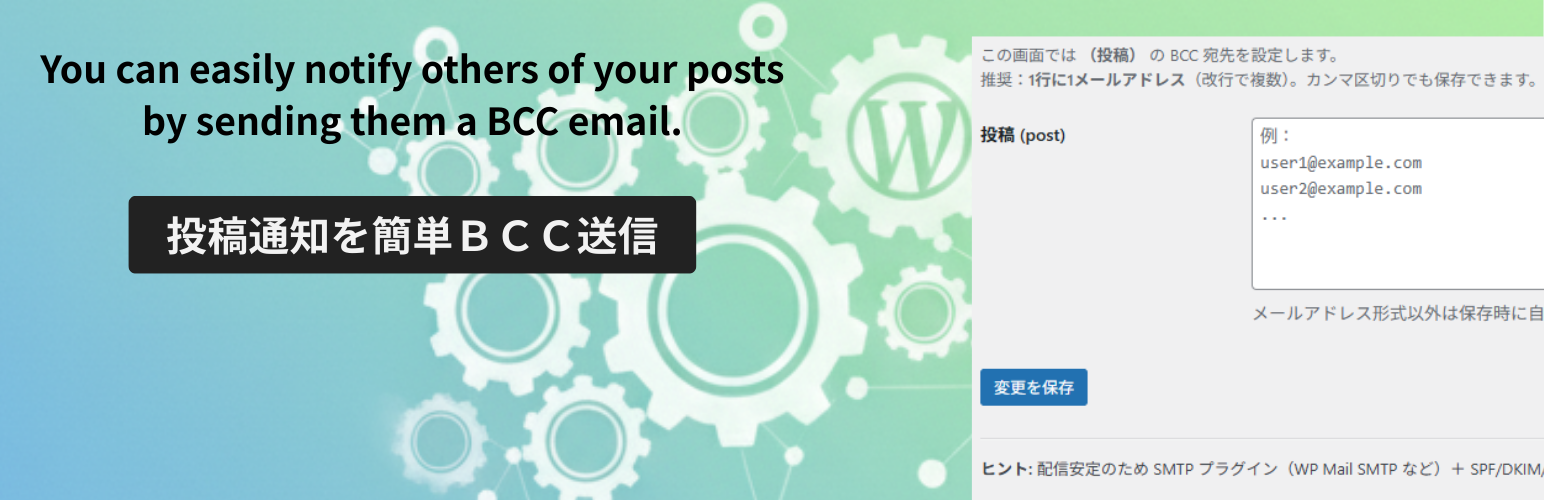
<p>可以設定不同的電子郵件收件人 (BCC)。</p>
</li>
<li>
<strong>如何在外掛設置中方便管理郵件接收者?</strong>
<p>從設置頁面中輕鬆管理,按照文章、頁面和自訂文章型別進行分類。</p>
</li>
<li>
<strong>通知何時被發送?</strong>
<p>僅當已為該文章型別配置了BCC收件人時才發送。網站管理員的電子郵件地址將作為「To」地址。</p>
</li>
<li>
<strong>電子郵件何時會被發送?</strong>
<p>僅在首次發佈時發送,並非在之後的更新中發送。</p>
</li>
</ul>
</body>
</html>
外掛標籤
開發者團隊
原文外掛簡介
This plugin sends an email notification when a new post, page, or custom post type is published.
Targeted Notifications: Set different email recipients (BCC) for each post type.
Simple Interface: Manage recipients easily from the settings page, separated by Posts, Pages, and Custom Post Types.
Smart Sending: Notifications are only sent when BCC recipients are configured for that post type. The site administrator’s email is used as the “To” address.
First Publish Only: Emails are sent only on the first publication, not on subsequent updates.
This is perfect for notifying team members or stakeholders when new content goes live.














