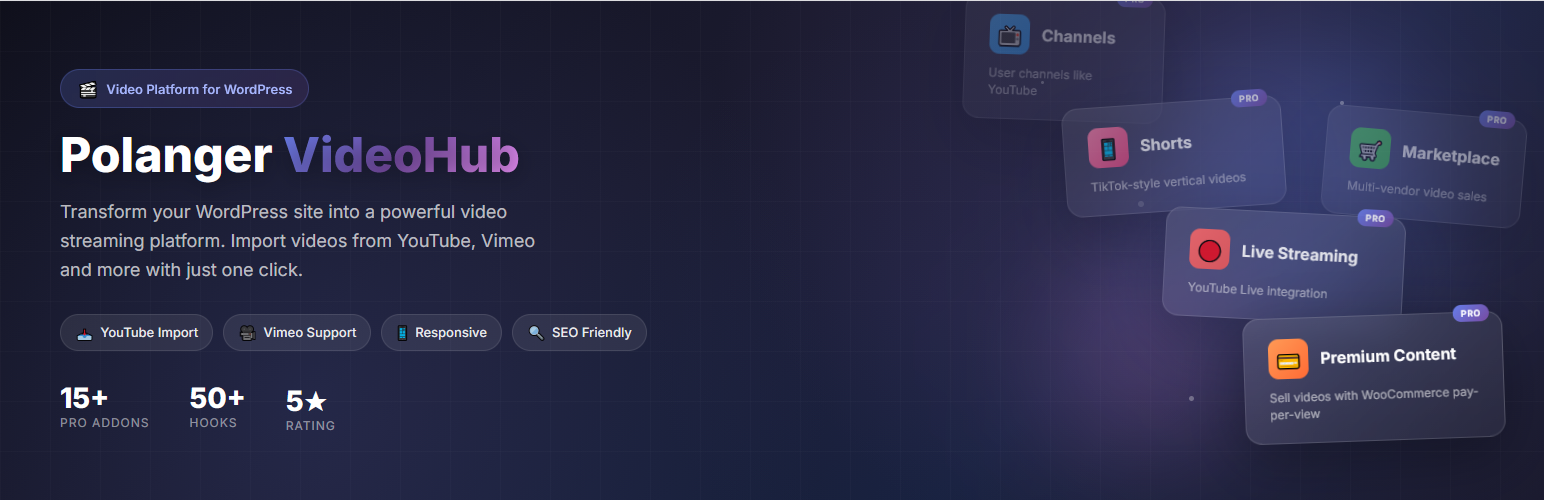
內容簡介
Polanger VideoHub Lite 是一款免費的 WordPress 影片外掛,能將您的網站轉變為類似 YouTube 的專業影片分享平台,適合影片部落客、教育工作者及企業使用。
【主要功能】
• 類似 YouTube 的介面設計
• 支援多種影片來源
• 批次匯入 YouTube 頻道或播放清單
• 自訂文章類型專為影片設計
• 影片觀看次數統計
• 自動顯示相關影片
外掛標籤
開發者團隊
② 後台搜尋「Polanger VideoHub – Build Your Own Video Platform」→ 直接安裝(推薦)
原文外掛簡介
VideoHub helps you turn a WordPress site into a clean, responsive video platform. Publish self-hosted videos, embed videos from popular providers, organize content with categories, tags, and playlists, and give visitors a familiar video browsing experience. Use it as a video gallery, video player system, video playlist manager, or full video library for your site.
The free core provides everything needed to publish, organize, and display videos on WordPress. It includes the video content type, playlist support, video categories and tags, a responsive player, comments, reactions, search, homepage sections, shortcodes, and admin tools.
Supported Languages
VideoHub is translation-ready and includes bundled language files for:
English
Turkish
Spanish
German
Brazilian Portuguese
Russian
French
Italian
Japanese
Simplified Chinese
Resources
Product Page
Documentation
Live Demo
Developer Documentation
GitHub
When a site needs more advanced workflows, VideoHub can be extended with optional official addons. Paid addons are sold separately on Polanger.com and are not required for the free core video publishing experience.
What You Can Build
A video gallery or media library
A self-hosted video platform
A modern video homepage
Category-based video sections
Playlists and curated video collections
A searchable video archive
A community video platform with optional member, upload, channel, monetization, live, and mobile-app features
Core Features
Video Content Type – Manage videos from a dedicated VideoHub admin area
Multiple Video Sources – Use YouTube, Vimeo, Dailymotion, self-hosted videos, and supported embed providers
Responsive Player – Clean video playback layout for desktop, tablet, and mobile
Playlists – Create playlist pages and embed playlists with shortcodes
Categories and Tags – Organize videos with dedicated taxonomies
Homepage Sections – Display hero, latest videos, trending videos, playlists, and category sections
PVH Comments – Advanced video comments with replies, voting, mentions, moderation, and WordPress discussion integration
PVH Reactions – Like, dislike, share, and report actions for videos
PVH Search – Advanced video search with filters for type, date, duration, category, and sorting
View Counter – Track video views and show view counts on the frontend
Related Videos – Show related content on single video pages
Shortcodes – Add VideoHub layouts to pages, posts, and builders
Template Overrides – Override templates from your theme when deeper customization is needed
Video Engine API – Let themes and other plugins select, render, and check access for VideoHub videos
Translation Ready – Built with WordPress internationalization functions
Optional Official Addons
Extend VideoHub only when your project needs the extra workflow:
PVH Shorts Addon – Vertical short-form videos with fullscreen swipe playback
PVH Auth, PVH Community, PVH Channels, PVH Uploads Addons Pack – Frontend login/register, user profiles, the new community wall and messaging experience, channels, subscriptions, and user uploads
PVH Ads Addon – Pre-roll, mid-roll, display, in-feed, and shorts ad placements with analytics
Premium Content, Marketplace Addons Pack – Sell individual videos through WooCommerce and manage vendor earnings
Live Streaming Addon – Live stream pages for supported streaming providers and paid live access workflows
Media Optimizer Addon – FFmpeg-based optimization for self-hosted MP4 videos
Live Chat Addon – Real-time chat for videos and live streams
PVH Navigation Panel Addon – Sidebar navigation for a familiar video platform layout
Progressive Web App Addon – Installable app-like experience for visitors
Shortcodes
[pvh_home] – Display the VideoHub homepage layout
[pvh_videos] – Display a video grid
[pvh_video id="123"] – Display a single video player
[pvh_playlist id="123"] – Display a playlist
[pvh_categories] – Display video categories
[pvh_search] – Display the VideoHub search interface
Addon shortcodes become available when the related addon is installed and active.
Developer Documentation
VideoHub includes developer documentation for hooks, filters, addon development, template overrides, shortcodes, and the Video Engine API.
VideoHub manages videos so other plugins do not have to. A third-party plugin can save a VideoHub video ID and render it safely:
echo pvh_render_video( 123, array( 'context' => 'lesson' ) );
Developers can also query videos for custom layouts:
$videos = pvh_get_videos( array( 'category' => 'education', 'limit' => 12 ) );
For admin integrations, add a VideoHub picker to your custom post type:
add_filter( 'pvh_video_picker_post_types', fn( $types ) => array_merge( $types, array( 'lesson' ) ) );
Documentation
Developer documentation
GitHub