內容簡介
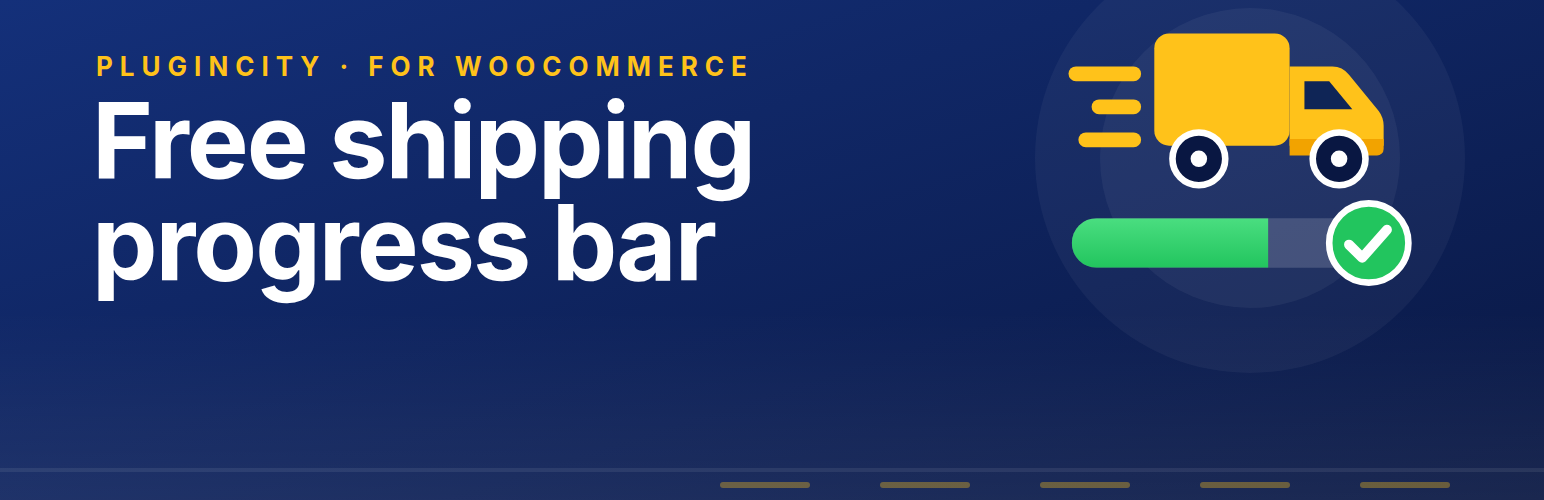
PluginCity Free Shipping Bar for WooCommerce 是一款幫助商店顯示免費運送進度條的外掛,讓顧客在結帳時清楚了解還需消費多少才能享受免費運送。進度條會隨著購物車內容自動更新,提升顧客的購物體驗。
【主要功能】
• 顯示距離免費運送的進度條
• 自訂進度條顯示位置
• 支援短碼 [fsbwc_bar] 放置於其他頁面
• 自訂顏色與形狀選項
• 高效能訂單儲存相容性
• 設定匯入與匯出功能
外掛標籤
開發者團隊
② 後台搜尋「PluginCity Free Shipping Bar for WooCommerce」→ 直接安裝(推薦)
原文外掛簡介
Most shops offer free shipping over an amount, and most customers never find out. PluginCity Free Shipping Bar for WooCommerce puts a free shipping progress bar in front of them: a sentence saying what is left to spend, and a bar that fills as they add to their cart.
Type in the amount your shop gives free shipping at, choose where the bar should appear, and that is the setup finished. The bar keeps itself up to date as the cart changes, without the page having to reload.
Nothing is ever blocked. A customer who does not reach the amount pays for shipping as normal — the bar is a nudge, not a rule.
What you get
A progress bar showing how close the cart is to free shipping
Your choice of where it appears: the cart page, the checkout, the mini-cart widget, or any combination
A shortcode, [fsbwc_bar], to put the bar anywhere else on your site
A reminder sentence you write yourself, which can be turned off if you would rather show the bar on its own
Two shapes: rounded, or square
Your own colours for the bar, the progress fill and the text
A choice of effect on the fill: moving stripes, a passing shine, a gentle pulse, or none
Every string in one place, on the Localization tab, ready to translate or reword
A check against your real shipping settings, so you are told if the bar is naming an amount your checkout will not honour
Settings import and export, so a configuration can be carried to another shop or kept as a backup before you change it
Works with the classic cart and checkout and with the Cart and Checkout blocks
High-Performance Order Storage compatibility
The free version is permanent. It does not expire, needs no licence key, and never contacts PluginCity.
Not every customer is measured against the same figure. Wholesale accounts often earn free shipping at a different amount from retail ones, and most shops that deliver abroad charge for it differently depending on where an order is going. Pro gives a role its own amount or takes the bar away from a role that already gets free delivery, reads each customer’s own amount from your shipping zones, runs a free delivery weekend that starts and stops on its own, leaves gift cards and bulky goods out of the total, marks the moment a cart earns free shipping with a colour and a celebration of its own, pins the bar to every page of your shop rather than only the cart, and tells you how many orders reached the amount after seeing the bar.
PluginCity Free Shipping Bar Pro is a separately distributed paid version. It is not included in this plugin and is not downloaded or installed by it.
Configuration
Turn the bar on.
Check the amount, which is already filled in from your WooCommerce free shipping method. Changing it here changes that method to match, so the bar and your checkout cannot drift apart. Tick Set my own amount only if the bar should show something else and your shipping settings should be left alone, such as when your zones give free shipping at different amounts.
Tick the places you want the bar: the cart page, the checkout, the mini-cart widget.
Choose the shape, the colours and the effect. The preview on the settings screen is your own bar, so you can see each change as you make it.
Reword the two sentences on the Localization tab if you want to.