外掛標籤
開發者團隊
② 後台搜尋「Notice Bar Block – Sticky Announcement Banner & Notification Bar」→ 直接安裝(推薦)
原文外掛簡介
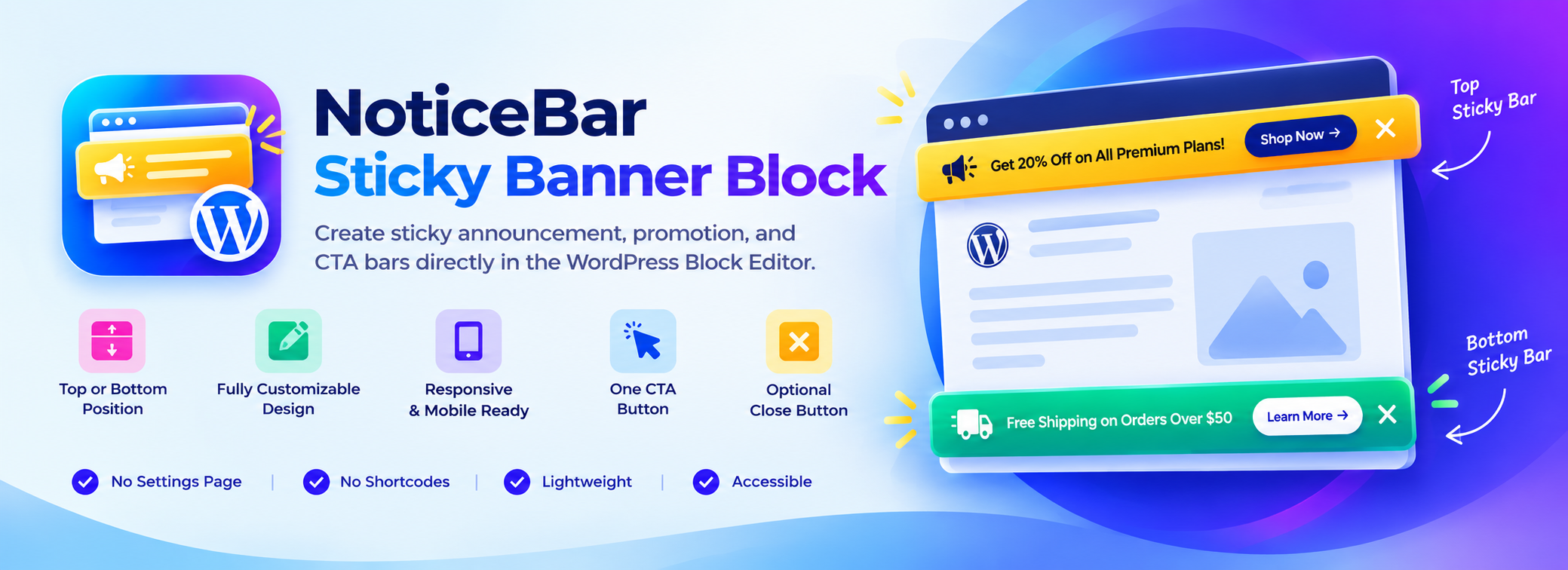
Notice Bar Block is a fast, lightweight, and modern WordPress block designed to display high-converting sticky notice bars, top notification banners, announcement bars, sales countdown timers, coupon code badges, and call-to-actions directly in the WordPress Block Editor (Gutenberg).
Whether you want to highlight a limited-time flash sale, promote a coupon code, announce free shipping, or notify visitors of urgent maintenance, Notice Bar Block gives you full visual design control inside the block editor—with zero settings pages, zero shortcodes, and zero bloated third-party libraries.
Why Notice Bar Block?
Native Block Editor Experience: Edit everything visually in Gutenberg using native block controls for colors, gradients, typography, margins, padding, and borders.
Push Page Content Down: Automatically pushes site headers and navigation menus down dynamically so your sticky notice bar never covers your logo or navbar.
Boost Sales & Urgency: Includes a live countdown timer and 1-click copy coupon code badge to drive instant conversions.
Blazing Fast Performance: Frontend script is ~1 KB of vanilla JavaScript with no jQuery and no dependencies. Loads only on pages where the block is used.
11 Ready-to-Use Designer Presets: Get started in seconds with pre-built styles for flash sales, Black Friday, coupons, webinars, hiring, and announcements.
Features
Top or bottom placement: Stick notice bars to the top or bottom of the screen with adjustable z-index and offset.
Push page content down: Dynamically calculates bar height and offsets your page content, navigation bar, and sticky headers so nothing is obscured.
Live countdown timer: Add urgency to your promotions with a ticking countdown clock (Days : Hours : Mins : Secs) and customizable end message.
Click-to-copy coupon badge: Offer discount codes with instant 1-click clipboard copy and animated “Copied!” feedback.
Display triggers: Show notice bars immediately on page load, after a time delay (seconds), or when visitors scroll down a percentage (%) of the page.
11 Starter presets: One-click presets for Announcement, Flash Sale with Countdown, Black Friday Neon, Coupon Discount, Free Shipping, Minimalist SaaS, Halloween Special, Live Webinar, Maintenance Alert, We’re Hiring, and Bottom CTA bars.
Call-to-action button: Add a prominent CTA button with URL, target option (_blank), custom colors, padding, border radius, and typography.
Dismiss & close button: Optional close button with session storage (until browser tab closes) or local storage (device level) memory so closed bars stay hidden.
Rich content editing: Use native Gutenberg blocks (Paragraphs, Headings, Links, Bold, Italic, Emoji) inside the notice bar.
Design & styling controls: Customize background colors, gradients, text color, typography, borders, shadows, padding, gap, and content max-width.
Responsive visibility: Choose to display or hide the notice bar specifically on desktop, tablet, or mobile devices.
Smooth entrance animations: Choose between subtle fade or slide-in entrance animations.
Respects WordPress admin bar: Automatically offsets top notice bars when the WordPress admin toolbar is present for logged-in users.
Lightweight & Fast by Design
Pure Vanilla JavaScript: The frontend script is approximately 1 KB and handles the close button, countdown timer, coupon copy, and content push-down with zero jQuery.
Conditional Asset Loading: CSS and JavaScript are enqueued ONLY on pages that contain a Notice Bar block.
No Database Overhead: No custom database tables, no tracking scripts, no bloatware, and no slow AJAX or external API calls.
Accessible (a11y)
Uses semantic HTML and accessible ARIA attributes (role="region" with accessible labels).
Keyboard accessible: press Escape while focused inside the bar to dismiss it.
Close button is hidden if JavaScript is disabled, preventing broken interactions.
Respects users’ prefers-reduced-motion operating system preferences by automatically disabling animations.
Development
Public source code repository:
https://github.com/wpbranddigital/noticebar-sticky-banner-block
Build Instructions:
npm install
npm run build
npm run start (development)
Notice Bar Block is built using @wordpress/scripts.