
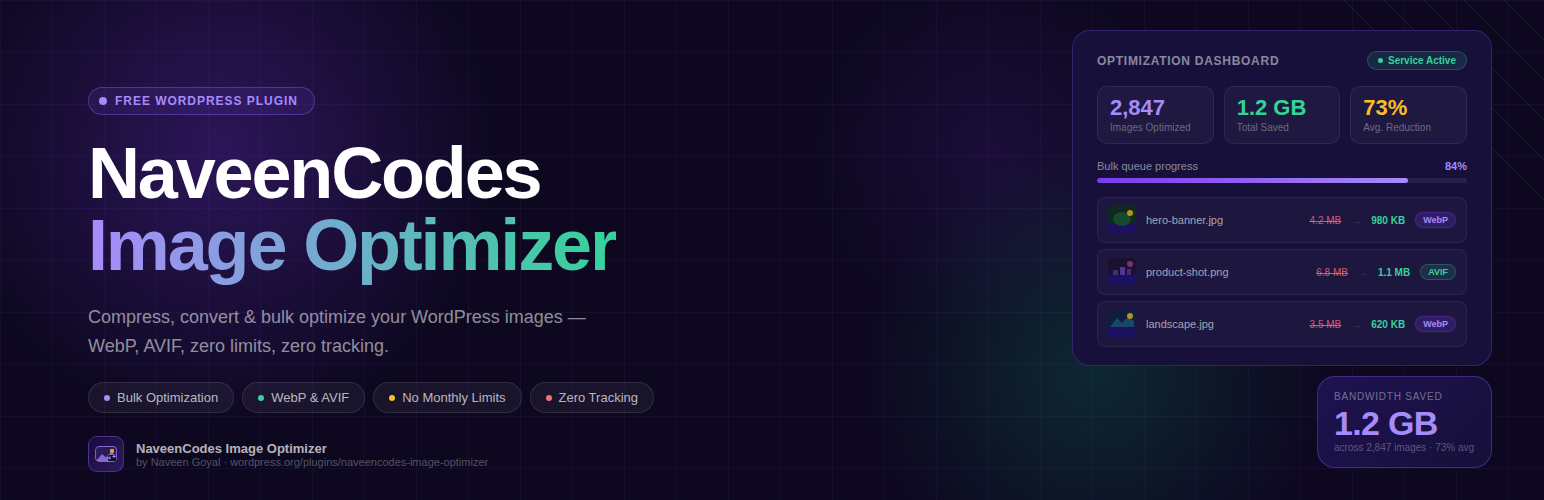
內容簡介
NaveenCodes Image Optimizer 是一款幫助您在 WordPress 網站上壓縮圖片的外掛,無需鎖定功能、追蹤代碼或干擾性推銷。它支援自動上傳優化、大量處理媒體庫中的現有項目,並提供清晰的優化前後報告,方便管理員驗證變更。
【主要功能】
• 自動上傳優化
• 批量處理媒體庫圖片
• 完整的壓縮設定控制
• 優化前後報告
• 儀表板分析功能
外掛標籤
開發者團隊
原文外掛簡介
NaveenCodes Image Optimizer helps you compress images across your WordPress site without feature locks, tracking code, or disruptive upsells. It supports automatic upload optimization, bulk processing for existing Media Library items, and clear before-and-after reporting so administrators can verify what changed.
The plugin is designed to stay simple in wp-admin. Site registration is automatic after activation, the optimization service connection is handled by the plugin, and administrators can manage compression behavior, batch size, resize rules, formats, retries, and metadata handling from one interface.
The plugin is designed to remain fully free:
No locked features
No artificial monthly limits
No ads
No tracking
No upsells
Features include:
Automatic optimization on upload
Async or sync processing modes
Background queue backed by a custom database table
Bulk optimization with progress updates and resume support
Full compression profile controls in wp-admin for quality, resize rules, metadata handling, formats, retries, and batch size
Automatic site-specific API key provisioning after plugin install
Optional WebP and AVIF sidecar generation
Optional backup copies before replacement
Dashboard analytics for images optimized, bytes saved, compression rate, failures, queue status, and service health
Media Library badge and single-image optimization action
Before and after reporting for recently optimized images
Local-only logging for troubleshooting
Optional and non-intrusive donation page
How It Works
New uploads can be optimized automatically.
Existing Media Library images can be queued in bulk.
Individual images can be optimized directly from the Media Library.
The dashboard shows total savings, failures, progress, registration state, and health status.
External Service Disclosure
This plugin connects to an external image optimization service in order to compress images.
Service URL:
https://naveencodes.com
When the plugin communicates with the service, it may send:
The image binary being optimized
Optimization options such as quality, resize width, metadata handling, and output formats
The site URL during automatic site registration
The service is used only for optimization and registration required by the plugin workflow.
No analytics or advertising scripts are included.
No unrelated remote calls are made.
No user account is required.













