
內容簡介
**總結:**
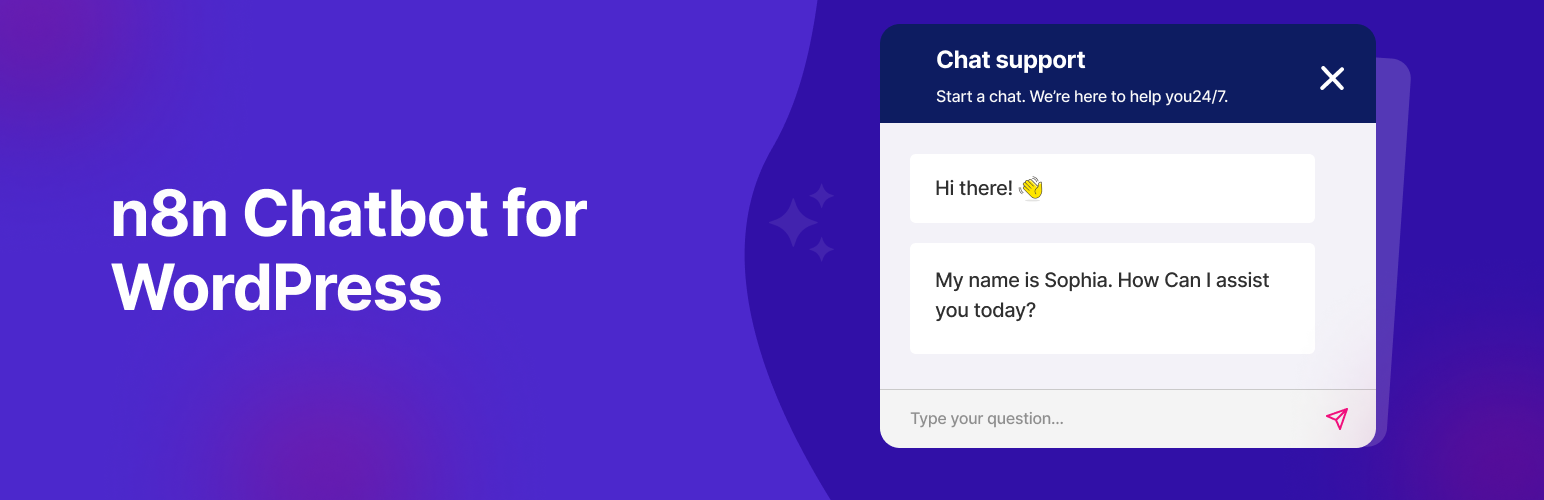
Chatics for WP 可讓您在 WordPress 網站上嵌入美觀且可自訂的聊天小工具。這個聊天小工具直接連接到 n8n 工作流程,透過公共 Webhooks 啟用 AI 聊天代理、自動化機器人或您在 n8n 中構建的任何對話邏輯。
**問題與答案:**
1. Chatics for WP 可以在 WordPress 網站上實現什麼功能?
- 可以在 WordPress 網站上嵌入美觀且可自訂的聊天小工具。
2. 這個聊天小工具如何與 n8n 工作流程相連?
- 這個聊天小工具可以直接連接到 n8n 工作流程透過公共 Webhooks。
3. 該插件的關鍵功能有哪些?
- 可以將任何公共 n8n Webhook 嵌入到您的網站中。
- 可以上傳自定義 SVG 或 PNG 圖標。
- 可以自訂按鈕位置(左側或右側)。
- 可以設置自己的聊天標題和小工具顏色。
- 可以調整聊天 iframe 的縮放級別。
- 可以使用 WordPress 媒體上傳器來選擇圖標。
- 包含默認的回退圖標。
- 可以僅在選定日期和工作時間內顯示聊天機器人。
- 乾淨、可自訂且易於使用。
- 可以進行翻譯(支持 .pot)。
4. 如何獲取您的 n8n 聊天 URL?
- 在 n8n 中使用 Chat Trigger 節點設置工作流程。
- 將其連接到 AI 代理或 OpenAI/GPT 節點。
- 在觸發節點中啟用“使聊天公開可用”。
- 將模式設置為“主持聊天”(推薦)。
- 複製 Webhook URL 並粘貼到插件設定中。
外掛標籤
開發者團隊
原文外掛簡介
Chatics for WP allows you to embed a beautiful and customizable chat widget on your WordPress website. This chat widget connects directly to your n8n workflows through public webhooks, enabling AI chat agents, automation bots, or any conversational logic you build in n8n.
Perfect for:
– AI-powered customer support chat
– Automation-driven assistants
– Chat widgets powered by OpenAI/GPT agents via n8n
– Lead capture & CRM integration (e.g., FluentCRM, Pabbly)
– Email automation
– Trigger external APIs
– Booking assistance via AI
– Workflow orchestration
✨ Key Features
– Embed any public n8n webhook into your site
– Upload custom SVG or PNG icon
– Customize button position (left or right)
– Set your own chat title and widget color
– Adjust zoom level of the chat iframe
– Use WordPress media uploader for icon selection
– Default fallback icon included
– Show chatbot only during selected days & working hours
– Clean, customizable, and easy to use
– Translation-ready (with .pot support)
How to Get Your n8n Chat URL
Set up a workflow in n8n using the Chat Trigger node.
Connect it to an AI agent or OpenAI/GPT node.
Enable “Make Chat Publicly Available” in the trigger node.
Set mode to “Hosted Chat” (recommended).
Copy the Webhook URL and paste into plugin settings.














