外掛標籤
開發者團隊
原文外掛簡介
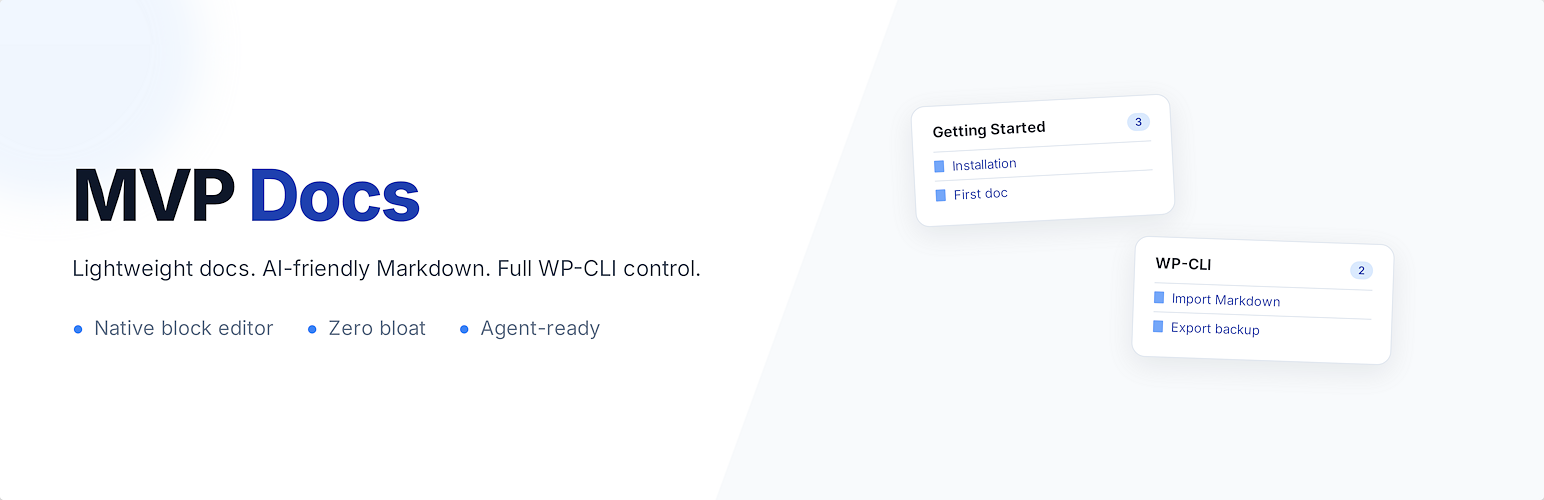
MVP Docs adds a simple documentation system to your WordPress site. It creates a Docs custom post type with categories, a clean archive page, and a markdown import tool — nothing more.
Why MVP Docs?
AI tools like Claude and ChatGPT are excellent at generating documentation in Markdown format. MVP Docs was built to take advantage of that — paste your AI-generated .md files straight into WordPress with a single click. No copy-pasting HTML, no reformatting, no fussing with blocks. Just import and publish.
Beyond the AI workflow, most documentation plugins are overbuilt. They add custom page builders, proprietary editors, dozens of database tables, and megabytes of JavaScript. MVP Docs takes the opposite approach:
Uses the native WordPress block editor
Works with any theme (block themes and classic themes)
Stores content as standard WordPress posts
Loads zero scripts or styles outside of doc pages
No lock-in — your content is just posts and taxonomies
No external dependencies — everything ships with the plugin
Features
Docs post type with archive at /docs/
Doc Categories for organizing content
Search — AJAX-powered typeahead dropdown on the archive and category pages, with a dedicated search results page at /docs/search/
Markdown import — upload a .md file and it converts to native Gutenberg blocks (tables, code blocks, lists, and all GFM features)
Import / Export — export docs, categories, and settings as a JSON file, or include referenced images in a zip bundle; import on another site
Archive page — docs grouped by category in a card grid
Category archives — full list of docs in a category with search bar
Search results page — dedicated page with breadcrumbs and themed card layout
Breadcrumbs on single doc pages
Settings — archive layout (columns, border radius, docs per category), colors, page titles, sort order, custom slugs, category ordering via drag-and-drop
Block theme support — registers proper block templates for single docs, archives, category pages, and search
Classic theme support — falls back to PHP templates with get_header()/get_footer()
WP-CLI — full command-line coverage so an AI agent or shell script can configure and populate a docs site without ever opening wp-admin
Markdown Import — Built for AI-Generated Docs
AI tools produce clean, well-structured Markdown. MVP Docs lets you import those .md files directly into the block editor with one click. The sidebar includes an “Import from Markdown” button — upload a file and it gets parsed client-side with full GitHub Flavored Markdown support (via marked.js), then converted into native Gutenberg blocks. The first # Heading becomes the post title automatically.
Use your favorite AI to generate docs, how-to guides, or knowledge base articles in Markdown, then import them into WordPress without any reformatting.
Supported: headings, bold, italic, links, images, tables, fenced code blocks with syntax hints, task lists, strikethrough, blockquotes, horizontal rules, ordered and unordered lists.
Import / Export
Go to Docs > Settings > Import / Export to:
Export docs, categories, and/or settings as a single JSON file
Import a previously exported file to restore or migrate content between sites
Existing docs with the same title are skipped during import to avoid duplicates. Categories are created automatically if they don’t exist.
WP-CLI
Every admin action has a command-line equivalent, so a docs site can be stood up and populated entirely from a shell script or AI agent. Run wp mvp-docs
Content
wp mvp-docs import-md
Import a Markdown file as a doc. Output is byte-identical to the sidebar Markdown importer — same blocks, same title extraction from the first # heading.
wp mvp-docs import-raw
Import a raw HTML file as a doc. Block-commented HTML is preserved as-is; plain HTML renders as a Classic block in the editor.
Both import commands accept:
* --title=
* --slug=
* --excerpt=
* --category=
* --sort-order=
* --status=
* --dry-run — print the generated markup instead of creating a post
Backup and migration
wp mvp-docs export [--docs] [--settings] [--with-images] [--output=
Dump docs, categories, settings, and category order to a single JSON bundle. Omitting --docs and --settings exports everything. Pipe to stdout or write to a file. Pass --with-images to bundle referenced images into a zip alongside export.json (requires --output).
wp mvp-docs import
Restore a previously exported file. Auto-detects .json and .zip bundles; for zips, referenced images are sideloaded into the media library and content URLs are rewritten. Docs are deduplicated by title, so running the same import twice is safe.
Structure
wp mvp-docs reorder-categories
Set the display order of categories. Accepts term IDs or slugs.
Settings
wp mvp-docs settings list [--format=table|json|yaml|csv]
Show every setting with its current value, description, and allowed form — self-documenting so you never have to read the source to discover what’s configurable.
wp mvp-docs settings get
Print a single setting’s value.
wp mvp-docs settings set
Update one or more settings. Values run through the same sanitizer as the admin UI; if a value is rejected (e.g. columns=7 when the allowed range is 1–4), a warning names the allowed form and shows the actual saved value. Changing docs_slug or category_slug auto-flushes rewrite rules.
Quick start for AI agents
wp plugin activate mvp-docs
wp mvp-docs settings set docs_slug=kb archive_title="Knowledge Base"
wp term create mvpd_category "Getting Started" --slug=getting-started
wp mvp-docs reorder-categories getting-started
wp mvp-docs import-md ./intro.md --category=getting-started --sort-order=1
wp mvp-docs export --output=backup.json