
內容簡介
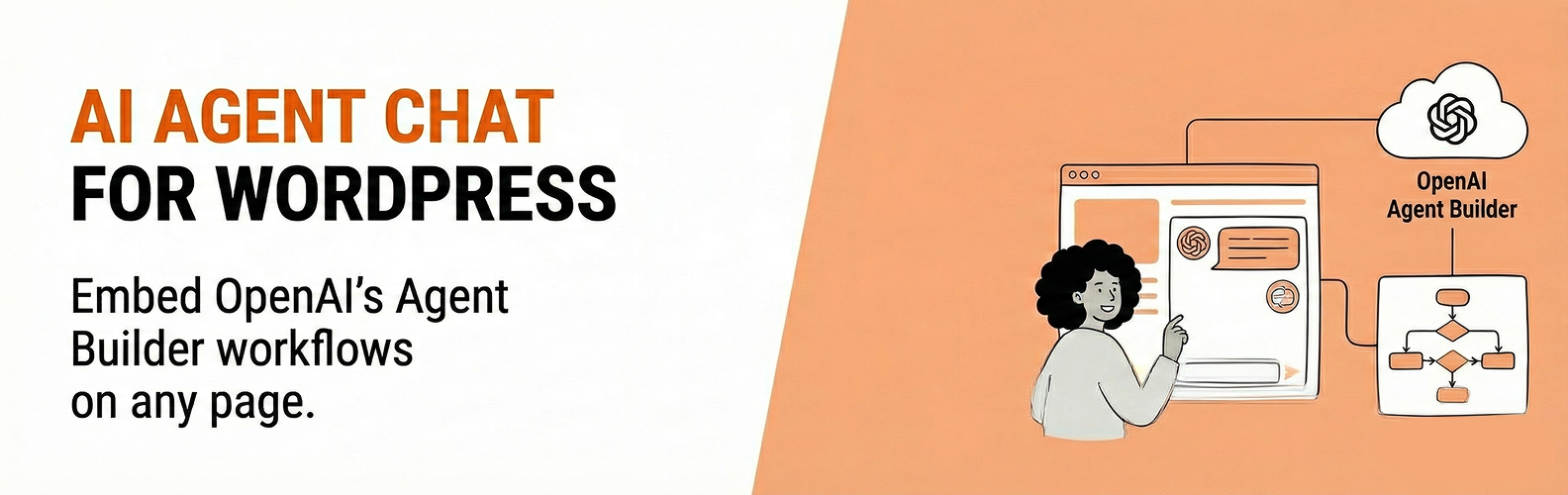
總結:在您的WordPress網站上嵌入由OpenAI Agent Builder提供動力的AI聊天小部件。連接到您在OpenAI的Agent Builder平台上建立的工作流程,允許您將AI動力的聊天助手添加到任何頁面。
問題與答案:
1. 這個外掛提供了哪些功能?
- Gutenberg模塊,方便放置
- 支持短代碼:[migkapa_agent_chat]
- 可選的浮動聊天小部件(全站使用)
- 可自定義外觀(顏色,大小,位置)
- 安全的服務器端API密鑰處理
2. 這個外掛如何保護OpenAI API密鑰?
- 這個外掛在服務器端使用您的OpenAI API密鑰和工作流程ID創建聊天會話,然後將一個client_secret返回到瀏覽器,您的OpenAI API密鑰永遠不會暴露給訪問者。
3. 使用這個外掛需要哪些條件?
- 開立一個OpenAI帳戶並具有API訪問權限
- 一個Agent Builder工作流程
- 擁有Agent Builder權限的OpenAI API密鑰
- 您的網站域名必須加入到OpenAI的域名允許清單中
4. 這個外掛連接到哪些外部服務?
- 這個外掛連接到OpenAI的伺服器來提供AI聊天功能
- 使用OpenAI API創建聊天會話和處理聊天消息
- 使用OpenAI CDN來載入聊天Web元件腳本
5. 如何使用外掛中提供的短代碼?
- [migkapa_agent_chat height="600" width="320" workflow="wf_..." classname="my-class"]
- 工作流程是可選的;如果省略,將使用設置中的全局工作流程ID。
外掛標籤
開發者團隊
原文外掛簡介
Embed AI chat widgets powered by OpenAI Agent Builder on your WordPress site. Connect to workflows you create in OpenAI’s Agent Builder platform, allowing you to add AI-powered chat assistants to any page.
Features:
Gutenberg block for easy placement
Shortcode support: [migkapa_agent_chat]
Optional floating chat widget (site-wide)
Customizable appearance (colors, size, position)
Secure server-side API key handling
This plugin creates chat sessions server-side using your OpenAI API key and workflow ID, then returns a client_secret to the browser. Your OpenAI API key is never exposed to visitors.
Requirements
An OpenAI account with API access
An Agent Builder workflow (see setup instructions below)
An OpenAI API key with Agent Builder permissions
Your website domain added to OpenAI’s domain allowlist (see installation instructions)
External Services
This plugin connects to OpenAI’s servers to provide AI chat functionality.
OpenAI API (https://api.openai.com)
Purpose: Creates chat sessions and processes chat messages
Data sent: API key (server-side only), workflow ID, chat messages, session metadata
Terms of Use
Privacy Policy
OpenAI CDN (https://cdn.platform.openai.com)
Purpose: Loads the chat web component script
Data sent: Standard HTTP request headers
Terms of Use
Privacy Policy
You should disclose this external data transmission in your site’s privacy policy.
Shortcode
[migkapa_agent_chat height="600" width="320" workflow="wf_..." classname="my-class"]
workflow is optional; if omitted, the global Workflow ID from settings is used.














