
內容簡介
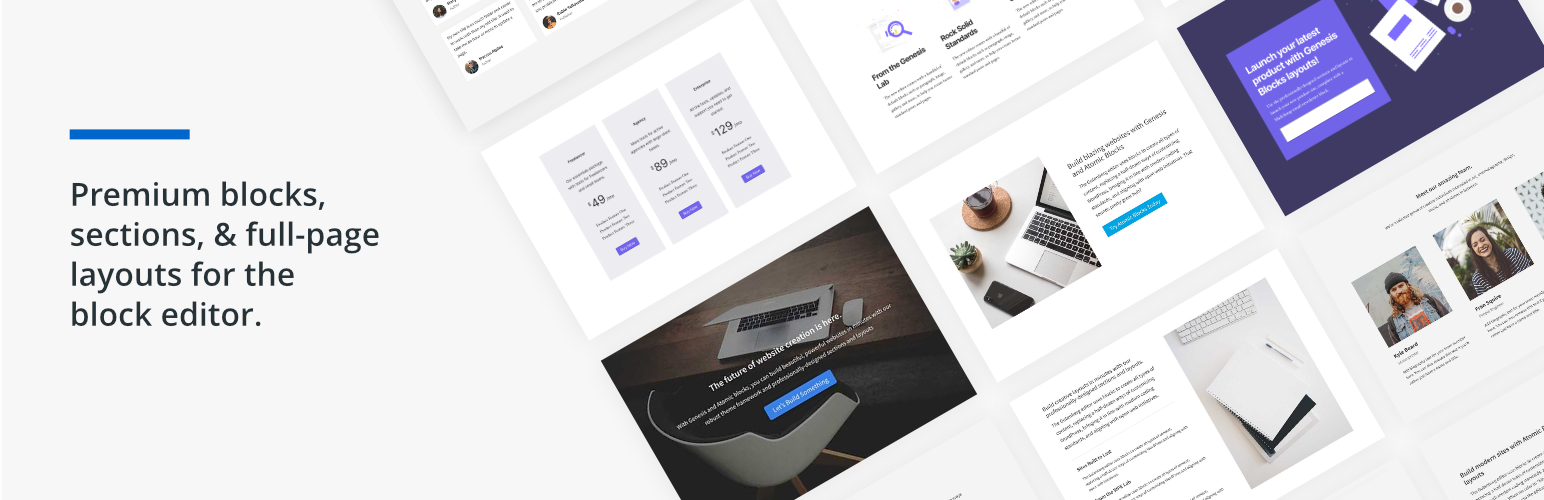
Genesis Blocks 是一款為 Gutenberg 區塊編輯器設計的頁面建構區塊集合,讓使用者能夠快速創建和啟動各種網站。透過可自訂的區塊,使用者可以輕鬆調整頁面佈局,提升互動性並獲得商業成果。
【主要功能】
• 提供多種可自訂的頁面區塊
• 增強 Gutenberg 編輯器的內容創建體驗
• 包含多種預建的全頁佈局和內容區塊
• 支援 Google AMP,提高行動網站效能
• 進階區塊級使用者權限設定
• Genesis Pro 訂閱提供更多工具和佈局庫
外掛標籤
開發者團隊
📦 歷史版本下載
原文外掛簡介
Genesis Blocks is a collection of page building blocks for the Gutenberg block editor. Building pages with the block editor and Genesis Blocks gives you more control to quickly create and launch any kind of site you want!
Installing the customizable Genesis Blocks plugin adds a collection of beautiful, site-building blocks to help you customize page layouts, increase engagement, and get results for your business. Genesis Blocks provides everything from customizable buttons, to beautifully-designed page sections and full-page layout designs via the Section & Layout block.
Along with the blocks themselves, Genesis Blocks extends the content creation experience by providing a library of page sections and full-page layouts, all available from within the block editor.
Create compelling content faster.
Create and use content quickly with prebuilt and custom content sections and full-page layouts.
Enhance the Gutenberg editor.
Additional content blocks and the layout selector make it easy to get the most value out of the block-based editor.
Genesis Blocks currently includes the following blocks to help you build content and pages quickly and effortlessly:
Section & Layout Block
Advanced Columns Block
Newsletter Block
Pricing Block
Post Grid Block
Container Block
Testimonial Block
Inline Notice Block
Accordion Block
Share Icons Block
Call-To-Action Block
Spacer & Divider Block
Author Profile Block
Drop Cap Block
Breaking change: The Genesis Blocks Button block is deprecated in favor of the Core Buttons block.
When you open the block editor, this will automatically convert your Genesis Blocks Button blocks to the Core Buttons block.
This will not convert Button blocks if you don’t open the block editor.
You might see some styling changes, especially if you have custom styling for classes other than ‘gb-block-button’.
Do more with Genesis Pro
For those wanting to level-up with Genesis Blocks, a Genesis Pro subscription brings even richer tooling and a bigger library of sections and layouts.
2 new blocks
26 pre-built full-page layouts
56 pre-built sections
Save & reuse your own sections & layouts
Advanced block-level user permissions
Access to and support for Genesis Framework & all of our 35 StudioPress-made premium child themes.
Additional advanced features for the rest of the Genesis Product Suite
Genesis Pro includes even more value for modern WordPress content creators, marketers, and developers. Learn more about Genesis Pro here.
Google AMP Support
The Accelerated Mobile Pages (AMP) project is a publishing format created by Google to enhance site performance for mobile website users. AMP pages are specially designed for Google search users to quickly load website pages without using any extraneous data. Genesis Blocks has support for AMP built into each block!
Help & Docs
User and developer docs for Genesis Blocks can be found here.














