內容簡介
Max Addons for Bricks Builder 是一款專為 Bricks Builder 設計的擴充外掛,提供多種進階且高度自訂的創意元素,讓你無需撰寫程式碼即可快速打造美觀、專業的網站頁面。
【主要功能】
• 提供多種免費 Bricks Builder 進階元素
• 輕量化設計,載入速度快
• 所有元素皆支援行動裝置響應式設計
• 內建多樣化樣式選項,高度可自訂
• 支援 Lottie 動畫與 SVG 動畫效果
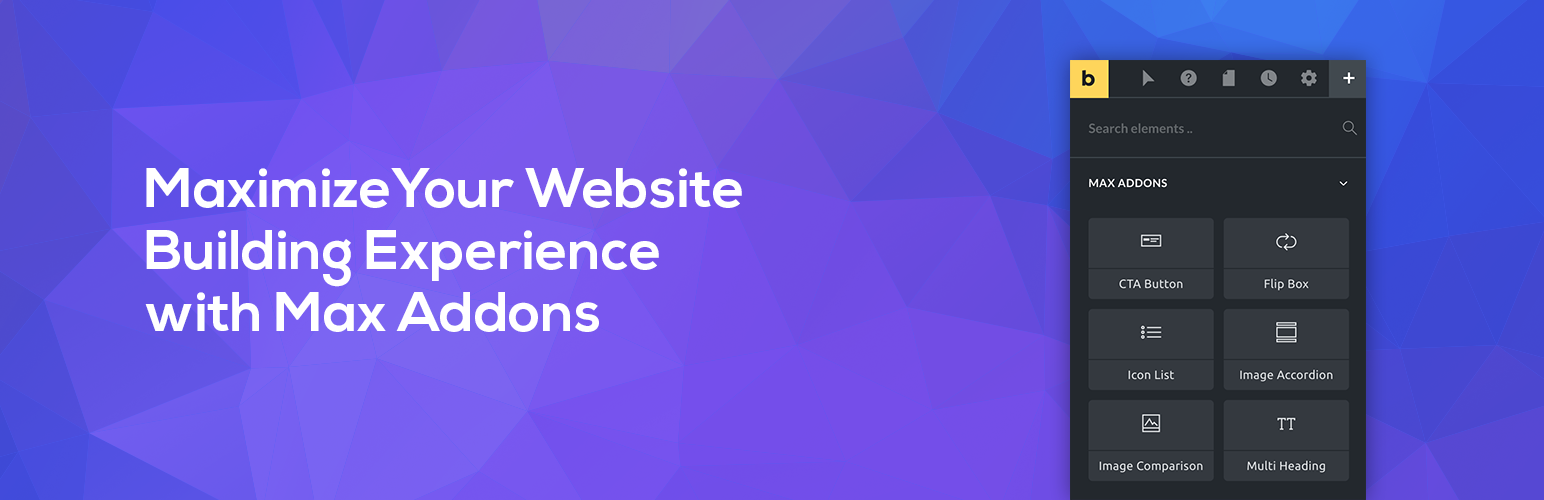
• 提供翻轉方塊、圖片比較、圖片手風琴等互動元素
外掛標籤
開發者團隊
② 後台搜尋「Max Addons for Bricks Builder」→ 直接安裝(推薦)
📦 歷史版本下載
原文外掛簡介
Supercharge Bricks Builder with Powerful, Creative, and Fully Customizable elements. Enhance your experience and get a whole new experience of using Bricks Builder with Max Addons.
Max Addons for Bricks Builder includes a list of advanced elements that not only make your website building process easy but also help you to meet your design requirements.
Extend Bricks Builder Functionality And Build Beautiful Websites In Just a Few Clicks!
Key Features Of Max Addons
AII-in-One Package of Bricks Elements
Lightweight and Fast Loading
Multiple Styling Options
Mobile Responsive
Customizable
🏆 Max Addons – List of FREE Elements For Bricks Builder
Call To Action Button – Create an attractive call-to-action button with a stylish Title and Description. Entice your visitors to take action with an eye-catchy call-to-action block.
Flip Box – Display content impressively with the Flip Box element. With Flip Box, you create an info box and add dual side content with flip animations.
Hotspots – The Image Hotspot Element allows you to display product features, create virtual tours, and display information easily and interactively.
Unfold – Fold/Unfold content on your web pages using the Unfold Element. This creative element helps you display more content in less space.
Dynamic List – Create a beautiful feature section and highlight features with multiple icon types.
Image Accordion – Create a gorgeous image showcase and toggle between image panels easily.
Image Comparison – Display Before and After versions of images.
Multi Heading – Decor your page headings with multiple styling options available with the Multi Heading element.
Lottie – Add amazing Lottie animations to your website.
SVG Animation – Add impressive animations to SVG files on your website without any coding.
Random Image – Show different image on your webpage on each page refresh with Random Image Element.
Content Ticker – Show latest updates, breaking news or featured posts with Content Ticker element.
Rating – Show ratings on your pages with dynamic icon options with Rating element.
Scroll Image – Add dynamic vertical and horizontal scroll effects to your images with Scroll Image element.
Contact Form 7 Styler – Customize default Contact Form 7 fields and create stylish contact forms with the Contact Form 7 Form Styler Element.
Gravity Forms Styler – Customize default Gravity Forms fields and create stylish contact forms with the Gravity Forms Styler Element.
Fluent Forms Styler – Customize default Fluent Forms fields and create stylish contact forms with the Fluent Forms Styler Element.
Formidable Forms Styler – Customize default Formidable Forms fields and create stylish contact forms with the Formidable Forms Styler Element.
REVIEWS FROM OUR HAPPY CUSTOMERS 💚
Fast, performant and great support – best Addon for Bricks Builder – Joachim B. ⭐⭐⭐⭐⭐
Great Plugin With Awesome Elements – wyamout ⭐⭐⭐⭐⭐
Some Good Free Elements in Here – tbutcher ⭐⭐⭐⭐
🏆 MORE CREATIVE ELEMENTS ON PRO VERSION
Post Tiles – Display your website’s posts in a beautiful magazine tile layout.
Dynamic Table – Create data tables with advanced styling and functionalities.
Timeline – Display content on your website in customizable horizontal & vertical timelines.
Content Toggle – Switch between two types of content, such as primary/secondary or annual/monthly, by using the Content Toggle Element.
Image Gallery – Showcase beautiful images on your website using advanced filters and customizable features.
Off Canvas – Add a beautiful flyout navigator and create an advanced off-canvas menu that displays the content when the trigger is activated.
Slide Menu – Create responsive menus with amazing sliding effects.
Video – Allow to embed video on WordPress sites from popular video sources.
Video Gallery – Create a fast-loading video gallery with advanced filters and powerful customizations.
Breadcrumbs – Add breadcrumbs to any page of your website with extensive styling options.
Instagram Feed – Display images from your Instagram profile on your website.
Table of Contents – Add table of contents to your blog posts for easy navigation.
Reviews – Simple and easy to add business reviews from Google & Yelp.
Modal Popup – Create conversion optimized popups for your website.
Album – Create and show photo albums on your pages with advanced lightbox options with Album element.
Reusable Block – Use WordPress Reusable Blocks in Bricks builder.
Author List – Effortlessly showcase a list or grid of post authors (or any user role) with links to their archive pages. Highlight the faces behind the content with style.
Nestable Table – Create dynamic and interactive tables by nesting various elements within a single table. Perfect for organizing data like a pro.
Dynamic Charts – Create dynamic charts and show display business metrics, survey results, website analytics, and more with Dynamic Charts in Bricks builder.
Countdown Timer – Create Evergeen, Fixed or Recurring countdown timers with Countdown Timer element in Bricks builder.
WooCommerce Add to Cart – Design custom Add-to-Cart buttons to let your shoppers add products in a flash—seamless and user-friendly.
WooCommerce Buy Now – Boost sales with a “Buy Now” button on your WooCommerce product or shop pages. Quick, easy, and conversion-focused.
WooCommerce Empty Cart Button – Make cart management easy by integrating an “Empty Cart” button directly into your Bricks Builder site.
WooCommerce Free Shipping Bar – Showcase a sleek free shipping progress bar to encourage customers to meet the shipping threshold. Increase cart value effortlessly!
WooCommerce Stock Progress Bar – Let your customers know the stock status at a glance! Display how many items are left to create urgency and drive sales.
WooCommerce Product Badge – Use this creative element to add attractive sales badges to your WooCommerce products.
WooCommerce Product Gallery – Turn plain product pages into stunning showcases with captivating galleries. Let your products shine with the Product Gallery element!
WooCommerce Product Image – Showcase product images like never before! Add stunning hover effects to capture attention and drive more clicks.
WooCommerce Product Reviews – Display product reviews anywhere on your site. Build trust and highlight your customer love.
WooCommerce Checkout Builder – Redesign your checkout process using Max Addons’ Checkout Page Builder. You get three simple elements — Billing Fields, Shipping Fields, and Checkout Hooks — to easily customize your page.
WooCommerce Thank You Page Builder – Turn your generic WooCommerce “Thank You” page into an engaging post-purchase experience.
PRODUCT BY BLOOMPIXEL
Max Addons for Bricks is created by team BloomPixel. The team is working in the WordPress ecosystem for the last 10 years and has developed many advanced plugins and themes.
POWERFUL DOCUMENTATION
Max Addons for Bricks is completely user-friendly, but if you have any issues using the Max Addons elements, you can check our extensive knowledge base. We have included detailed Step-By-Step Guides, How-Tos, and helpful tutorials for your help.
FRIENDLY SUPPORT
If you ever feel lost or need help, Our expert support team is always available for your help. Raise your query here!
LIKE MAX ADDONS FOR BRICKS?
We bet you do! Share your love and support by liking our page on Facebook. Do share your thoughts and reviews; your feedback is always motivating our team to do better.
OUR OTHER BRICKS BUILDER ADDONS
EasyDash for Bricks – Create custom WordPress dashboards using Bricks Builder.
Bricks Element Manager – Manage default Bricks Builder elements with easy to use interface within WP admin dashboard.