內容簡介
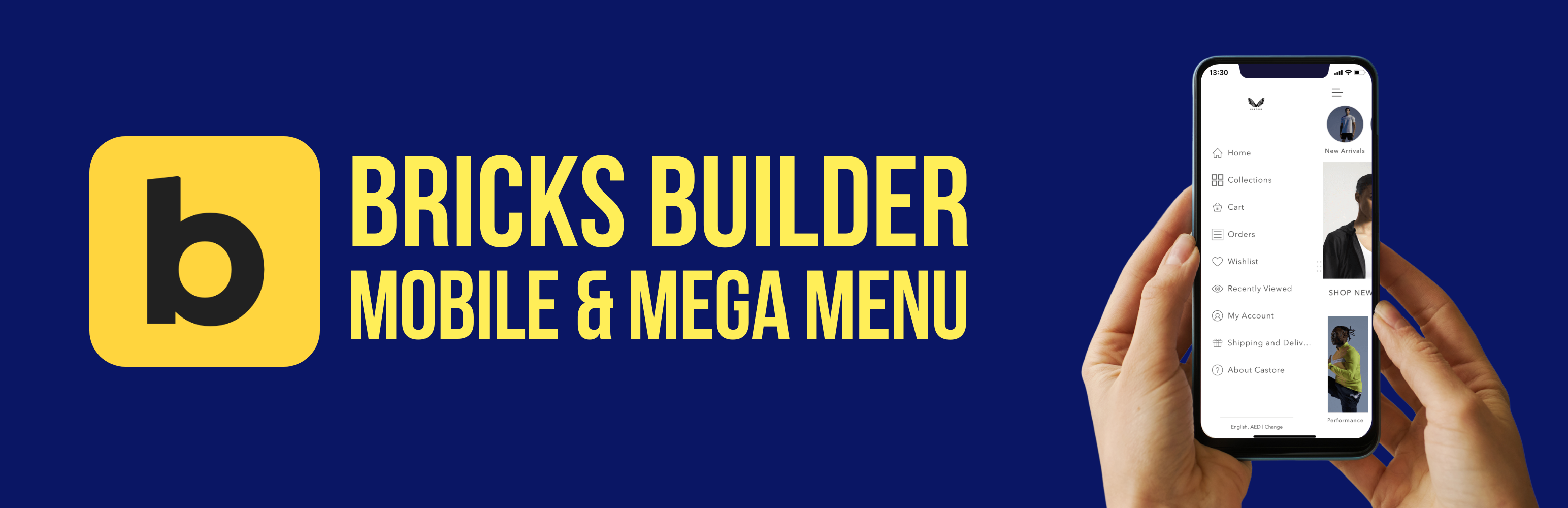
Bricksed 是一款專為 Bricks Builder 設計的外掛,提供即時可用的 Mega Menu 和行動菜單元素。使用者只需將其放入標頭範本,即可獲得完整的響應式導航,包含桌面 Mega 下拉選單及多層子選單,並可自訂樣式。
【主要功能】
• 完全可自訂的 Mega 下拉選單
• 標準下拉選單及多層子選單
• 響應式行動導航,具可自訂的斷點
• 從左、右、上或下滑入的行動菜單
• 可自訂的動畫及過渡效果
• 行動及桌面專用的最後導航項目按鈕樣式
外掛標籤
開發者團隊
② 後台搜尋「Bricksed – Mega Menu & Mobile Menu for Bricks Builder」→ 直接安裝(推薦)
原文外掛簡介
Bricksed adds a ready-made mega menu and mobile menu element to Bricks Builder. Drop it into your header template and get a complete responsive navigation – desktop mega dropdowns, multi-level submenus and a slide-in mobile menu – built from native Bricks elements that you style with the controls you already know.
IMPORTANT: This plugin requires the Bricks Builder theme (version 1.8.6 or higher) to be installed and activated.
Learn more and see the live demo at bricksed.com/mega-menu.
Why use Bricksed for your Bricks Builder menu?
Mega menu in minutes – add the Bricksed element and it builds the header, logo, nav and dropdown structure for you
Real mobile menu – slide-in navigation with your own breakpoint, direction, transition speed and background
Native Bricks structure – uses the Nav (Nested), Dropdown and Link elements, so global classes and Bricks styling controls just work
Works with or without Automatic CSS (ACSS) – use ACSS variables for spacing, or switch to built-in defaults
Key Features
Fully customizable mega menu dropdowns
Standard dropdowns and multi-level submenus
Responsive mobile navigation with a customizable breakpoint
Slide-in mobile menu from the left, right, top or bottom
Customizable animations and transitions
Last nav item button styling for desktop and mobile
Mobile logo support
Custom styling controls for all menu elements
Mega Menu (Desktop) Features
Customizable menu gap spacing
Dropdown icon animations
Flexible dropdown container styling
Mega menu and standard dropdown support
Customizable hover effects
Mobile Menu Features
Customizable slide directions (left, right, top, bottom) for the main menu and sub-menus
Adjustable transition durations
Separate mobile logo with adjustable height
Customizable mobile menu background
Bottom-aligned button option for your call to action
Hamburger (open) and close toggle customization
For Bricks Builder Developers and Agencies
Automatic CSS (ACSS) variable support, with plain default values as a fallback
Built from native Bricks elements, so global classes and the Bricks style panel apply
Translation-ready (text domain: bricksed)
Lightweight: one Bricks element and one small stylesheet