內容簡介
總結:
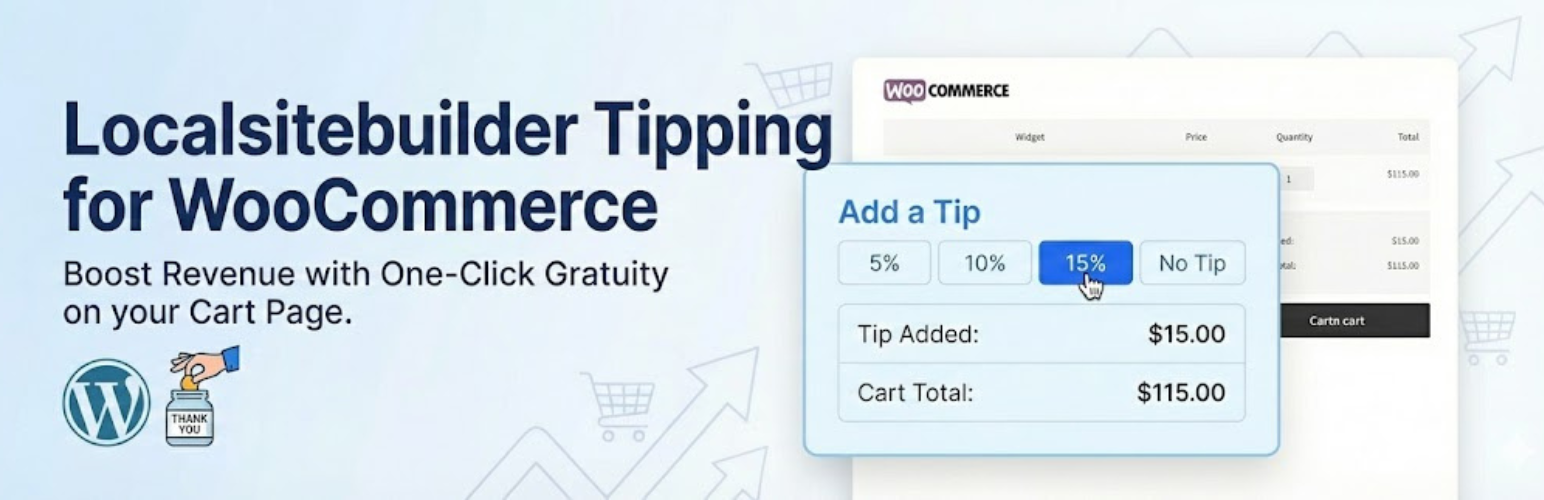
Local Easy Tip是在您的WooCommerce商店接受小費的最簡單方法。這款插件將一個輕量、轉化率優化的小工具添加到您的購物車頁面,讓客戶可以根據其小計的百分比添加小費。無論您經營當地送貨服務、餐廳還是自定義印刷店,客戶通常想支持您的業務。給他們一個最簡單的方式表示“謝謝”。
問題與答案:
問題:Local Easy Tip是什麼?
答案:Local Easy Tip是在WooCommerce商店接受小費的最簡單方法。
問題:Local Easy Tip免費版本有哪些功能?
答案:免費版本功能包括一鍵給小費(5%、10%和15%)、無縫集成到WooCommerce購物車頁面、使用標准WooCommerce Fee API的本地費用系統、與高性能訂單存儲完全兼容、在儀表板中查看收集的小費總額。
問題:如何解鎖更多功能?
答案:升級到Local Easy Tip Pro版來控制您的收入,包括在結帳頁面捕獲小費、允許客戶輸入特定金額、更改默認的 5/10/15%到您想要的任何百分比、通過日期範圍和付款方式過濾小費報告。
外掛標籤
開發者團隊
② 後台搜尋「LocalSiteBuilder Tipping for WooCommerce」→ 直接安裝(推薦)
原文外掛簡介
Local Easy Tip is the simplest way to accept gratuity on your WooCommerce store.
It adds a lightweight, conversion-optimized widget to your Cart page that allows customers to add a tip based on a percentage of their subtotal.
Stop leaving money on the table! Whether you run a local delivery service, a restaurant, or a custom print shop, customers often want to support your business. Give them the easiest way to say “Thank You.”
🚀 FREE VERSION FEATURES
One-Click Tipping: Pre-set buttons for 5%, 10%, and 15%.
Seamless Integration: Automatically injects into the WooCommerce Cart page.
Native Fee System: Uses the standard WooCommerce Fee API, so tips appear correctly on invoices and order emails.
HPOS Compatible: Fully compatible with High Performance Order Storage.
Basic Reporting: See the total amount of tips collected in your dashboard.
🔥 UNLOCK MORE WITH PRO
Upgrade to Local Easy Tip Pro to take control of your revenue:
Checkout Page Widget: Capture tips at the very last step (highest conversion rate).
Custom Amounts: Allow customers to enter a specific dollar amount (e.g., $5.00).
Custom Percentages: Change the default 5/10/15% to whatever you want (e.g., 10/15/20%).
Advanced Reporting: Filter tip reports by Date Range and Payment Method.
> Get the Pro Version Here