內容簡介
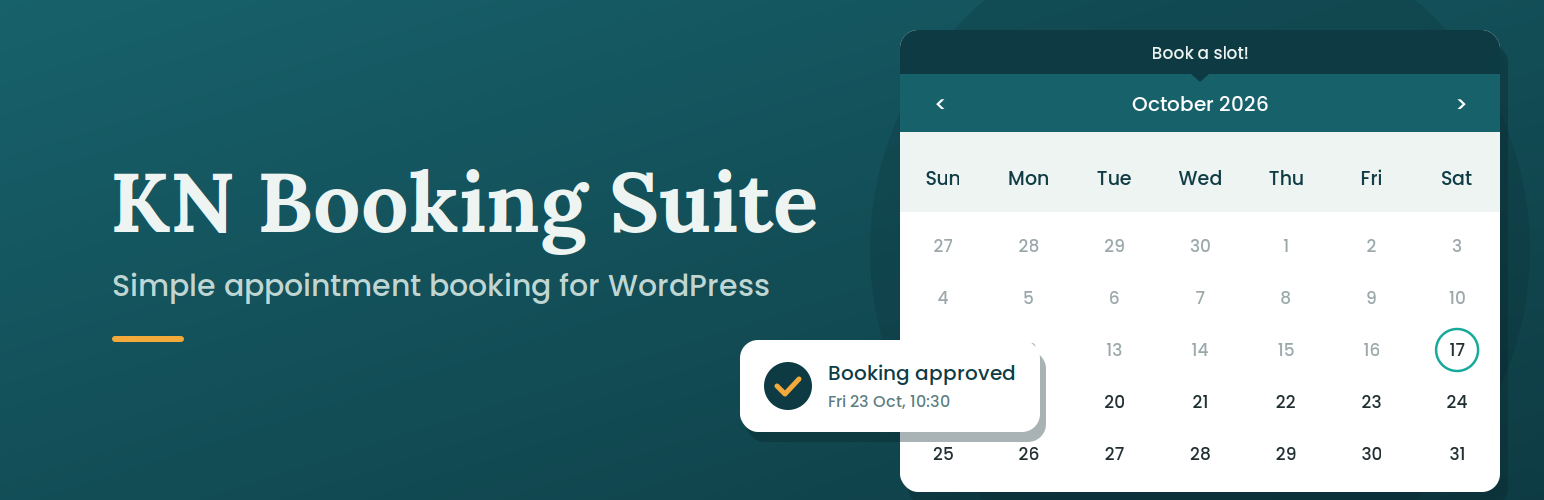
KN Booking 是一款輕量級的約會預約外掛,專為美容院、理髮店及其他小型預約型商業設計。客戶可在日曆上選擇日期和時間,您可批准或拒絕請求,並自動發送電子郵件通知,無需外部服務帳戶,簡單易用。
【主要功能】
• 互動式日曆與可用性管理
• 預約請求管理(批准、取消、刪除)
• 自動電子郵件通知(新請求、批准、取消)
• 可自訂的預約表單與動態欄位
• 客戶個人資料頁面以管理預約
• CSV 匯出預約數據
外掛標籤
開發者團隊
② 後台搜尋「KN Booking – Appointment Booking Calendar」→ 直接安裝(推薦)
原文外掛簡介
KN Booking is a lightweight appointment booking plugin built for salons, barbershops and other small appointment-based businesses. Clients pick a date and time on a calendar, you approve or decline the request, and everyone gets an automatic email. No account with an external service, no bloat.
A built-in setup wizard (Settings > Setup) gets you running in about two minutes: enter your business details, choose your open days and hours, and set your booking rules. Then add the [kn_booking] shortcode to any page.
Free Features:
Interactive calendar with availability management
Booking request management (approve, cancel, delete)
Automated email notifications (new request, approval, cancellation)
Customizable booking form with dynamic fields
Customer profile page for users to view and manage their bookings
Booking Calendar and Booking Profile blocks for the block editor
Configurable availability hours and blocked dates
Color presets and calendar theming options
CSV export of booking data
Guest and logged-in user booking support
Pro Add-on Features (sold separately):
WooCommerce payment integration
AI-powered booking analysis (OpenAI)
Add to Google Calendar button
Additional premium features
Blocks and Shortcodes
Both are also available as blocks in the block editor: search for “Booking Calendar” and “Booking Profile”.
[kn_booking]
Place this shortcode on any page to display the booking calendar.
[kn_profile]
Place this shortcode on a page to allow logged-in users to view and manage their own bookings.
External Services
This plugin connects to external services only when the optional Pro add-on is installed and the user explicitly triggers the corresponding feature:
OpenAI API
The KN Booking Suite Pro add-on optionally connects to the OpenAI API to power the AI-assisted booking analysis feature. This feature is only triggered when an admin explicitly clicks “Analyze” on a booking in the dashboard.
What data is sent: A summary of the booking (date, time, and description/notes) is sent to the OpenAI API.
When: Only when an admin manually triggers the AI analysis action.
Why: To generate a contextual response or summary about the booking.
This service is provided by OpenAI, L.L.C.:
* OpenAI Terms of Use
* OpenAI Privacy Policy