外掛標籤
開發者團隊
原文外掛簡介
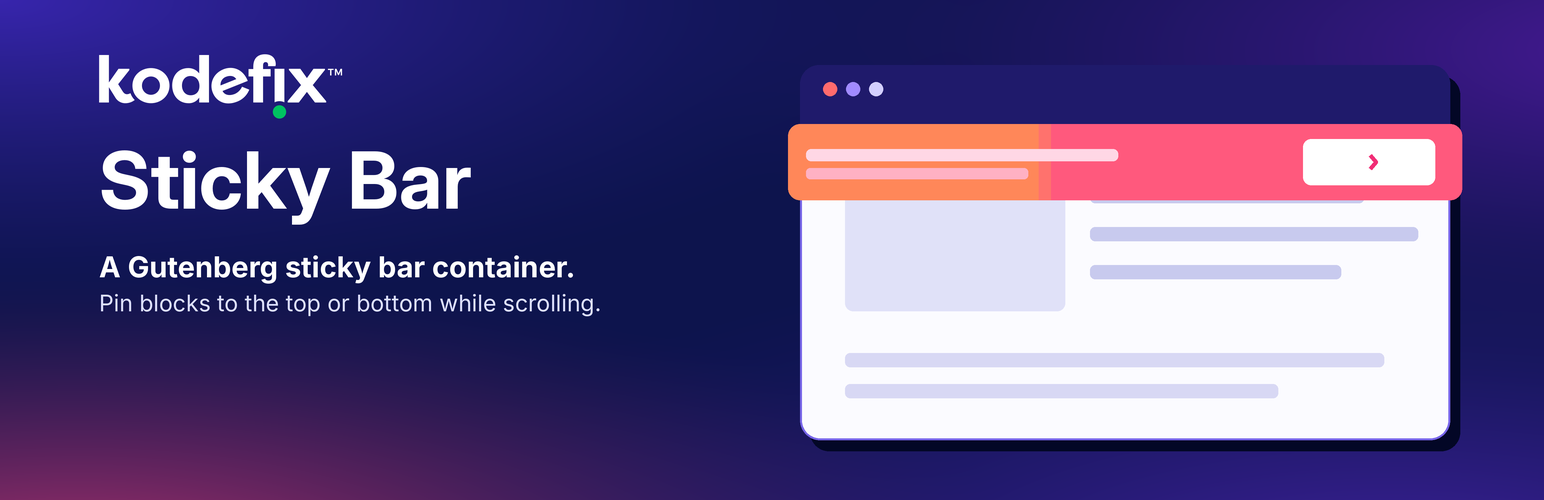
Kodefix Sticky Bar adds a container block for the block editor. Place any blocks inside it — paragraphs, buttons, Kadence Row Layout, sections, and more. The bar stays in its place in the page layout and only pins to the top or bottom of the viewport once you scroll past it (CSS position: sticky).
Features
Nest any Gutenberg blocks inside the sticky bar
Choose top or bottom sticky edge
Offset and z-index controls to avoid clashes with other sticky or fixed elements (theme headers, admin bar)
Optional admin bar compensation on the front end
Hide the bar below a chosen viewport width
Optionally keep the bar hidden until a chosen page element (anchor ID) appears on screen or leaves above the viewport
Development
Compiled editor and front scripts under dist/assets/ (for example editor-*.js, view-*.js, and related CSS) are built with Vite 7, @kucrut/vite-for-wp, and @vitejs/plugin-react. WordPress provides react and @wordpress/* as externals; they are not bundled.
Human-readable sources that match those builds ship inside this plugin under assets/src/ (editor.tsx, view.ts, style.ts, style.css).
To regenerate the compiled files from a full monorepo checkout:
cd plugins/blocks/front
pnpm install
pnpm run build -- kfx-sticky-bar