內容簡介
**總結:**
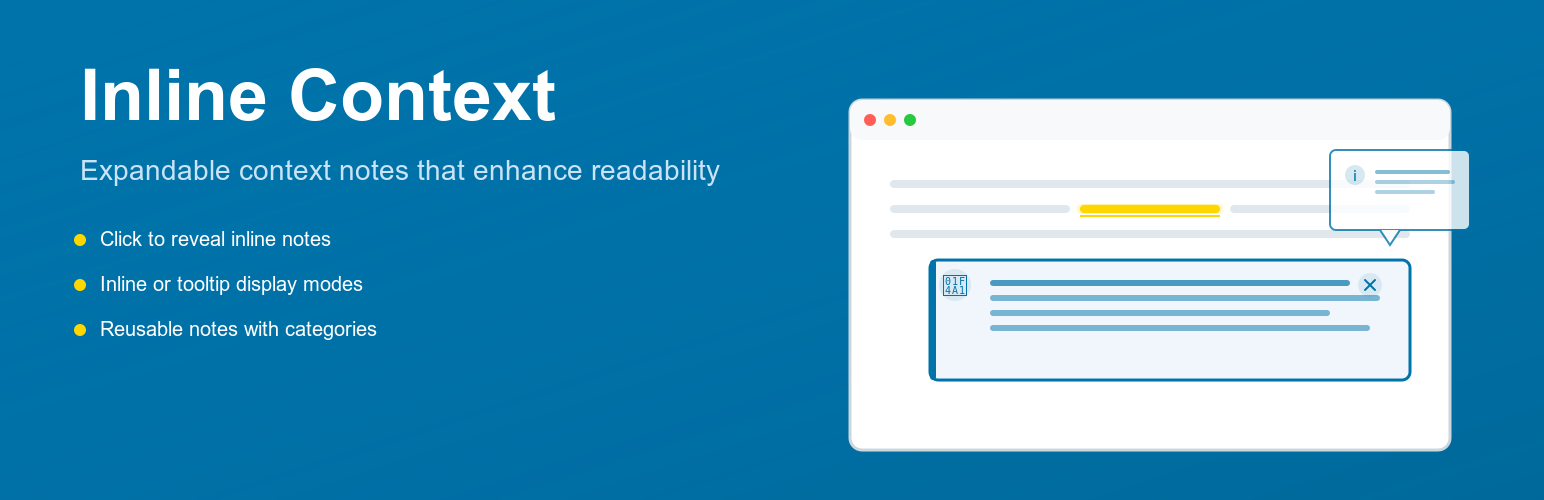
Inline Context 外掛讓您可以透過可展開的內容註釋來豐富內容,同時保持最佳閱讀流暢。這些內容註釋可以重複使用,當更新重複使用的內容註釋時,所有使用該註釋的地方都會更新。
**問題與答案:**
1. Inline Context 外掛的內容註釋可以以什麼方式顯示?
- 可以選擇以展開內容或懸浮提示框的方式顯示。
2. 這個外掛可讓您透過什麼方式創建可以重複使用的註釋?
- 可以透過自訂文章類型創建註釋,並透過顏色和圖示將其組織到不同類別中。
3. 在哪個國家的新聞平台上,我們受到啟發而開發 Inline Context 外掛?
- 在荷蘭的新聞平台 De Correspondent 上,該平台使用內聯上下文註釋:小型連結文本片段和圖示。當啟動時,它們會顯示一個包含補充信息的HTML元素。這些上下文註釋可以提供定義、在讀者跟隨主文本中的連結之前提供額外上下文,以保持文章可讀性。
外掛標籤
開發者團隊
原文外掛簡介
Inline Context is a powerful Block Editor enhancement that lets you create inline expandable notes or clean tooltip-style popovers anywhere in your content. It is ideal for content-rich websites, including editorial platforms, research sites, online magazines, documentation hubs, and educational blogs that rely on clear explanation without breaking the reader’s focus.
Instead of sending readers to glossary pages or external links, Inline Context allows you to provide definitions, references, clarifications, and annotations in place — keeping readers engaged and your content structured.
Notes can be reusable, categorized, styled, centrally managed, and automatically updated everywhere they appear.
Check the live preview
Why this is valuable for content-heavy websites
Websites with substantial text often need:
definitions and terminology
source references
background information
contextual inline explanations
mini footnotes without scrolling
inline callouts, tips, or warnings
Inline Context delivers all of this with a frictionless, accessible user experience. It helps readers stay focused, reduces navigation fatigue, and improves knowledge retention — especially in long articles or research-based content.
How it works
Highlight text in the Block Editor.
Click Inline Context.
Enter your note content (rich text supported).
Optionally assign a category with custom icon & color.
Publish — your note appears inline or as a tooltip, depending on settings.
You can also create reusable notes from a dedicated Custom Post Type. Updating a reusable note updates all instances site-wide.
Key Features
Display modes
Inline expansion (reveals a small content panel)
Tooltip popovers (floating contextual bubbles)
Smart tooltip positioning to avoid off-screen display
Direct anchor links (#context-note-xxx) for deep linking
Auto-open on page load when accessed via link
Editor productivity
Reusable notes with global updates
Notes Library with usage tracking (shows where each note is used)
Quick Search inside the editor to insert existing notes
Rich text support via ReactQuill (bold, italic, lists, links)
Clean, integrated Rich Text toolbar button
Categories & icons
Create unlimited categories (Definition, Reference, External Article, Tip, Warning, etc.)
Choose from curated Dashicons or any of 300+ icons
Separate icons for open and closed states
Styling & customization
Full styling control from Settings → Inline Context:
NEW in v2.6: Five pre-configured color presets for one-click professional styling
Choose from Modern Blue, Minimalist Gray, High Contrast, Warm Earth Tones, or Dark Mode
All presets meet WCAG 2.1 AA accessibility standards
Link colors, hover, and focus states
Note padding, spacing, borders, backgrounds, shadows
Tooltip appearance
Chevron/indicator styling
Live interactive preview of all style changes
Accessibility & security
ARIA support, focus lock, Escape key behavior
Keyboard-navigable for both link and note
DOMPurify sanitization of note content
Internationalization
Inline Context is fully translation-ready.
Examples & inspiration
The idea for this plugin originated from a project with Renée Kool — a visual artist working in public art, film, and emerging media. She wanted to create a website where a single link could reveal additional content containing multiple related links. We looked at the Dutch journalism platform De Correspondent, which use subtle inline notes to provide context without interrupting the flow of reading. You can see examples of their inline notes in this article: Hoe Nederland kampioen deeltijdwerken werd
Source code
Inline Context uses @wordpress/scripts with webpack and npm to build assets.
Full source (including uncompiled JS and CSS) is available at:
https://github.com/jooplaan/inline-context