內容簡介
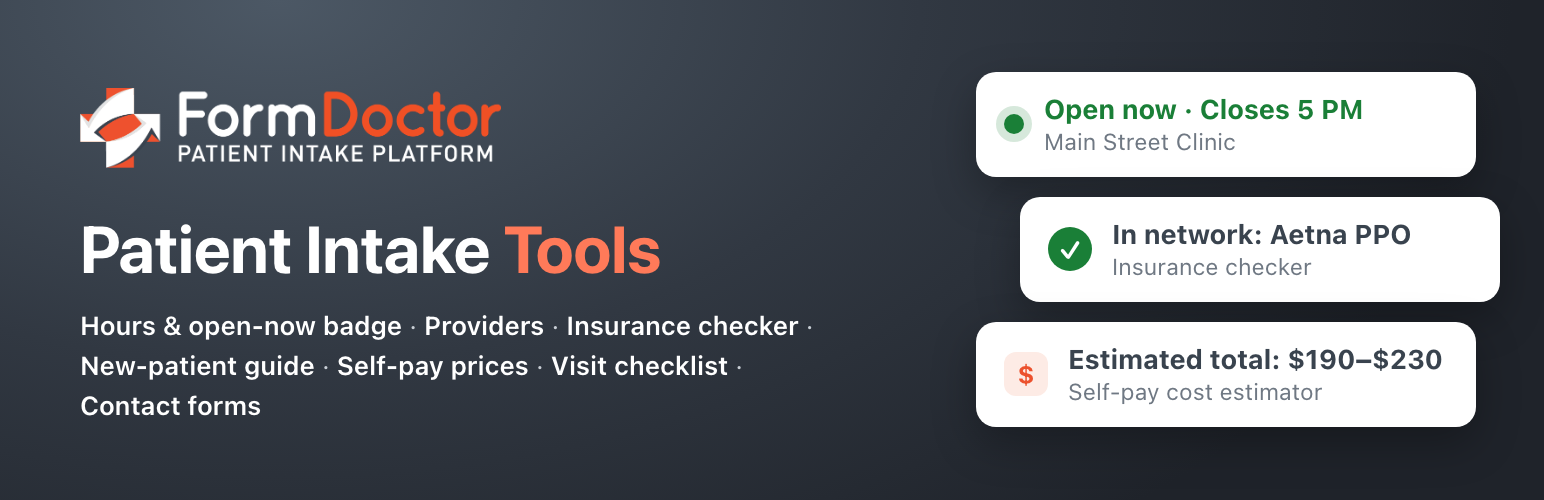
FormDoctor Patient Intake Tools 提供免費的病人接收工具,幫助新病人在預約前獲得關鍵資訊,如診所位置、營業時間、醫療提供者及保險資訊等,提升病人體驗。
【主要功能】
• 實時顯示診所位置與營業時間
• 醫療提供者目錄
• 匿名保險查詢工具
• 新病人指引,協助找到正確的地點或提供者
• 自費價格清單及成本估算器
• 訪問檢查清單,幫助病人準備
外掛標籤
開發者團隊
② 後台搜尋「FormDoctor Patient Intake Tools」→ 直接安裝(推薦)
原文外掛簡介
FormDoctor’s free patient intake tools answers the questions new patients ask before they book: Where are you, and are you open? Who will I see? Do you take my insurance? What will it cost? What should I bring?
HIPAA-compliant online forms and patient intake software are available on FormDoctor paid plans.
Free tools included:
Locations & hours with a live “Open now” badge
Provider directory
Insurance checker that works anonymously, with no personal details required
New-patient guide that routes visitors to the right location, provider, or next step
Self-pay price list with a cost estimator
Visit checklist so patients arrive prepared
Contact forms designed to collect no patient health information
About HIPAA: These free tools are built for public practice information and general inquiries. They aren’t HIPAA-compliant and shouldn’t be used to collect health information. When you’re ready to collect intake, medical history, or consent forms online, upgrade to FormDoctor for HIPAA-compliant forms and patient intake. By using this plugin you agree to the Terms of Use & HIPAA Disclaimer.
Privacy
Please read the Terms of Use & HIPAA Disclaimer. This plugin does not send data to any external service and does not set cookies. If you set up an SMTP server under Email delivery, form emails (or all site email, if you choose) are sent through that server; you choose the provider and its terms apply. If you turn on a form’s webhook, that form’s submissions are also sent to the URL you enter; the plugin keeps only the result of each delivery (status code and timing), not the answers. The Practice Tools don’t send anything a visitor picks or types anywhere. “Get directions” links open Google Maps (or the link you set) only when a visitor clicks them. Submitted data is emailed to the addresses you configure. The visitor’s IP address and user agent are only included in the email if you add the [_remote_ip] or [_user_agent] mail-tags.