內容簡介
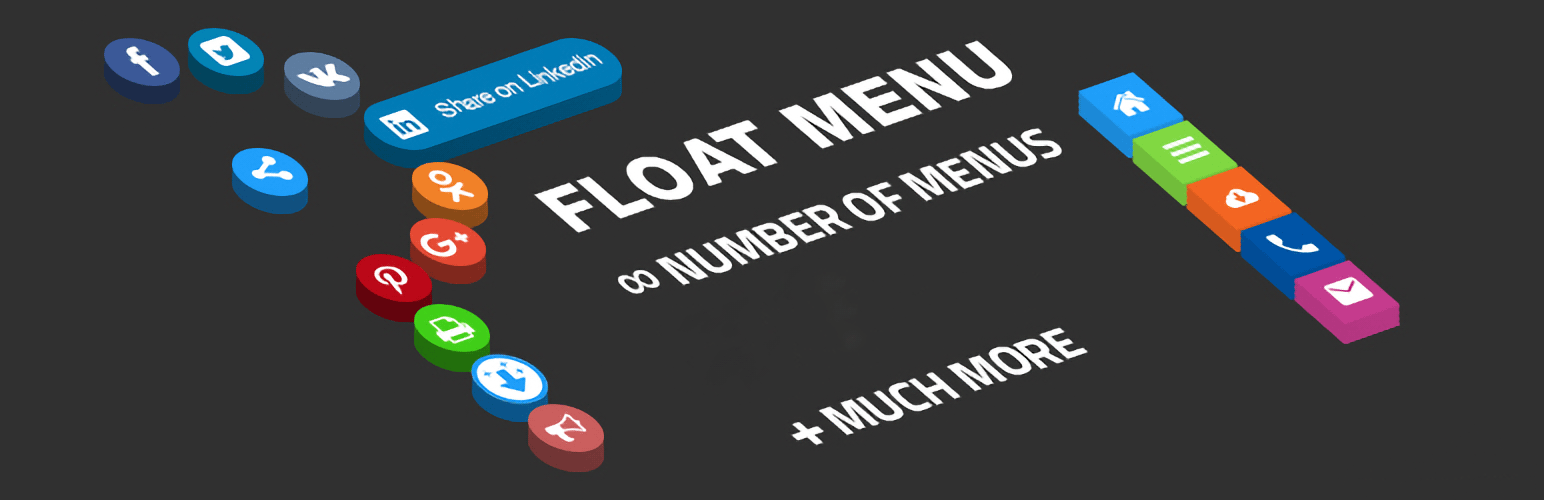
Float Menu 是一款免費的 WordPress 外掛,能在網站上創建獨特的浮動側邊選單,無論頁面滾動到何處,選單始終可見,提升用戶體驗與網站功能性。
【主要功能】
• 浮動選單始終顯示在螢幕上
• 輕量快速,不影響網站速度
• 簡易自訂顏色、圖示與位置
• 支援任意 WordPress 佈景主題
• 可創建無限選單,選擇橫向或縱向佈局
• 提供 2000+ Font Awesome 7 圖示
外掛標籤
開發者團隊
② 後台搜尋「Float menu – awesome floating side menu」→ 直接安裝(推薦)
📦 歷史版本下載
原文外掛簡介
Try Free Demo | 🚀 Try Pro Demo | Documentation
Float Menu is a free WordPress plugin to create and place a unique floating menu on your website. The extension allows users to get access to the functions of the panel regardless of its position on the resource. The menu moves along with the scrolling of the page and always remains in visibility.
🌟 Features:
Floating menu that stays on the screen.
Lightweight & fast – does not slow down your site.
Easy customization – change colors, icons, and position.
Works with any WordPress theme.
✅ Enhance usability and user experience with Float Menu!
—
Main features
The Float Menu makes user interaction with the site more comfortable. It can increase the conversion by improving the functionality of the web resource. Among the capabilities of the tool:
🎨 Customization & Design
Create unlimited menus.
Horizontal or vertical menu layout.
Position menu left or right.
Choose from 4 button shapes: Square, Round, Rounded, Rounded-out.
Adjust spacing between menu items.
Set custom colors for buttons and icons.
Use 2000+ Font Awesome 7 icons.
Load demo configuration – get started quickly with pre-made examples.
Test Mode – show the menu only to administrators while configuring settings.
🔗 Link & Accessibility Options
Open links in a new window.
Set custom attributes: ID, Class, rel, aria-label.
Hide the menu on small or large devices.
⚡ Performance & SEO
Lightweight and fast – does not slow down your site.
SEO-friendly structure for better indexing.
—
🚀 Ideal Uses
Float Menu is highly versatile and can be used for various scenarios:
– Instant Messaging: Add quick-access buttons for WhatsApp, Telegram, Skype, or Messenger.
– Floating CTA: Keep “Book Now” or “Get a Quote” buttons always visible to boost sales.
– Mobile App Experience: Create a professional bottom or side navigation bar for mobile users.
– Quick Support: Provide easy access to your Help Center, FAQs, or Support tickets.
– Anchor Navigation: Build a floating table of contents to navigate between long page sections.
– Social Presence: Link to your Instagram, Facebook, LinkedIn, or TikTok profiles.
– Membership Access: Quick links for Login, Register, and User Account pages.
– Special Offers: Highlight time-limited promotions or discount codes.
—
Pro Version
Unlock advanced features and take your floating menus to the next level with Float Menu Pro!
🎨 More Customization
Create submenus – supports a single submenu level.
Hold label open – keep menu labels visible.
Vertical alignment – align menus precisely.
Extra text & label fonts – display detailed descriptions with custom fonts.
Custom icons – upload your own icons.
Icon settings – rotate, flip, and customize icons.
🔗 More Functional Links
Translate page – one-click website translation.
Social sharing – share content via Facebook, Twitter, etc.
Next/Previous Post – quick navigation between posts.
Forced download – enable direct file downloads.
Smooth scrolling – scroll to sections effortlessly.
Scroll to top/bottom – quick page navigation.
Print page – allow users to print the current page.
Search integration – add search functionality to the menu.
🎯 More Display Rules
Show/hide based on scroll – smart visibility control.
User role permissions – restrict menu by user role.
Multilingual support – adjust menus per language.
Schedule menu display – control when menus appear.
Activate by URL – display menus only on specific pages based on URL parameters.
Activate by referrer URL – show menus based on where users came from.
📊 Analytics & Performance
Google Analytics tracking – track menu interactions and clicks.
Browser compatibility control – hide menus for outdated browsers.
🔥 Bonus Feature: Built-in Popup System
Create popups – trigger popups when clicking menu items.
👉 Upgrade to Pro and unlock all premium features!
—
🚀 Maximize Results with Complementary Plugins
Enhance your website’s functionality and user engagement by combining Float Menu with these powerful tools from Wow-Company:
Popup Box (Modal Windows) – Create stunning popups and triggers for your menu items to boost conversions.
Counter Box – Easily add counters, timers, and countdowns to highlight urgency and events.
Calculator Builder – Build custom interactive calculators for lead generation or user utility.
WP Coder – Add custom HTML, CSS, PHP, and JS code snippets to your site and menus easily.
Herd Effects – Use social proof notifications to increase user trust and performance.
👉 Explore all plugins by Wow-Company
Support
Search for answers and ask your questions at support center