內容簡介
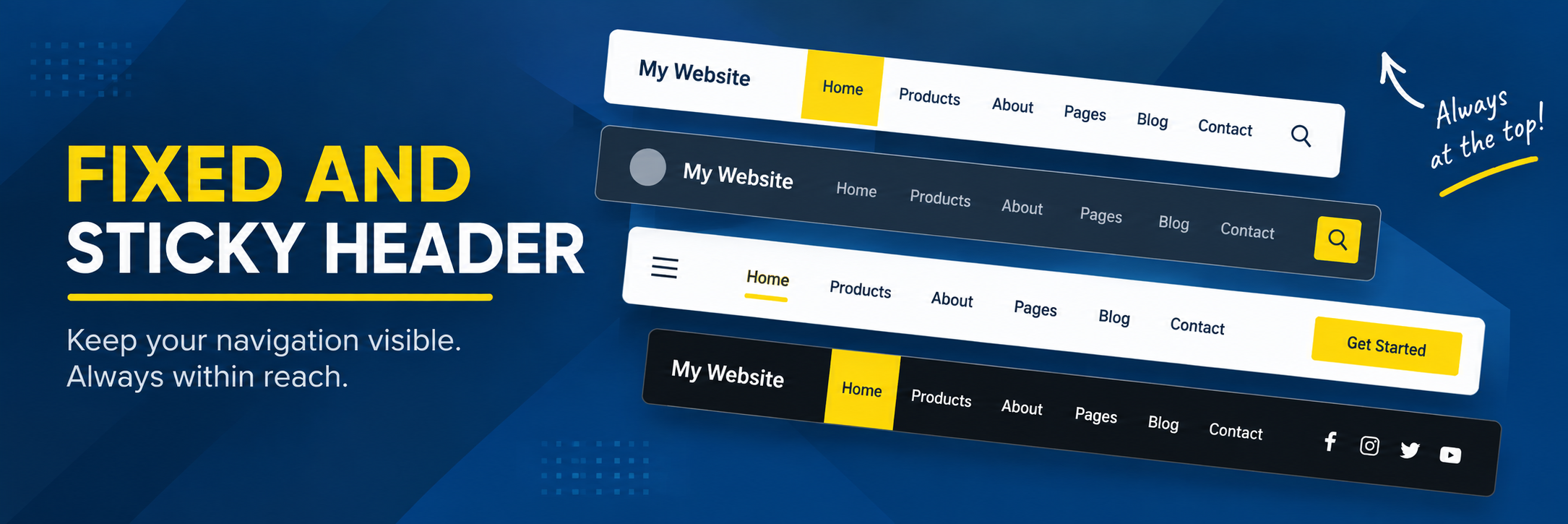
Fixed And Sticky Header 外掛可讓您的網站標頭在訪客滾動時保持可見,無需更換佈景主題。您可以選擇要固定的標頭元素,設定滾動觸發點,並調整外觀以符合網站風格。
【主要功能】
• 固定與黏性標頭 - 滾動時保持標頭可見
• 標頭選擇 - 選擇要固定或黏性的標頭元素
• 滾動控制 - 設定滾動距離觸發固定標頭
• 背景與文字顏色 - 自訂黏性標頭的顏色
• 標頭高度與間距 - 調整標頭的高度與內邊距
外掛標籤
開發者團隊
原文外掛簡介
Keep your website header visible while visitors scroll.
Fixed And Sticky Header lets you make your existing WordPress website header fixed and sticky without replacing your theme’s header.
Choose the header you want to make sticky, set when it should become fixed while scrolling, and adjust its appearance to match your website.
The plugin is simple to configure and works with your existing WordPress theme.
Key Features
Fixed and sticky header – Keep your header visible as visitors scroll.
Choose your header – Select the header element you want to make fixed or sticky.
Scroll control – Choose how far visitors scroll before the header becomes fixed.
Background and text colors – Set the colors of your sticky header.
Header height and spacing – Adjust the height and padding around your header.
Finding Your Header
The plugin needs to know which part of your website should become fixed.
Your theme may use a selector such as:
.site-header
#masthead
.main-header
If you are unsure which selector to use, inspect your website’s header using your browser’s developer tools and identify the main header container.
Tip: Select the main header or header container rather than only the logo, menu, or an individual element inside the header.
The exact selector depends on your WordPress theme.