內容簡介
易於配置
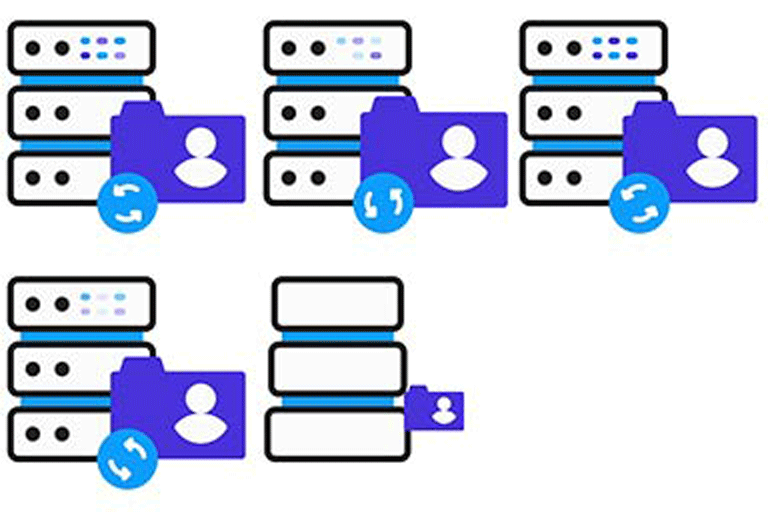
使用 Omnidesk 的遠端驗證 Single Sign On (SSO) 可讓您的使用者提交工單、查看進度,並在社群論壇上發表意見而無需登入 Omnidesk。
只需在您的支援頁面中添加 [edd_omnidesk] 短碼,在「Easy Digital Downloads 設定」的「延伸套件」分頁下,輸入您的 API 登入憑證,並完成設置!如果使用者已登入,當他們存取您的支援頁面時,將自動重新導向到您的 Omnidesk 登入頁面。如果他們未登入,則會載入支援頁面,您可以在其中包含需要登入的訊息。
外掛標籤
開發者團隊
② 後台搜尋「Easy Digital Downloads – Omnidesk Support」→ 直接安裝(推薦)
原文外掛簡介
Easy to configure
Single Sign On with Omnidesk’s Remote Authentication lets your users submit tickets, check their progress and add their thoughts to the community forum without ever having to login to Omnidesk.
Just add the [edd_omnidesk] shortcode to your support page, enter your API login credentials in the Easy Digital Downloads Settings -> Extensions tab under “Omnidesk” and you are ready to go! If a user is logged in, when they access your support page, they will be automatically redirected to your Omnidesk landing page. If they are not logged in, it will load the support page, where you can include information about needing to be logged in.