
內容簡介
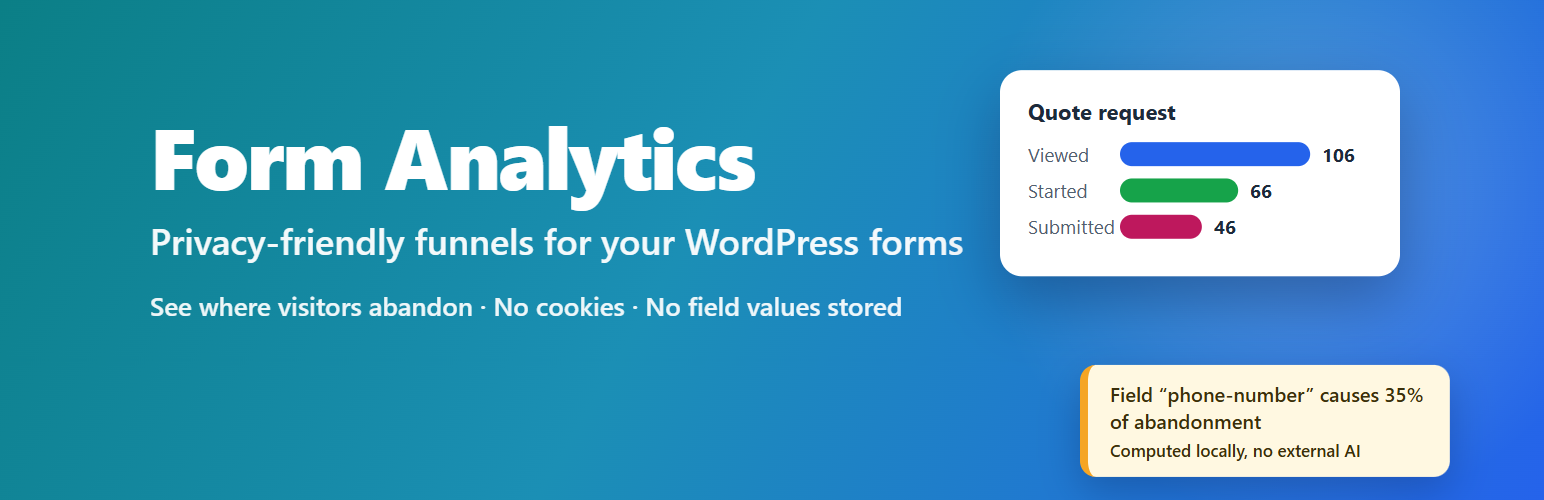
Dreamfox Form Analytics 讓您了解訪客如何使用 WordPress 表單,並且特別指出他們在哪些地方放棄填寫。每個表單都提供清晰的轉換漏斗,幫助您優化表單設計。
【主要功能】
• 顯示表單的查看、開始和提交次數
• 提供各欄位的放棄率和驗證錯誤數量
• 分析每個表單的平均填寫時間
• 支援多種表單外掛,如 Contact Form 7 和 Elementor Forms
• 隱私友好設計,不儲存個人資料
• 性能優化,使用輕量級追蹤腳本
外掛標籤
開發者團隊
② 後台搜尋「Dreamfoxmedia Form Analytics」→ 直接安裝(推薦)
原文外掛簡介
Dreamfox Form Analytics shows you how visitors actually use your WordPress forms — and, more importantly, where they give up. Every form gets a clear funnel from viewed → started → submitted, with per-field drop-off, validation-error counts, time spent per field and day/week/month trends.
The plugin is privacy-friendly by design: it never stores what visitors type, who they are, or where they come from. No cookies, no IP addresses, no user agents, no form field contents — only anonymous interaction metadata under a random identifier that lives for a single page view.
What you see per form
Views, starts, successful submissions
Start rate, completion rate, conversion and abandonment rate
Drop-off per field: which field is the last one visitors touch before leaving
Validation errors per field
Average time per form and per field
Desktop / tablet / mobile breakdown (optional)
Trends per day, week or month
Notable fields, computed locally
The dashboard flags problem fields with plain-language conclusions such as “Field ‘phone-number’ causes 24% of all form abandonment.” These insights come from fixed, deterministic rules computed on your own server — no external AI service, no data leaves your site.
Supported form plugins
Contact Form 7
Elementor Forms (Elementor Pro)
Active form plugins are detected automatically; nothing breaks when one is missing. The integration layer is prepared for more form plugins (WPForms, Gravity Forms, Fluent Forms, Formidable Forms, Ninja Forms) in future releases.
Privacy by design
Never stored: names, email addresses, phone numbers, IP addresses, form field values, cookies, raw user agents.
Anonymous sessions: a random identifier per form per page view, generated in the browser, never linked to a person.
Retention you control: 7, 30, 90, 180 or 365 days — older data is deleted automatically every day.
Do Not Track / Global Privacy Control: respected in the browser and enforced again on the server (enabled by default).
Exclusions: keep administrators (default) and optionally all logged-in users out of the statistics.
Clean uninstall: data is kept by default so you can reinstall; opt in to delete everything on uninstall.
WordPress privacy tools: suggested privacy-policy text and a personal-data eraser are registered.
Built for performance
One small dependency-free tracking script (~4 KB gzipped), loaded only when tracking is active and a supported form plugin is present.
Events are batched and sent via sendBeacon/fetch keepalive — no request storm, nothing blocking the page.
Own database tables with proper indexes; dashboard statistics are cached.
The public tracking endpoint is hardened: rate limiting, event allowlist, batch and payload size caps, strict validation.
Built by Dreamfox.













