
內容簡介
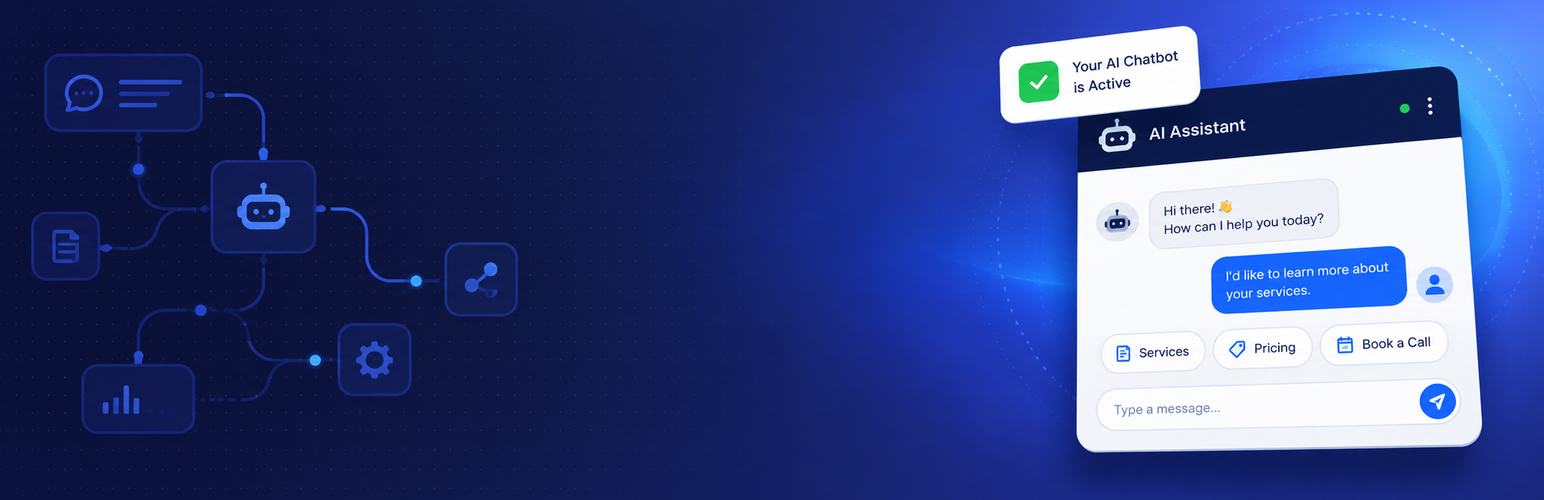
Dravio 是一款視覺化的 WordPress 聊天機器人建構工具,透過互動對話將網站訪客轉化為合格的潛在客戶。無需編碼,使用者可輕鬆拖放節點來創建對話流程,並在幾分鐘內將聊天小工具部署到網站上。
【主要功能】
• 視覺化流程建構器 - 拖放畫布,實時預覽對話流程
• AI 驅動聊天 - 連接 OpenAI 或 Anthropic 進行智能對話
• 潛在客戶收集表單 - 通過對話收集姓名、電子郵件和電話
• 智能分支 - 根據訪客回應引導對話
• AI 知識庫 - 爬取網站以準確回答問題
• 分析功能 - 追蹤對話、潛在客戶及轉換率
外掛標籤
開發者團隊
② 後台搜尋「Dravio – Chatbot & Conversational Lead Capture Forms」→ 直接安裝(推薦)
原文外掛簡介
Dravio is a visual chatbot builder for WordPress that helps you convert website visitors into qualified leads through interactive conversations.
No coding required. Drag and drop nodes to create a conversation flow, connect your AI provider, and deploy a chat widget on your site in minutes.
Key Features
Visual Flow Builder — Drag-and-drop canvas with real-time preview
AI-Powered Chat — Connect OpenAI or Anthropic for intelligent conversations
Lead Capture Forms — Collect name, email, phone through conversation
Smart Branching — Route visitors based on their responses
AI Knowledge Base — Crawl your website so the AI answers accurately
Setup Wizard — Get your first chatbot running in 5 minutes
Session Persistence — Conversations continue across page navigations
Mobile Responsive — Chat widget works on all devices
Analytics — Track conversations, leads, and conversion rates
Lead Tags — Auto-tag and filter leads by flow, behavior, or custom rules
Variables — Store answers and personalize later messages with {{variables}}
CSV Export — Export leads for use in any CRM
How It Works
Install & Activate — Install the plugin and run the Setup Wizard
Connect AI — Add your OpenAI or Anthropic API key
Crawl Your Site — We learn about your business from your website
Set Goals — Choose: capture leads, book appointments, support, or information
Launch — Your chatbot is live and capturing leads
Node Types
Message — Display a message to the visitor
Question — Ask questions with buttons or free text input
Branch — Route the conversation based on conditions (AND/OR logic)
Action — Capture leads or redirect with countdown
AI Chat — Open-ended AI conversation with custom instructions
Loop — Jump back to any earlier point in the flow
Pro Features
Upgrade to Dravio Pro for:
A/B testing and smart routing rules across your active flows
Lead qualification with auto-scoring (hot/warm/cold)
Survey & feedback collection (NPS, rating scales)
Webhook integrations (Zapier, Make, CRMs)
Page-level chatbot targeting
Remove “Powered by Dravio” branding
Custom chat widget logo
Advanced analytics (funnel analysis, transcripts)
Priority support
External services
Dravio can connect to third-party AI providers when you enable the AI features. All requests are opt-in: nothing is sent until you enter an API key for a provider in the AI Settings screen and enable an AI Chat node in your flow (or run the Setup Wizard’s AI-assisted flow generation).
OpenAI
Used when you select OpenAI as your provider in Dravio > AI Settings and enter your own OpenAI API key.
What it’s for: Powers the AI Chat node’s open-ended conversations, generates knowledge-base embeddings for site content, and creates the starter flow in the Setup Wizard.
What data is sent: The visitor’s message, the recent conversation history (last few turns), the node’s system instructions, and — for the wizard — a summary of your website content that you crawled.
When it’s sent: Only when a visitor sends a message to an AI Chat node, when you crawl your site for the knowledge base, or when you run the Setup Wizard’s flow generation.
Provider: OpenAI, L.L.C. — https://openai.com
Terms of Use: https://openai.com/policies/terms-of-use
Privacy Policy: https://openai.com/policies/privacy-policy
Anthropic
Used when you select Anthropic as your provider in Dravio > AI Settings and enter your own Anthropic API key.
What it’s for: Same as OpenAI above — powers AI Chat conversations and generates flows in the Setup Wizard when Anthropic is the selected provider.
What data is sent: The visitor’s message, recent conversation history, the node’s system instructions, and (wizard only) your crawled site summary.
When it’s sent: Only when a visitor interacts with an AI Chat node or you run the Setup Wizard while Anthropic is selected.
Provider: Anthropic, PBC — https://anthropic.com
Terms of Use: https://www.anthropic.com/legal/consumer-terms
Privacy Policy: https://www.anthropic.com/legal/privacy
If you do not enter an API key and do not use AI Chat nodes, Dravio makes no external calls at all.














