內容簡介
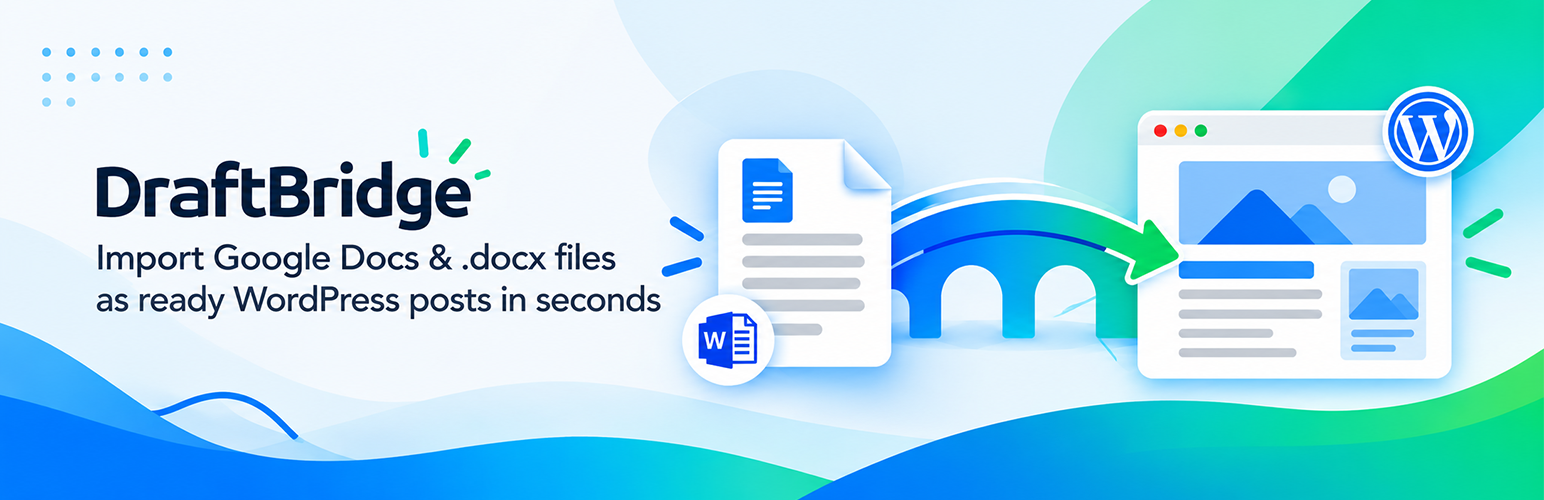
DraftBridge 外掛能將完成的 Google Doc 或 Word 檔案一鍵轉換為可供審核的 WordPress 文章,省去複製貼上、格式錯誤及逐一上傳圖片的麻煩,提升內容創作效率。
【主要功能】
• 一鍵匯入 Google Doc 或 .docx 檔案
• 自動填寫 SEO 欄位至 Rank Math、Yoast SEO 或 SEOPress
• 支援 FAQ schema 結構化資料
• 審核前預覽標題、SEO 欄位及警告
• 批次匯入最多 20 個文件
• 每個元素轉換為可編輯的 Gutenberg 區塊
外掛標籤
開發者團隊
② 後台搜尋「DraftBridge: From Doc/Docx to Blog Post」→ 直接安裝(推薦)
原文外掛簡介
DraftBridge turns a finished Google Doc or Word file into a ready-to-review WordPress post in one click: no copy-pasting, no broken formatting, no re-uploading images one by one.
Paste a Google Doc link (or upload a .docx file), click Preview to check the headings, SEO fields and any problems, then click Import now. The post is saved as a draft for you to review.
Read the step-by-step guide
What comes across automatically
Title and headings: the doc’s Title (or first Heading 1) becomes the post title; Heading 2-6 become H2-H6.
Formatting: bold, italic, strikethrough, superscript, subscript and links.
Lists: bullet and numbered lists, including nested lists.
Tables: with header rows and merged cells.
Images: uploaded to the Media Library with their alt text and SEO-friendly file names. The first image can become the featured image.
Image links: put an image URL on its own line (optionally followed by | alt text) and it is downloaded into the Media Library.
What makes DraftBridge different
SEO fields from the doc: lines like Meta Title:, Meta Description:, Focus Keyword:, Slug:, Category:, Tags: and Excerpt: are filled into Rank Math, Yoast SEO or SEOPress and removed from the post body.
FAQ schema: if the doc has an “FAQs” section, FAQPage structured data is added to the page and stays in sync when you edit the FAQs later. Search engines decide whether to show it as a rich result.
Preview before import: see the heading outline, word count, links, SEO fields and warnings (missing alt text, no H2, long meta description) before anything is created.
Bulk import: up to 20 Google Doc links or .docx files at once.
Real Gutenberg blocks: every heading, paragraph, list, image and table becomes its own editable block. Classic Editor sites get clean HTML instead.
Safe by default: posts are saved as drafts, duplicates are skipped, and user roles are respected (for example, Contributors’ imports are saved as “Pending review”).
External services
DraftBridge connects to outside services only when you ask it to import something:
Google Docs (docs.google.com): when you paste a Google Doc link and click Preview or Import, DraftBridge downloads Google’s own “.docx” export of that document. Only the document ID from your link is sent, as part of the download address. No data about your site or users is sent.
Google Terms of Service: https://policies.google.com/terms
Google Privacy Policy: https://policies.google.com/privacy
Google Drive (drive.google.com): only if your document contains a Google Drive image link. DraftBridge downloads that image into your Media Library. Only the file ID from the link is sent. The same Google terms and privacy policy apply.
Image links in your document: if your document contains an image URL on its own line, DraftBridge downloads the image from that address into your Media Library. The request goes only to the website in the link you wrote; its own terms and privacy policy apply.
DraftBridge does not track you, send analytics, or contact any server of its own.