內容簡介
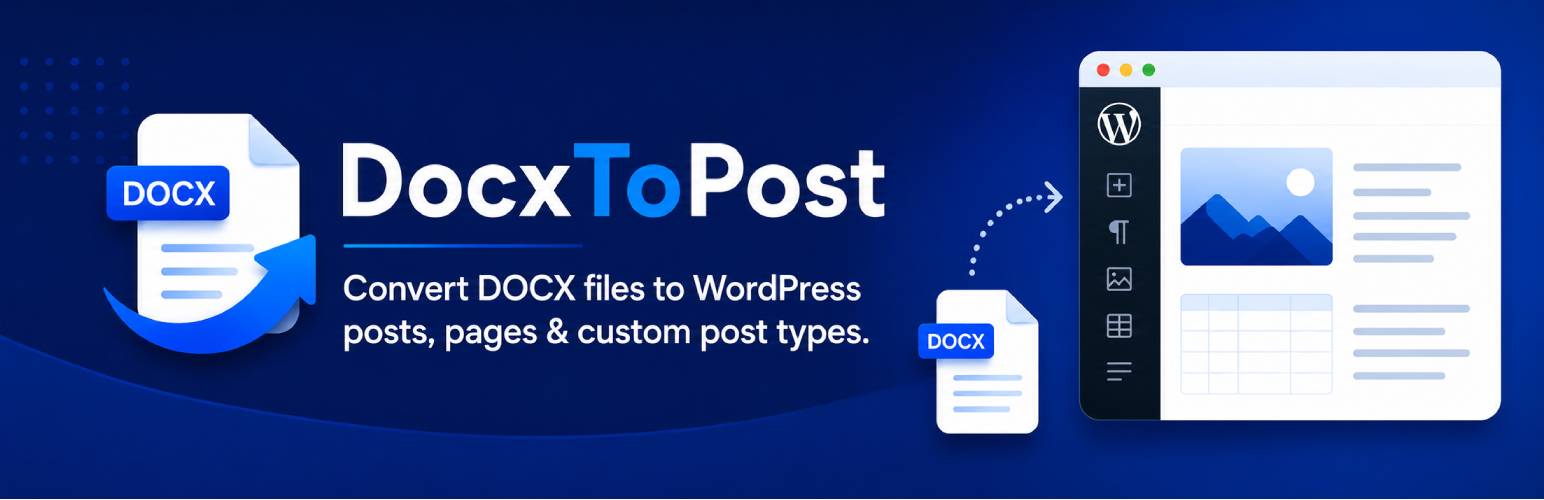
DocxToPost 是將 Microsoft Word 文件轉換為 WordPress 文章、頁面或自訂文章類型的最簡便方式。使用者只需上傳 .docx 檔案,DocxToPost 會自動解析並轉換為 WordPress 可理解的乾淨 HTML,保留格式與內嵌圖片。
【主要功能】
• 支援將 .docx 檔案轉換為多種文章類型
• 自動上傳內嵌圖片至媒體庫
• 保留標題、段落及列表格式
• 支援即時預覽與發佈選項
• 角色基礎存取控制
外掛標籤
開發者團隊
② 後台搜尋「DocxToPost – Convert DOCX Files to WP Posts, Pages & Custom Post Types」→ 直接安裝(推薦)
原文外掛簡介
DocxToPost is the easiest way to turn Microsoft Word documents into clean WordPress posts, pages, or custom post types.
No more copy-pasting from Word and losing your formatting. Upload your .docx file and DocxToPost parses it into clean, semantic HTML that WordPress understands — including every embedded image, which is uploaded to your Media Library automatically.
Everything in the free version:
Real blocks, not one big lump: Your document arrives as proper paragraph, heading, list, image, table and quote blocks you can move and edit individually — not a single Classic block you have to fight. Running the classic editor instead? It detects that and gives you plain HTML.
Undo an import: Changed your mind? One link on the confirmation screen moves the post to the trash.
Simple upload: Drag and drop your .docx file.
Formatting preserved: Headings, paragraphs, bold, italic, underline, strikethrough, superscript, subscript, blockquotes and paragraph alignment all survive the trip.
Real lists: Bulleted and numbered lists come through as proper lists, nested sub-bullets included.
Tables with headers: Header rows become real table headers, so your tables stay readable and accessible.
Embedded image extraction: Images inside your Word document are pulled out and added to the Media Library, with the alt text you set in Word.
All public post types: Publish to Posts, Pages, or any Custom Post Type registered on your site.
Full status options: Publish immediately, save as Draft, submit for Pending Review, or mark Private.
Live preview: See exactly how the post will look before you publish.
Featured images: Upload a featured image alongside your document.
Categories and tags: Assign both while you import.
Post meta: Edit the slug, excerpt and author.
Role-based access: Choose which user roles can use the plugin.
Why upgrade to Pro?
The free version is a complete, unrestricted DOCX importer for one document at a time. Pro is for people importing many documents, and it does three things free does not:
Bulk import — drag in up to 100 .docx files at once. The queue survives a closed tab, isolates a broken document to its own row, and lets you pause, resume or retry just the failures.
Drip publishing — schedule a whole batch instead of publishing it at once. “One post per weekday from Monday at 09:00” is two clicks, and weekends are excluded by default.
SEO automation — SEO title, meta description and focus keyphrase for Yoast SEO and Rank Math, filled from templates using {title}, {sitename}, {excerpt}, {filename}, {category} and {date}, with per-document overrides.
Pro also adds one-click rollback of an entire import, import history, duplicate handling (skip, import anyway, or update the existing post), a featured-image cascade that matches companion image files to their documents by filename, an activity log, and automatic updates.
Learn more at docxtowp.com