外掛標籤
開發者團隊
原文外掛簡介
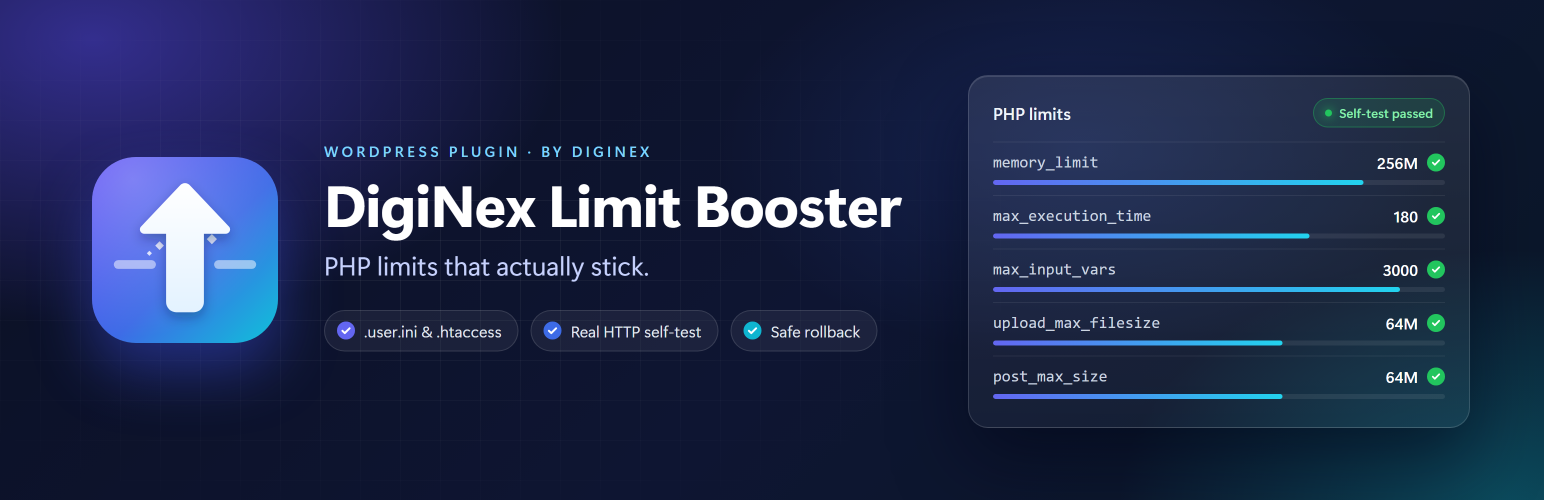
Themes, page builders and WooCommerce often ask for PHP limits that shared hosting does not give by default: “max_input_vars is too low”, “memory exhausted”, “the uploaded file exceeds upload_max_filesize”. DigiNex Limit Booster raises these limits with the right method for each PHP setup and then checks that the change really took effect.
What it sets
memory_limit 256M
max_execution_time 180
max_input_time 180
max_input_vars 3000
upload_max_filesize 64M
post_max_size 64M
How it works
.user.ini – writes a managed block for PHP-FPM / FastCGI / CGI hosts. This is the only way to change max_input_time and max_input_vars, because PHP reads them before WordPress starts.
.htaccess – adds a protected php_value block for Apache mod_php and LiteSpeed, guarded by IfModule so it cannot break other setups. Skipped on Nginx.
Real self-test – sends a fresh HTTP request to your site and shows the values PHP actually uses. If the server answers with a 5xx error, the previous .htaccess is restored automatically.
Diagnostics – PHP SAPI, user_ini.filename, user_ini.cache_ttl and the loaded php.ini, plus a ready-made block for your hosting panel’s PHP INI editor when the host locks the values.
Clean removal – only the plugin’s own blocks are ever touched, and they are removed when you click “Remove plugin settings” or delete the plugin.
Nothing is written when you activate the plugin, and the plugin never changes PHP limits at runtime. You decide when to apply the settings from Tools → DigiNex Limit Booster.
DigiNex Limit Booster is made by DigiNex (https://diginex.gr), an IT and web services company in Greece. It is not affiliated with Diginex Limited or any other company with a similar name.