
內容簡介
Dev Limits 是一款幫助用戶在管理控制台中查看 PHP 和 WordPress 伺服器限制的外掛。它能夠評估伺服器性能,檢測主機堆疊,並安全地應用變更,或提供精確的程式碼片段供用戶使用。
【主要功能】
• 預設為唯讀模式,無法更改伺服器設定
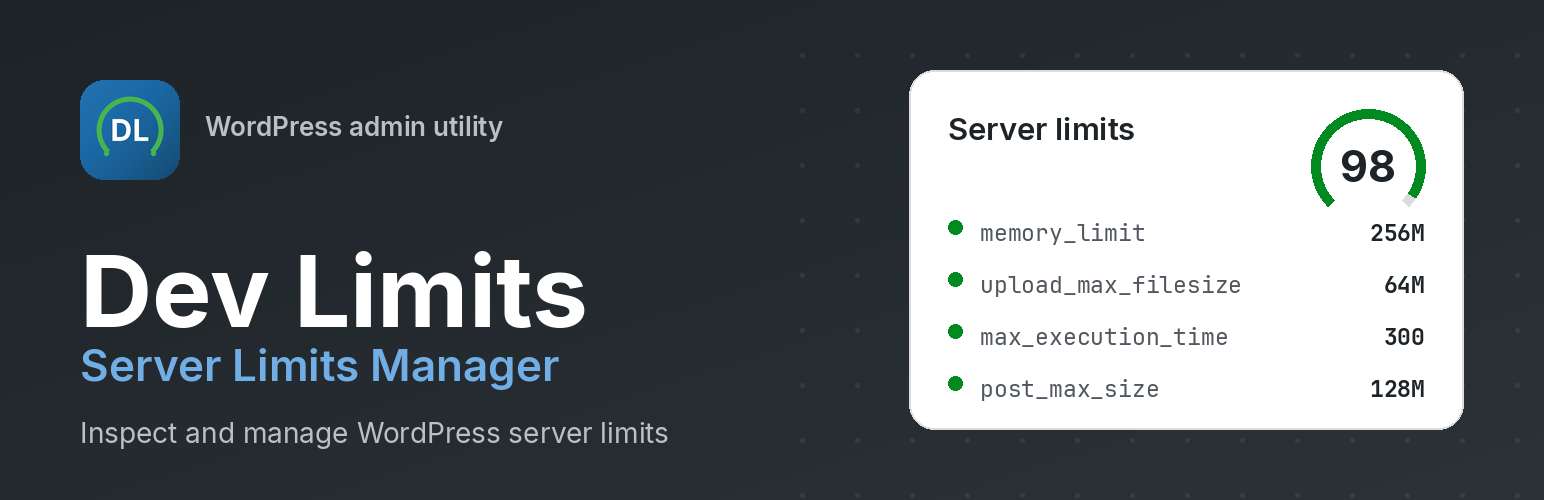
• 健康評分引擎,提供 0-100 的評分與建議
• 自動檢測主機環境,支持多種主機提供商
• 提供八種工作負載配置檔,便於比較與啟用
• 生成各類伺服器配置的程式碼片段
• 安全配置模式,具備自動備份與回滾功能
外掛標籤
開發者團隊
② 後台搜尋「Dev Limits – Server Limits Manager」→ 直接安裝(推薦)
原文外掛簡介
Dev Limits helps you view PHP and WordPress server limits in one admin dashboard, score them against a workload profile, detect your hosting stack, and apply changes safely — or copy the exact snippet for your server.
The plugin is read-only by default. Nothing on your server changes until you opt in to Configure (write) mode, which adds automatic backups, validation, verification, and rollback when you apply changes from the admin.
Key features
Read-only by default. Nothing changes on your server until you opt in to Configure mode.
Health score engine. A 0–100 score with recommendations tuned to your workload profile.
Hosting detection. Identifies Cloudways, Kinsta, WP Engine, SiteGround, Hostinger, cPanel, Plesk, Apache, Nginx, LiteSpeed, OpenLiteSpeed, and CloudLinux — and shows which configuration methods work on your stack.
Eight workload profiles. Blog, Agency, WooCommerce, Elementor, Membership, LMS, Large Media, and Custom — with profile comparison and one-click activation.
Analyzer. PHP modules, ini_get(), WP constants, server variables, environment detection, and warnings.
Snippets for every stack. Auto-generated wp-config.php, .htaccess, .user.ini, php.ini, nginx.conf, and Apache snippets — only compatible formats are highlighted.
Configure with safety. Read/write modes, automatic backups, verification engine, rollback, and safe apply.
Debug Center. Manage WP_DEBUG, WP_DEBUG_LOG, SCRIPT_DEBUG, SAVEQUERIES, and WP_DEBUG_DISPLAY with safe presets.
Diagnostics export. Full TXT and JSON reports with system information, warnings, and recommendations.
Site Health integration. Adds limit checks and a debug-information section to Tools → Site Health.
Local analysis only. No telemetry. GPL compatible. Multisite ready. Translation ready.
Admin pages
Dashboard — Health score, recommendations, quick stats, recent changes, backup status, quick actions
Analyzer — Limit analysis with warnings
Profiles — Workload profiles with comparison and activation
Configure — Safe read/write limit configuration with backups and rollback
Debug Center — Debug constants with safe presets
Snippets — Hosting-aware configuration snippets with copy and download
Diagnostics — Exportable system reports (TXT / JSON)
Hosting Detection — Provider, web server, SAPI, and method compatibility
Settings — Plugin preferences and custom profile targets
Help Center — FAQ, search, and hosting guides
About — Version, credits, license, and privacy
What it shows you
Upload Max Filesize, Post Max Size, PHP Memory Limit, WordPress Memory Limit
Max Execution Time, Max Input Vars, Max Input Time
PHP, WordPress, and database versions
Web server, operating system, and architecture
OPcache, cURL, GD, and Imagick status
Hosting provider and compatible configuration methods
Privacy
Dev Limits does not collect, store, or transmit personal data, and it does not make external or remote requests. All limit analysis and report generation happens on your server. The diagnostics report is created only when you generate it.