內容簡介
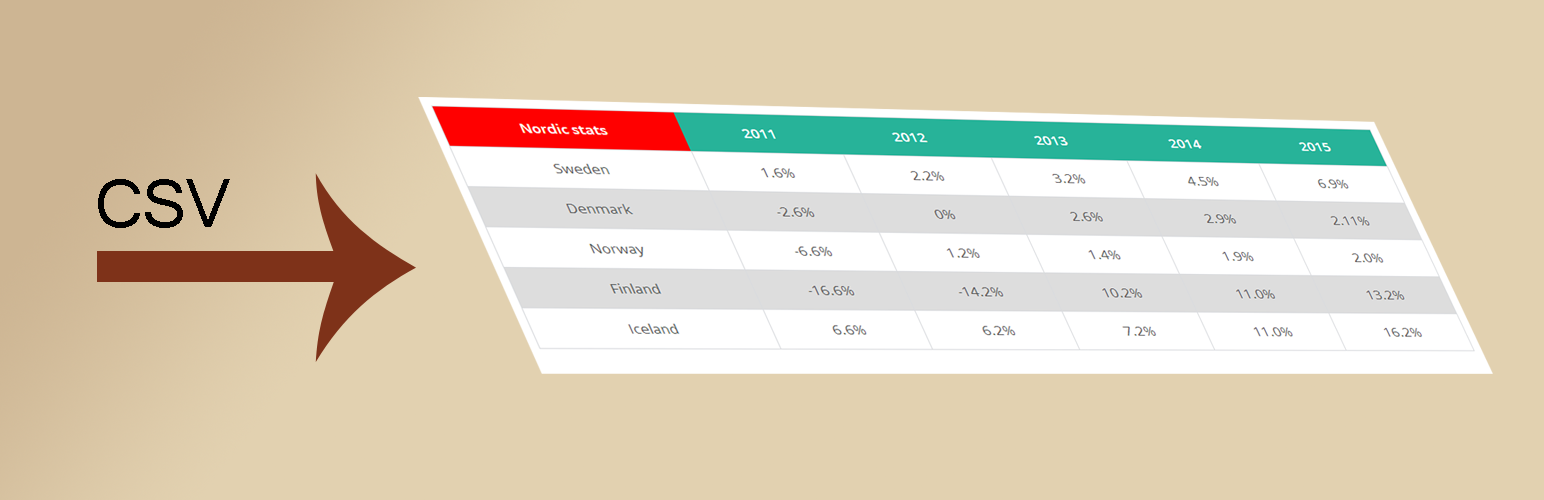
CSV to html 外掛可讓您輕鬆從 csv 檔案中提取內容,透過單一的短代碼在頁面上顯示該檔案/所有檔案的內容並顯示成 HTML(表格)。
這個外掛的優勢在於它可以直接從檔案中取得實際內容,而不需要匯入/匯出任何檔案。因此,當您使用這個外掛檢視您的表格時,任何檔案中的更改都會被更新。另外 v1.60 的優勢是,即使在免費版本的外掛中,它也有響應式表格。從 v1.3 開始,如果您已經登入,那麼它現在甚至可以直接在瀏覽器中編輯本機 csv 檔案(被提取的檔案)。如果包含多個檔案(例如 source_files=“*.csv”),請確保第一個檔案中只有標題,以便管理更容易。
如果您創建了要與 Visualizer 外掛一起使用的檔案,它們的格式是特定的,如果您從 excel 中保存了 csv 檔案,該 csv 的樣子會不同。CSV to html 外掛可以處理這兩種類型的檔案,而且擴展外掛以使用其他機制以識別特定格式的 csv 檔案並不困難。
如果使用多個檔案,所有檔案的內容都會混合在單一表格中,而不是創建兩個表格。它可以從 Web 伺服器上傳資料夾(或上傳文件的子文件夾)或外部來源(域)中提取 csv 檔案中的資訊。
請查看此處的說明和示例:http://wibergsweb.se/plugins/csvtohtml/
如果您喜歡此外掛,請考慮捐贈。請捐贈至 paypal [email protected]。金額不重要。我喜歡咖啡!🙂
使用範例
文章/頁面中的短代碼
[csvtohtml_create source_type="visualizer_plugin" path="lan" source_files="skane.csv;smaland.csv;lappland.csv"]
[csvtohtml_create source_type="guess" path="excelfolder" source_files="excel1.csv;excel2.csv"]
[csvtohtml_create source_type="guess" path="excelfolder" source_files="*.csv"]
[csvtohtml_create source_type="guess" path="excelfolder" source_files="excel1;excel2" debug_mode="yes"]
[csvtohtml_create source_type="guess" path="excelfolder" source_files="excel1.csv;excel2.csv" debug_mode="yes" fetch_lastheaders="3"]
[csvtohtml_create source_type="guess" path="excelfolder" source_files="excel1;excel2;http://wibergsweb.se/map/sweden.csv" debug_mode="yes"]
[csvtohtml_create source_type="guess" path="excelfolder" source_files="excel1;excel2;http://wibergsweb.se/map/sweden.csv" include_cols="5,6,7,12-14" eol_detection="auto" debug_mode="yes"]
[csvtohtml_create source_type="guess" path="excelfolder" source_files="excel1;excel2;http://wibergsweb.se/map/sweden.csv" exclude_cols="3" debug_mode="yes" eol_detection="CR/LF"]
[csvtohtml_create html_class="tablesorter" source_type="guess" path="excelfolder" source_files="excel1;excel2;http://wibergsweb.se/map/sweden.csv" exclude_cols="3,7,9,11-13"]
[csvtohtml_create source_type="guess" source_files="http://wibergsweb.se/map/sweden.csv" debug_
外掛標籤
開發者團隊
原文外掛簡介
CSV to html is a highly configurable plugin that makes it easy to fetch content from file(s) (.csv,.xlsx, .json and .ods) and put content from that file/those files and display the html(table) on a page with a single shortcode. If using more then one file, content from all files are mixed into one single table instead of creating two tables.
The plugin fetches the actual content directly from the file(s) without having to import/export any file(s) manually. So any changes in the file(s) will be updated when you view your table(s). CSV to HTML is able to fetch both local and external files.
Get started with the plugin by moving on to the Installation tab. There’s a 4 step guide how you could start using the plugin. Good luck!