
內容簡介
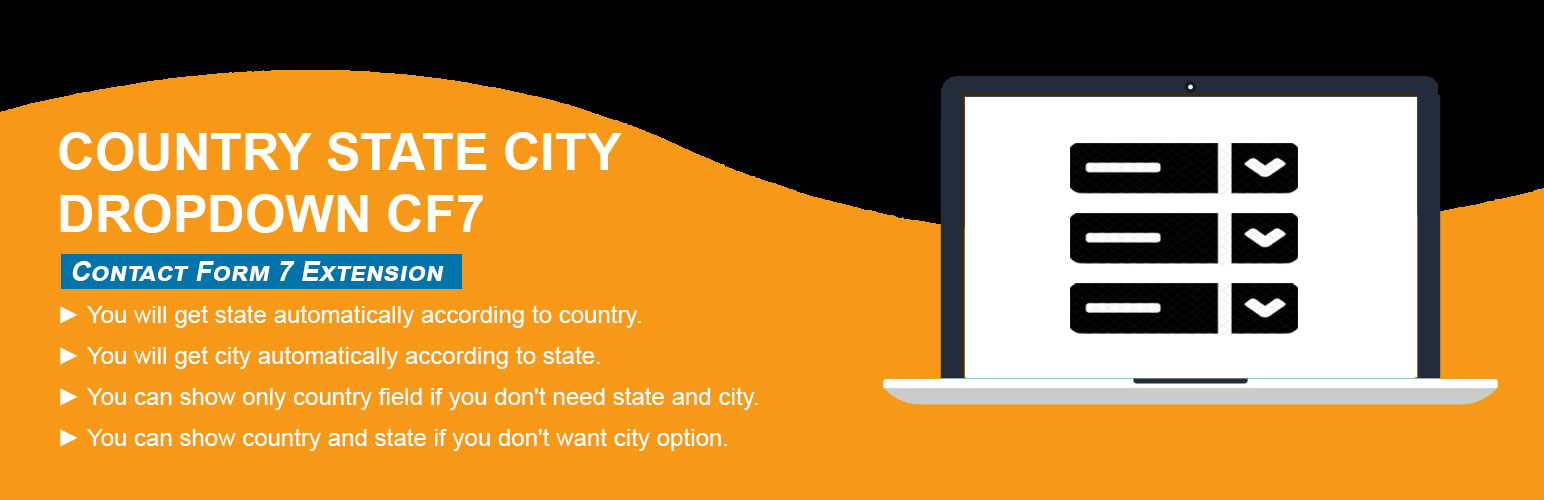
Country State City Dropdown CF7 外掛是 Contact Form 7 的附加功能,能夠在聯絡表單中動態顯示國家、省份和城市的下拉選單,提升使用者填寫表單的便利性。
【主要功能】
• 支援多種表單類型(如 WP Forms、Ninja 等)
• 根據使用者 IP 自動選擇預設國家
• 可選擇顯示特定國家於下拉選單
• 缺省省市時可手動輸入
• 支援同一頁面多個表單
• 可在同一表單中使用多個國家/省/市欄位
外掛標籤
開發者團隊
② 後台搜尋「Country State City Dropdown CF7」→ 直接安裝(推薦)
原文外掛簡介
Country dropdown for contact form 7 with dynamic states and cities. Country State City Dropdown CF7 plugin is an add-on of Contact Form 7 plugin to show country, state and city dropdown. This plugin add three new form tag fields that is (form-tag: country drop-down) and (form-tag: state dropdown) and (form-tag: city dropdown) in Contact form 7.
Buy PRO See Live Demo(PRO)
Country State City dynamic dropdown PRO supports to any form.
Buy PRO
Features Of PRO Plugin
1. Supports to any type of Form (WP Forms, Ninja, Divi Contact Module, Elementor Module, Custom PHP Form etc).
2. Select Default Country with User’s IP.
3. Select Default Specific Country from list of All Countries.
4. Select Specific one or more Countries to display in the dropdown.
5. If State/City is missing then shows input text field to enter manually.
6. Have feature to add missing states/cities manually.
7. Multiple forms on same page.
8. Multiple country/state/city fields in same form.
9. Append only Cities from Country Dropdown.
10. See more at Official Website Trusty Plugins
This helps you in creating a country drop-down list with state and city. The tag field will automatically add countries name in standard drop-down field of contact form 7. State and city auto populate according to selected country from country dropdown field.
How to add the fields in the contact form 7
1.) Once you have installed, activated the Country State City Auto Dropdown plugin.
2.) Add the form-tag “country drop-down” and “state dropdown” and “city dropdown” to your form and save the changes.
Optional: if you use two location sets in one form, add the same group option on each tag, e.g. [country_auto* country-shipping group:shipping].
City is optional — country + state only works if you omit the city drop-down tag.
Use the tag generator to set a custom placeholder (enter text and check “Use this text as the placeholder”).
Requirments:
* Contact form 7 must be active plugin.
Recommended Plugins
The following plugin is recommended :
* Contact Form 7 by takayukister – With Conact Form 7, you can use this plugin. Without contact form 7 this plugin have no needs.













