內容簡介
Contact Button 是一款方便的 WordPress 外掛,能在網站上添加浮動聯絡按鈕,讓訪客輕鬆透過 WhatsApp、電話、簡訊等多種方式聯絡您。此外掛支援多種顯示模式和自訂選項,提升用戶互動體驗。
【主要功能】
• 支援 WhatsApp、電話、簡訊等 20 多種聯絡方式
• 自訂按鈕外觀與位置,符合各種佈景主題
• 點擊追蹤,整合 Google Analytics 4 等分析工具
外掛標籤
開發者團隊
原文外掛簡介
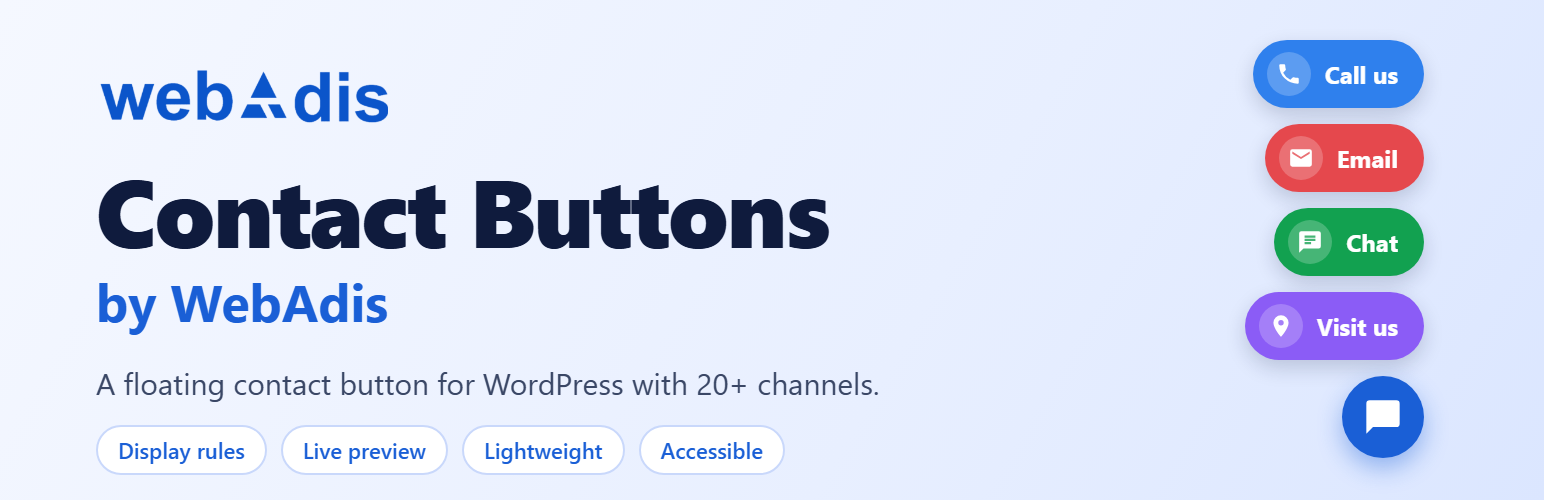
Contact Buttons by WebAdis adds a floating contact button to your WordPress site so visitors can reach you in one tap. Show a single button, or one expandable menu with several channels such as phone, SMS, email, WhatsApp, Telegram and Messenger.
The contact button loads only on pages where it is allowed to appear, works with page-caching plugins, and never sends any data to an external server. It fits any theme or page builder, including Elementor, Astra, Divi, GeneratePress and WooCommerce stores.
Chat and Messaging Channels
Add a chat button for messaging apps such as WhatsApp, Telegram, Messenger, Viber or Signal that opens a conversation with you on desktop and mobile. For WhatsApp you can set an optional pre-filled message, such as the page name or a greeting.
Call Button & SMS Button
Add a click-to-call button that dials your phone number on mobile devices, and an SMS button with a pre-filled text. Combine several channels in a single floating menu so visitors pick the one they prefer.
20+ Contact Channels
WhatsApp, Phone Call, SMS, Email, Telegram, Messenger, Instagram, Facebook, LinkedIn, X (Twitter), Pinterest, YouTube, Skype, Discord, Slack, Line, Viber, Signal, WeChat, Custom URL and Custom Button.
Display Modes
Single button – one direct contact button (for example a call button only).
Multi button – one trigger button that expands into a menu of contact buttons.
Full Appearance Control
Position (six corners and sides), shape (circle, rounded, square), size, colors, spacing, animation, opacity, a call-to-action bubble (“Need help?”), per-channel labels and a live preview with a desktop/mobile toggle.
Display Rules
Show the contact button on the whole site or only on selected pages: by page type, specific URL paths (with wildcards), login state, user role, device (desktop, tablet, mobile) and schedule (days and hours). Device and schedule rules run in the browser so they stay correct with page caching.
Click Tracking
Optionally send contact button clicks to Google Analytics 4, Google Tag Manager, Meta Pixel or a generic dataLayer, using the analytics tools already on your site. All tracking is off by default and must be enabled by the site owner. No data is sent to WebAdis.
Lightweight, Accessible and Secure
Small CSS and JavaScript, loaded only where the button appears. No jQuery.
Keyboard support, focus styles, ARIA roles, screen-reader labels, reduced-motion and high-contrast support.
Every output is escaped; all settings are validated on save.
Import and export settings as JSON; one-click reset to defaults.
Translation ready.
Privacy
This plugin does not collect, store or transmit any personal data. Click tracking is off by default; if a site owner enables it, events are dispatched only to analytics libraries (gtag, dataLayer, fbq) already installed on the site.
Learn more and view documentation at WebAdis.com.
WhatsApp, Telegram, Messenger and the other services named here are trademarks of their respective owners. This plugin is not affiliated with or endorsed by any of them.
Privacy Policy
Contact Buttons by WebAdis does not collect, store or transmit any personal data to WebAdis or any third party.
The plugin does not set cookies, make external HTTP requests, or log visitor information. Click tracking is off by default. If the site owner enables it, click-tracking events (for Google Analytics 4, Google Tag Manager or Meta Pixel) are dispatched entirely within the visitor’s browser using analytics libraries you have already installed and configured on your site. No data is sent to WebAdis as part of this process.
For information about the data collected by third-party analytics tools, please refer to the privacy policies of those services.