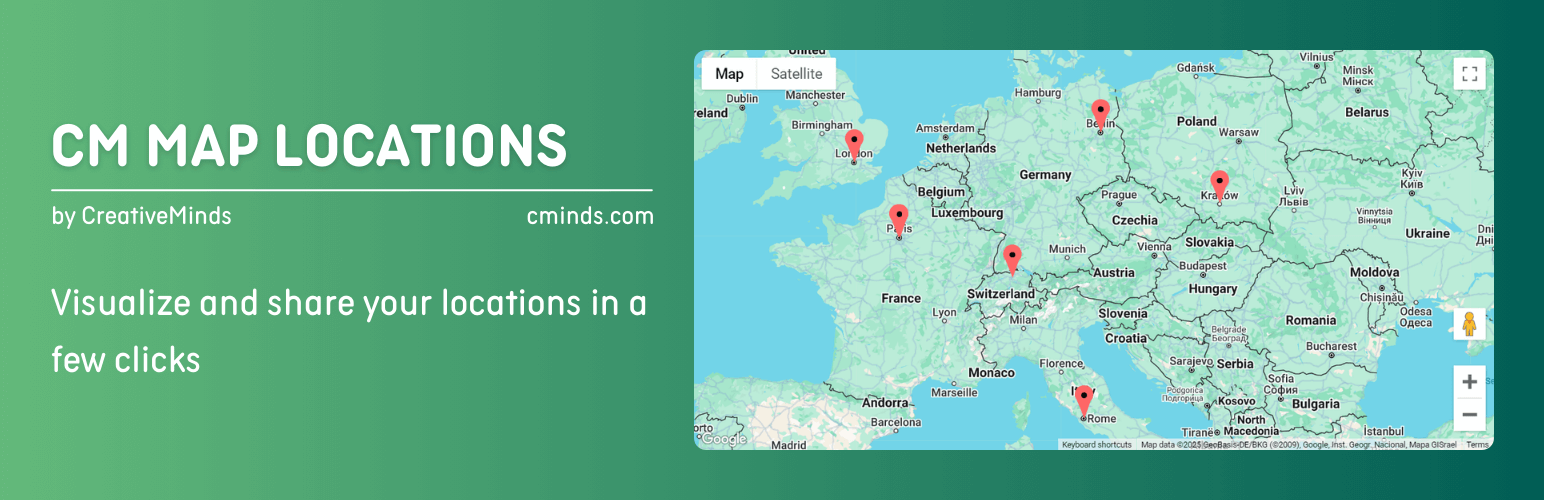
內容簡介
CM Map Locations 外掛讓使用者輕鬆管理和組織多個地點,並整合 Google Maps 功能,提供無縫的商店定位體驗。用戶可以快速新增地點,並在地圖上清楚顯示。
【主要功能】
• 整合 Google Maps 功能,輕鬆新增地點
• 每個地點擁有專屬頁面,顯示詳細資訊
• 生成地點索引頁,顯示地圖和列表
• 支援多種短碼和多樣化標記功能
• 用戶位置追蹤和 API 支援
外掛標籤
開發者團隊
② 後台搜尋「CM Map Locations – Visualize and share your locations in a few clicks」→ 直接安裝(推薦)
原文外掛簡介
Pro Plugin Page | Videos | Demo | User Guide
Enables users to easily manage and organize multiple locations. With integrated Google Maps functionality, it also provides a seamless store locator experience.
The Google Maps Locations plugin empowers users to effortlessly add a location, multiple locations, or points of interest to a Google maps.
⭐ We’re excited to introduce the updated version of CM Map Locations! Now featuring a Setup Wizard and new tools to enhance your mapping experience. Explore the improvements and take your maps to the next level.
Location Detailed Description
Each map location is showcased on a dedicated page, featuring comprehensive details like descriptions, images, videos, full addresses, and zip codes.
Furthermore, all locations are highlighted on Google Maps, with each marked by a distinct icon based on its category or user selection.
Map and Index Page with all Locations
The Google Maps plugin generates an index page displaying all locations on a Google Map and as a list.
Clicking on any location on the map or the list can either direct users to the location page or display a tooltip with additional details when clicked on the map.
Google Maps and Locations Plugin Premium Editions
The Google Maps and Location Plugin Premium editions includes even more powerful features, such as: versatile shortcodes, use of polygons for marking locations and areas, user location tracking support, API support and much more.
Google Maps and Locations Plugin Introduction Video (Pro Version)
Locations Plugin Use Cases
Store Locator – Easily add multiple physical store locations, customize the location icons, images and description.
Business Locations – Create a directory index of businesses with their locations visible on Google Maps.
Niche Business – Ideal for showcasing locations on Google Maps in a structured and stylized way.
User Aggregated Directory – Increase engagement by letting users post locations and content. The admin edits the content before approving and publishing the submissions.
Basic Features
Place a location on a Google maps.
Add description for each location.
Show all locations on an index page showing one map for all locations.
Allow user to see all their posted locations in a dashboard, add new locations or control the status of existing locations.
Images and videos can be added to each location.
Search locations by any keywords in location description or title.
Display snippet or map of the location using shortcodes.
Control which content should appear on the location page.
Includes a user-friendly Setup Wizard for quick and easy plugin configuration.
Pro Version Features
Pro Version Detailed Features List | Demo Site
Locations index map display – Choose between several display templates to support use cases such as store locator, store list, point of interest and more.
Import and export locations using KML, GPX or CSV format.
Categories – Place locations in categories and assign a unique icon for each category.
Weather information – Weather information is shown near each location.
Location Icon – Override location category icon with a unique icon per each specific location.
Upload Location Icon – Upload your own location icon.
Images – Images and videos can be added to each location.
Extended Set of Shortcodes – Several shortcodes are supported. Shortcodes can be embedded in posts and show a single location, a map with all locations in a category, and more.
Tags – Tags can be added to locations and allow filtering of locations.
Search location using zip, radius and text.
Modify all text labels in the plugin.
Access Control – Set which role can create or view locations.
Location moderation and notifications.
Allow users to use an iframe and share location map on another site.
Tiles/Layers support – Show extra information from external services as an additional map layer.
Display Markers As Numbers – Use numbers instead of icons as location markers.
Polygon support – Draw a beautiful shape overlay.
Track users location – Create a link that allows user to show their location on the map in real time.
Automatically add links to Waze and Google directions for each location.
Create time-based locations and polygons. Users can filter the map according to date and time to view these locations.
Route Manager – Integrates with the Route Manager plugin to show both locations and routes on a joint map.
Add-ons and Related Plugins
Location Manager PeepSo Integration
Location Manager Anonymous Posting
CM Route Manager Plugin
CM Business Directory
Follow Us
Blog | Twitter | LinkedIn | YouTube | Pinterest | Facebook
Suggested Plugins by CreativeMinds
List of all WordPress Plugins by CreativeMinds
CM Tooltip Glossary – Easily creates a Glossary, Encyclopaedia or Dictionary of your website’s terms and shows them as a tooltip in posts and pages when hovering. With many more powerful features.
CM Download Manager – Allows users to upload, manage, track and support documents or files in a download directory listing database for others to contribute, use and comment upon.
CM Answers Plugin – A fully-featured WordPress Questions & Answers Plugin that allows you to build multiple discussion forum systems Just like StackOverflow, Yahoo Answers and Quora, Now with MicroPayments and Anonymous posting support.
CM OnBoarding – Superb Guidance tool which improves the online experience and the user satisfaction.
Routes Plugin – Draw map routes and generate a catalog of routes and trails with points of interest using Google maps.